You can stop choosing between a polished brand aesthetic and campaign agility by adopting a simple scorecard that separates routine content from high-impact launches. Most teams are currently drowning in coordination debt because they treat every social post as a bespoke design challenge, when in reality, 80 percent of your output belongs in a standardized template.
We know the feeling. Your team is stuck in a loop of reinventing the wheel for every update, while your brand guidelines are ignored the moment a deadline tightens. The creative burnout is real, the inconsistencies are mounting, and the promise of "staying on brand" feels more like a prison than a strategy.
The good news is that templates are not the enemy of identity. They are the infrastructure that buys you the time to do high-impact custom design only where it truly moves the needle. By moving daily, repeatable posts into a set of approved templates, you free up your creative bandwidth for the 20 percent of campaigns that actually demand a bespoke touch.
The decision teams usually frame too broadly

Teams often get stuck because they apply the same "everything must be unique" mandate to a product launch teaser as they do to a recurring community poll. This is a false choice that stems from an operational misunderstanding rather than a creative one.
When you treat a daily engagement post with the same production rigor as a major seasonal campaign, you create a massive bottleneck. The legal team gets buried in minor variations, designers burn out on resizing assets, and your brand ends up looking inconsistent because the team is rushing everything to meet arbitrary daily deadlines.
Operator rule: If it repeats weekly, it needs a template.
In our experience, the difference between a high-performing social team and one struggling with burnout is the ability to distinguish between production tasks and creative initiatives.
Production tasks are predictable, recurring, and benefit from standardized templates that your team can populate without opening a design suite every time. Creative initiatives are non-linear, require specific brand storytelling, and often need native format adjustments-like custom video orientations or specific document sizes-that a template simply cannot accommodate.
When you fail to make this distinction, you aren't protecting your brand. You are just accumulating coordination debt. You are forcing your best creative minds to act like layout technicians, leaving them with zero time to actually think about the campaigns that could grow your reach.
The goal isn't to remove design from your process; it is to ensure your designers are working on the pieces that actually shift your KPIs, rather than spending hours swapping text on a recurring quote graphic.
What should stay manual and what can move faster
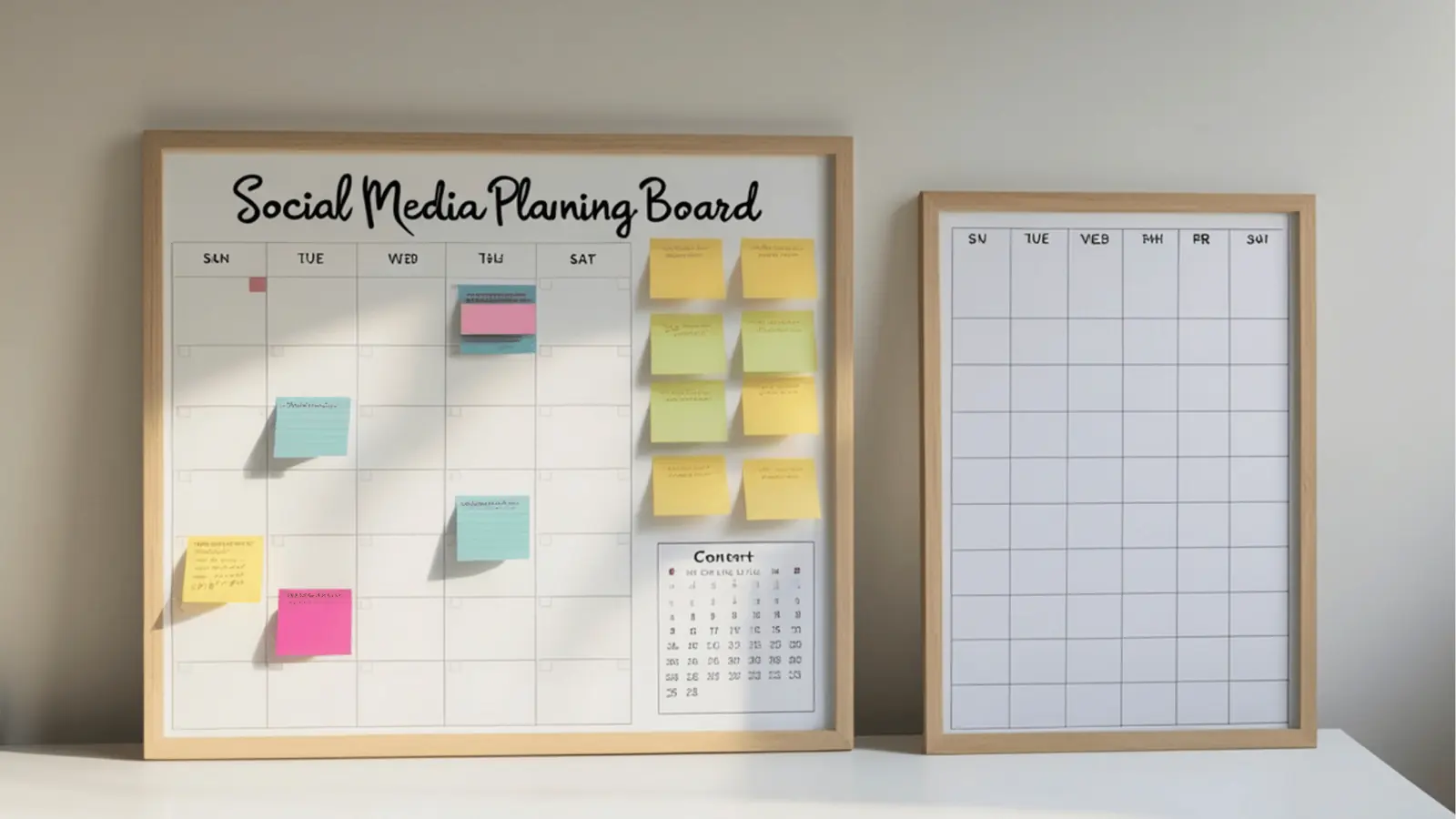
The trap most enterprise teams fall into is the "everything is special" fallacy. When you treat a simple product update the same way you treat a global campaign launch, you inevitably drown your designers in low-value busywork.
The reality is that 80% of your social output is predictable. Recurring content like weekly community highlights, standard event promos, or recurring flash sales should never require a fresh design brief or a new round of stakeholder approvals. These assets should be living in templates that any community manager can pull into the publishing workflow instantly.
The remaining 20%-your high-impact launches, influencer takeovers, or quarterly brand moments-are where your team should be manually crafting custom assets. These deserve the extra eyes, the bespoke video orientation, and the custom asset staging. When you stop fighting for the high-end creative on every single post, your team suddenly regains the bandwidth to actually make those big campaigns stand out.
The tradeoff matrix
To stop the cycle of burning out your designers on low-impact work, you need a way to categorize content based on its actual value to the brand. This matrix helps you decide where to invest your creative budget.
| Content Type | Audience Impact | Production Frequency | Design Path |
|---|---|---|---|
| Community Engagement | Low | Daily / Weekly | Template (Auto-Publish) |
| Recurring Promos | Moderate | Weekly / Monthly | Template (Edit Text/Link) |
| Product Launches | High | Quarterly | Custom (Bespoke Design) |
| Brand Campaigns | High | Seasonally | Custom (Bespoke Design) |
How to apply the score
If you are stuck on a specific post, run it through this quick logic:
- Does this asset have a shelf life of less than 48 hours? If yes, it is likely a template candidate. Don't let it consume an entire design cycle.
- Does it require more than two stakeholders to approve? If it is a template, the approval happens once at the design stage, not the post stage. You are approving the template, not every iteration of it.
- Is the media format standardized? For routine social posts, high-quality, pre-approved creative assets imported directly via integrations-like pulling approved product imagery from a shared Google Drive into your gallery-significantly reduce the "coordination debt" of manual downloads and re-uploads.
Decision check: If you find yourself asking "Is this on brand?" for a daily post, you have a template problem, not a design problem. Fix the template, and the brand governance becomes automatic.
When you move high-frequency, low-impact work into a self-serve template model, you aren't just saving time. You are effectively clearing the pipeline. By the time a high-stakes campaign lands on your desk, your team is rested and ready to focus on the details that actually move the needle, rather than scrambling to fix a typo on a recurring event card at 6 p.m. on a Friday.
How to pilot the workflow safely
You do not need to overhaul your entire operation on a Monday morning. That is how you break things and alienate the designers who are already underwater. Instead, pick a single, low-stakes content pillar to run as a pilot for two weeks.
We often suggest starting with something like recurring industry news updates or basic educational tips-content that needs to be consistent but rarely requires a unique visual narrative.
- Audit the pillar: Identify the last four weeks of posts in that category.
- Standardize the assets: Create three approved design templates (e.g., a quote layout, a chart layout, and a headline layout) and lock them down.
- Formalize the handoff: Stop emailing files. Instead, use a shared folder, or if you are using Mydrop, sync these templates directly to your team’s gallery so they can pull, tweak, and schedule without waiting for a new design request.
- Measure the "Time-to-Publish": Track how long it takes from the initial idea to the scheduled post. You are looking for a reduction in back-and-forth, not just a faster design process.
If you can cut your production time by half for that one pillar without seeing a dip in engagement, you have your proof of concept. Take that win to your stakeholders, show them the data, and scale to the next, more complex category.
The operating rule to keep
When you are in the weeds of a 6 p.m. crunch, it is easy to say yes to every "quick" design request that lands in your queue. That is the moment your brand governance dies.
Workflow check: If it repeats weekly, it needs a template. If it happens once per quarter, it earns a bespoke design.
If a request hits your desk that doesn't fit into the high-impact/low-frequency quadrant, treat it as a candidate for automation. Even if it feels like it "should" be custom, ask yourself: Is the unique design actually driving a higher click-through rate, or are we just making it custom because we are afraid of looking repetitive?
Consistency is a competitive advantage. When your audience sees a familiar, high-quality visual style, they learn to recognize your brand in a crowded feed. Every time you force a "unique" design where a template would suffice, you dilute that recognition and create unnecessary drag for your team.
Conclusion
The tension between creative freedom and operational speed isn't a problem to be solved once; it is a balance to be maintained. You will never perfectly eliminate the urge to "just make it pop" for a random Tuesday tweet. But by installing this framework, you move your team from a state of reactive chaos to one of deliberate production.
At Mydrop, we see the most successful teams treating their creative capacity like a finite budget. They stop spending it on everything and start investing it where it actually generates returns. You already have the tools to govern your brand; now you just need the discipline to use them. Build the templates, trust the matrix, and save your best creative work for the moments that truly matter.