Introduction
Ever feel like you’re drowning in social media stats, but still have no idea what to do next? You’re not alone. Most dashboards are either too basic or so overloaded with numbers that nobody actually uses them. The result: wasted time, missed opportunities, and a lot of guessing.
A great social media analytics dashboard is more than a pretty chart. It’s a decision-making tool that helps you see what’s working, what’s not, and what to do about it. Whether you’re a solo creator, a small business owner, or part of a marketing team, the right dashboard can turn raw data into real growth.
Why does this matter? If you’re managing multiple accounts or clients, you need to know what’s working, fast. A good dashboard saves you hours, helps you spot trends, and gives you the confidence to make changes that actually move the needle. It’s not about tracking everything; it’s about tracking what matters.
This guide will show you how to build a dashboard that actually drives action. You’ll learn what to track, how to set it up, and how to use your numbers to make smarter moves. We’ll cover:
- The core metrics that matter (and which ones to ignore)
- Step-by-step dashboard setup for any budget
- Common mistakes and how to avoid them
- The best tools and templates for every workflow
- How to turn insights into real results
- A practical FAQ for creators, teams, and agencies
Let’s get your analytics working for you, not against you.
What is a Social Media Analytics Dashboard?

A social media analytics dashboard is your command center for understanding what’s happening across all your social channels. It pulls together your most important numbers: likes, comments, reach, clicks, shares, saves, and more. This way, you don’t have to jump between Instagram Insights, Facebook Analytics, TikTok, LinkedIn, and Twitter/X dashboards just to get the big picture.
But a dashboard is more than a data dump. The best ones help you:
- Spot trends and patterns before they become obvious
- Compare performance across platforms and campaigns
- Identify which content actually drives results (not just likes)
- Share clear, visual reports with your team, boss, or clients
- Save hours every week by centralizing your reporting
Real-life scenario: Imagine you’re running a campaign across Instagram, Facebook, and LinkedIn. Instead of copying numbers into a spreadsheet every week, your dashboard shows you:
- Which platform is driving the most engagement
- What post types (video, carousel, story) are working best
- How your follower growth compares to last month
- Where your traffic and conversions are really coming from
Dashboards can be built with specialized tools, spreadsheets, or inside all-in-one platforms like Mydrop. The key is making your data actionable, not just pretty. If you can’t answer “What should I do next?” after looking at your dashboard, it’s time for a redesign.
Why You Need an Actionable Dashboard (Not Just Pretty Charts)

It’s tempting to focus on vanity metrics like follower counts, likes, or views that look impressive but don’t actually help you grow. An actionable dashboard cuts through the noise and puts the spotlight on what really matters for your goals.
Here’s why you need more than just pretty charts:
- Clarity: You can instantly see what’s working and what isn’t, without digging through endless reports.
- Alignment: Your team, boss, or clients know exactly which goals matter most, so everyone pulls in the same direction.
- Decisions: You can adjust your strategy based on real data, not just gut feeling or the loudest voice in the room.
- Accountability: Progress is visible to everyone, making it easier to celebrate wins or spot problems before they get big.
- Speed: You spend less time gathering numbers and more time acting on them.
Real-world example: A small agency used to spend hours every week building reports for each client. After switching to a unified dashboard, they cut reporting time by 80% and started catching underperforming campaigns before they became a problem. The result? Happier clients and more time for creative work.
Without a clear dashboard, you risk wasting time on content that doesn’t convert, missing growth opportunities, or reporting numbers that don’t mean much to your boss or clients. The right dashboard turns data into action, not just information overload.
The Core Metrics Every Social Media Dashboard Should Track

Not all metrics are created equal. The best dashboards focus on a handful of numbers that actually drive decisions. Here’s what you should track (with real-world context):
1. Reach and Impressions
- Reach is the number of unique people who saw your content. It tells you how far your message is spreading.
- Impressions are the total number of times your content was displayed (including repeats). High impressions with low reach? You’re hitting the same people over and over.
- Example: If your reach is flat but impressions are rising, you might be overposting to the same audience. Time to try new hashtags or cross-promote on another platform.
- Pro tip: Track reach and impressions by platform and by content type. This helps you see if Instagram Stories outperform LinkedIn posts, or if Reels get more reach than static images.
2. Engagement Rate
- Combines likes, comments, shares, and saves, divided by your total followers or reach. This shows how well your content connects with your audience.
- Example: A post with 100 likes on 1,000 followers (10% engagement) is often more valuable than a post with 1,000 likes on 100,000 followers (1% engagement).
- Pro tip: Calculate engagement rate for each post and for your overall account. Use this to spot high-performing content and replicate what works.
3. Click-Through Rate (CTR)
- The percentage of people who clicked a link in your post or bio. Critical for tracking traffic to your website, landing pages, or offers.
- Example: If your CTR drops after changing your call-to-action, test new copy or button placement.
- Pro tip: Use UTM parameters to track which posts drive the most website visits or conversions.
4. Follower Growth
- Tracks how your audience is growing over time. Helps you spot spikes or drops tied to campaigns or content changes.
- Example: A sudden spike in followers after a giveaway? Check if those new followers stick around or drop off.
- Pro tip: Annotate your dashboard with campaign dates or major content changes. This helps you connect growth trends to specific actions.
5. Top-Performing Content
- Highlights which posts, videos, or stories drive the most engagement or clicks. Lets you double down on what works.
- Example: If carousels consistently outperform single images, make them a regular part of your content mix.
- Pro tip: Create a “Top 5 Posts” widget in your dashboard. Review it monthly to spot patterns.
6. Conversion Metrics
- If you run ads or track sales/leads, include conversions, cost per conversion, and ROI. This is where social meets business results.
- Example: If your ad spend is up but conversions are flat, it’s time to tweak your creative or targeting.
- Pro tip: Track conversions by campaign and by platform. This helps you allocate budget where it works best.
Bonus Metrics (for advanced dashboards):
- Share of Voice: How much of the conversation your brand owns compared to competitors.
- Sentiment Analysis: Are people talking about you positively or negatively?
- Response Time: How quickly your team replies to comments or DMs.
You can always add more, but these basics will give you a clear, actionable picture without overwhelming you with data. The goal: every metric should answer a real question, not just fill space.
How to Build Your Social Media Analytics Dashboard (Step by Step)
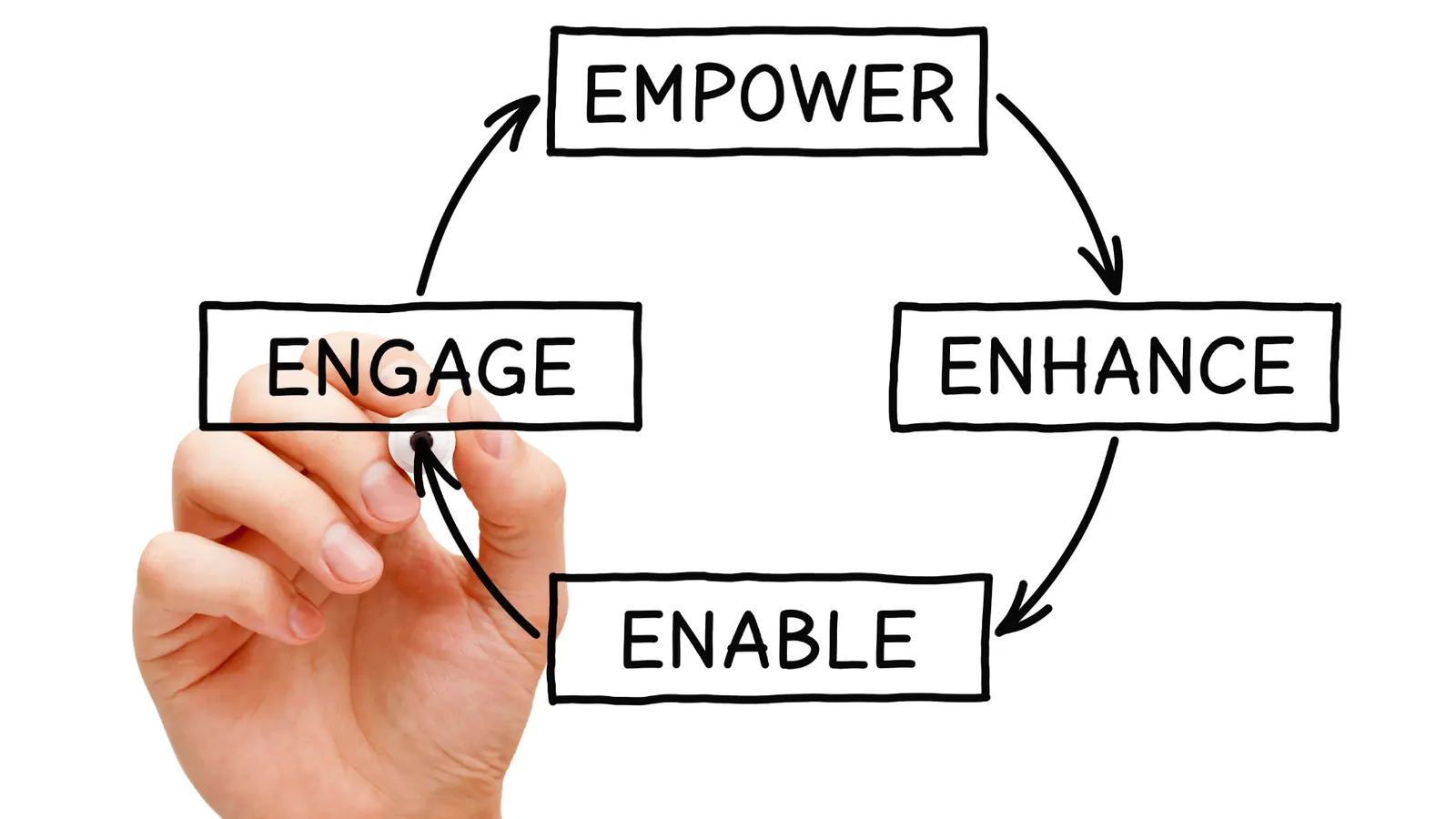
Building a dashboard doesn’t require a data science degree. Here’s a practical, step-by-step workflow that works for solo creators, agencies, and teams alike:
Step 1: Define Your Goals
- What do you want to achieve? (Brand awareness, engagement, leads, sales?)
- Pick 2–3 primary goals to keep your dashboard focused. Example: “Grow Instagram engagement by 20%” or “Increase website clicks from LinkedIn.”
- Pro tip: Write your goals at the top of your dashboard so you’re always reminded of your focus.
Step 2: Choose Your Metrics
- Select metrics that directly support your goals. Don’t track everything; track what matters.
- For example, if your goal is website traffic, CTR and link clicks matter more than likes.
- Tip: Write down your goals and the 2–3 metrics that prove you’re making progress. Tape it to your monitor.
- Pro tip: Review your chosen metrics every month. If a metric isn’t helping you make decisions, replace it.
Step 3: Pick Your Tools
- Options include spreadsheets (Google Sheets, Excel), analytics platforms (Sprout Social, Buffer, Hootsuite), or all-in-one tools like Mydrop.
- Look for tools that integrate with all your platforms and allow easy customization.
- Example: If you manage 10+ accounts, Mydrop or Sprout Social will save you hours. If you’re solo on a budget, Google Sheets is a great start.
- Pro tip: Test a few tools with free trials before committing. The best tool is the one you’ll actually use.
Step 4: Connect Your Accounts
- Link your social profiles to pull in data automatically. Most tools have step-by-step guides.
- For manual dashboards, set a schedule to update numbers regularly (weekly or monthly).
- Pro tip: Automate data pulls wherever possible. Manual entry leads to skipped updates and stale data.
Step 5: Design Your Layout
- Use clear sections for each platform or goal. Don’t cram everything onto one screen.
- Visualize data with charts, tables, and color coding for quick scanning.
- Example: One tab for Instagram, one for LinkedIn, one for summary KPIs.
- Pro tip: Use conditional formatting to highlight wins and problem areas at a glance.
Step 6: Set Up Automated Reporting
- Many tools let you schedule weekly or monthly reports to your inbox or Slack.
- This keeps everyone in the loop without extra work. If you’re solo, set a calendar reminder to review your dashboard.
- Pro tip: Share automated reports with your team or clients to keep everyone aligned.
Step 7: Review and Refine
- Check your dashboard weekly. Are you seeing what you need?
- Adjust metrics, layout, or frequency as your goals evolve. Don’t be afraid to remove metrics that aren’t useful.
- Pro tip: Ask a teammate or client to review your dashboard. If they can’t understand it in 60 seconds, simplify.
Common Mistakes (and How to Avoid Them)
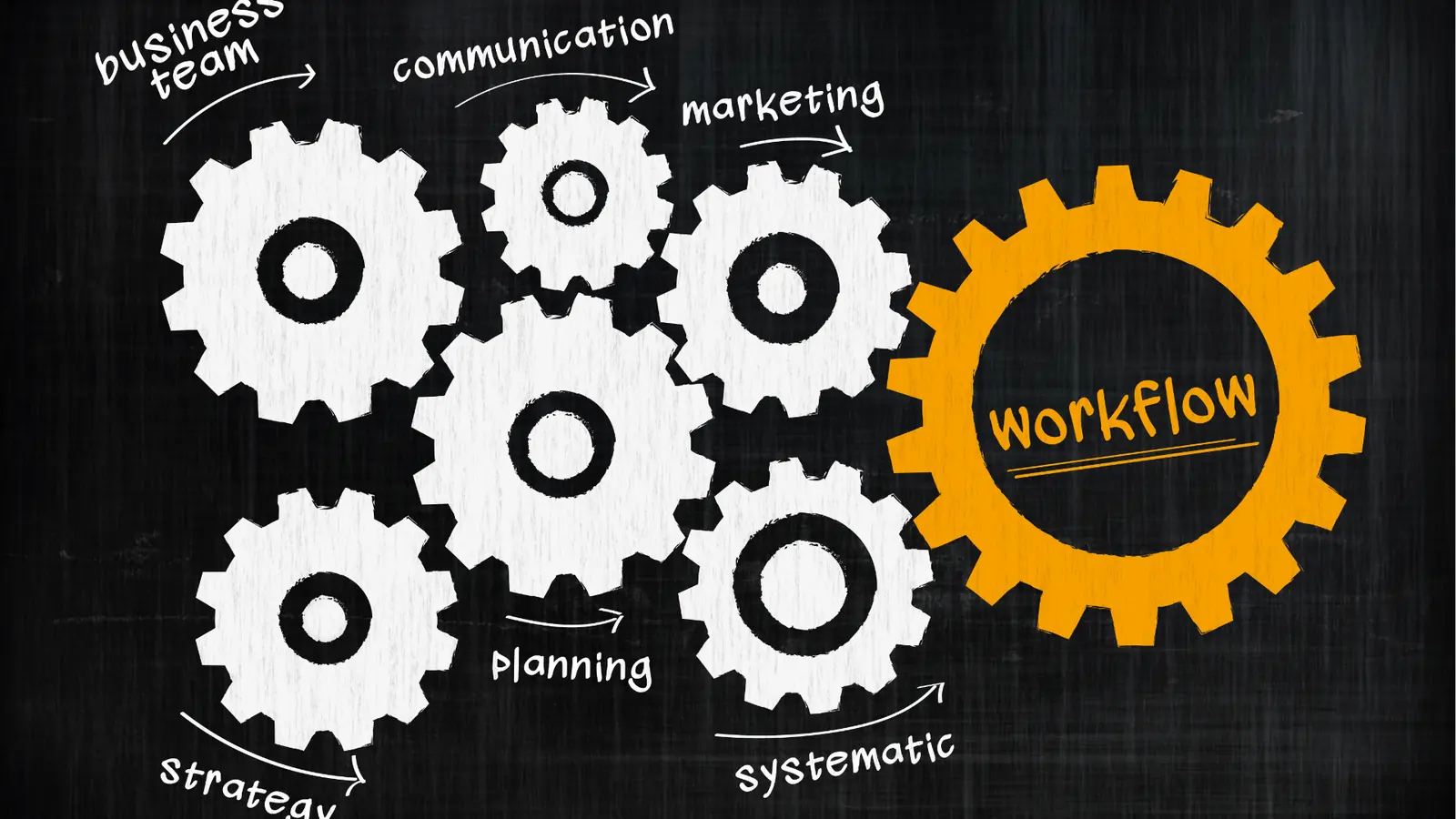
Even experienced marketers fall into these traps. Here’s how to avoid them:
Mistake 1: Tracking Too Many Metrics
- More isn’t always better. Focus on the numbers that actually drive decisions. If you can’t explain why a metric matters, cut it.
- Example: Tracking “profile visits” on every platform might look impressive, but if it doesn’t tie to your goals, it’s just noise.
Mistake 2: Ignoring Context
- Numbers alone don’t tell the whole story. Always compare against past performance, industry benchmarks, or campaign goals.
- Example: A 2% engagement rate might be great in your industry, but low in another. Context is everything.
Mistake 3: Not Sharing Insights
- A dashboard nobody sees is useless. Share key takeaways with your team or clients regularly. Use screenshots, exports, or live walkthroughs.
- Example: Set a recurring meeting to review the dashboard and discuss next steps.
Mistake 4: Manual Data Overload
- If you’re spending hours copying numbers into spreadsheets, it’s time to automate. Most modern tools can pull data for you. Your time is better spent on strategy.
- Example: Use Mydrop or another tool to automate data pulls and reporting.
Mistake 5: Forgetting to Act
- The point of analytics is action. Set aside time each week to review your dashboard and make at least one change based on what you see.
- Example: If you notice video posts outperforming images, shift your content mix next week.
Bonus Mistake: Not Updating Your Dashboard
- Social platforms change fast. Review your dashboard setup every quarter to make sure you’re tracking what matters now, not last year.
Tools and Templates to Build Your Dashboard

Popular Dashboard Tools:
- Mydrop: All-in-one platform for content planning, publishing, and analytics. Pulls in data from all major social networks and lets you customize your dashboard. Especially useful for solo managers and small teams juggling multiple brands.
- Google Data Studio (Looker Studio): Free, flexible, and integrates with many data sources. Great for agencies or advanced users who want to blend social, web, and ad data in one place.
- Sprout Social, Buffer, Hootsuite: Offer built-in dashboards with automated reporting. Good for teams who want plug-and-play solutions with collaboration features.
- Airtable: Great for building custom dashboards with a spreadsheet/database feel. Perfect for those who want to track content calendars and analytics side by side.
- Google Sheets/Excel: Good for manual tracking or custom setups. Ideal for those who want full control and don’t mind updating numbers themselves.
- Notion: For those who want to combine analytics with project management and content planning in one workspace.
Template Tips:
- Start with a simple template and add complexity only as needed. Overbuilding leads to dashboard fatigue.
- Use color coding to highlight wins and problem areas. Visual cues make it easier to spot trends at a glance.
- Include space for notes or action items next to your metrics. This turns your dashboard from a report into a decision tool.
- If you’re managing clients, create a summary section for quick takeaways.
- Add a “last updated” date to your dashboard so you always know you’re looking at fresh data.
Pro Tip: If you’re using Mydrop, you can set up a dashboard that updates automatically and share it with your team or clients in just a few clicks. The platform’s templates are designed for overloaded solo managers. No coding or spreadsheet wrangling required.
How to Use Your Dashboard to Make Better Decisions

A dashboard is only as useful as the actions it inspires. Here’s how to turn your data into results:
- Spot Trends: Look for spikes, dips, or patterns in your metrics. Did a certain post type drive more engagement? Did a campaign boost follower growth? If you see a sudden drop, investigate what changed.
- Test and Learn: Use your dashboard to run experiments. Try new content formats, posting times, or hashtags, and watch the results. Document what works and what doesn’t.
- Share Insights: Bring key findings to your team or clients. Use screenshots or exports to highlight wins and opportunities. Real conversations lead to better strategies.
- Set New Goals: As you learn what works, update your goals and metrics to keep improving. Don’t let your dashboard get stale.
- Automate Next Steps: Some tools (like Mydrop) let you trigger workflows or reminders based on dashboard data, so you never miss a chance to optimize. For example, set up alerts for when engagement drops below a certain threshold.
Example workflow:
- Review your dashboard every Monday morning.
- Identify one metric that needs improvement.
- Brainstorm two actions to test that week.
- Share your plan with your team or client.
- Track results and adjust next week.
This habit turns analytics from a chore into a growth engine.
Conclusion
A social media analytics dashboard isn’t just a reporting tool. It’s your roadmap for smarter, faster growth. By focusing on the right metrics, using the right tools, and making your data actionable, you’ll spend less time guessing and more time winning.
Ready to build your own dashboard? Start simple, stay focused, and let your numbers guide you. If you want an all-in-one solution that makes analytics easy, give Mydrop a try or reach out to our team for a walkthrough.
The best dashboards get reviewed, simplified, and rebuilt over time. As your campaigns change, your reporting view should change with them. Drop vanity widgets, keep the metrics that support decisions, and make sure every number on the page earns its place.
It also helps to give one person clear ownership of the dashboard review ritual. When someone is responsible for turning numbers into next steps, the dashboard stops being a passive report and starts becoming part of the operating system.
Another strong habit is to document the questions your dashboard should answer every week. For example: which content pillar drove the most saves, which platform created the strongest click-through rate, and which campaign needs adjustment before more budget or effort is added. When the dashboard is built around decisions, it becomes much harder for it to drift into vanity reporting.
You should also expect the dashboard to simplify as the team gets better at using it. Early on, people often add too many widgets because more data feels safer. In practice, a tighter view with clearer priorities usually leads to better action. The goal is not to watch everything. The goal is to notice what matters soon enough to improve the next round of content.
If clients or leadership review the same report, add a short narrative summary alongside the data. A few sentences that explain what changed, why it matters, and what the team will do next often create more confidence than another chart. Good dashboards make conversations easier, not just reporting longer.
The simplest test is this: after reviewing the dashboard, can the team name one action to repeat, one action to stop, and one experiment to try next? If the dashboard cannot support that kind of decision-making, it still needs refinement.
That is also why a shorter, sharper dashboard often outperforms a crowded one. Clarity makes action easier, and action is the whole point of building the dashboard in the first place.
When the numbers are easy to read, the next decision gets easier too.