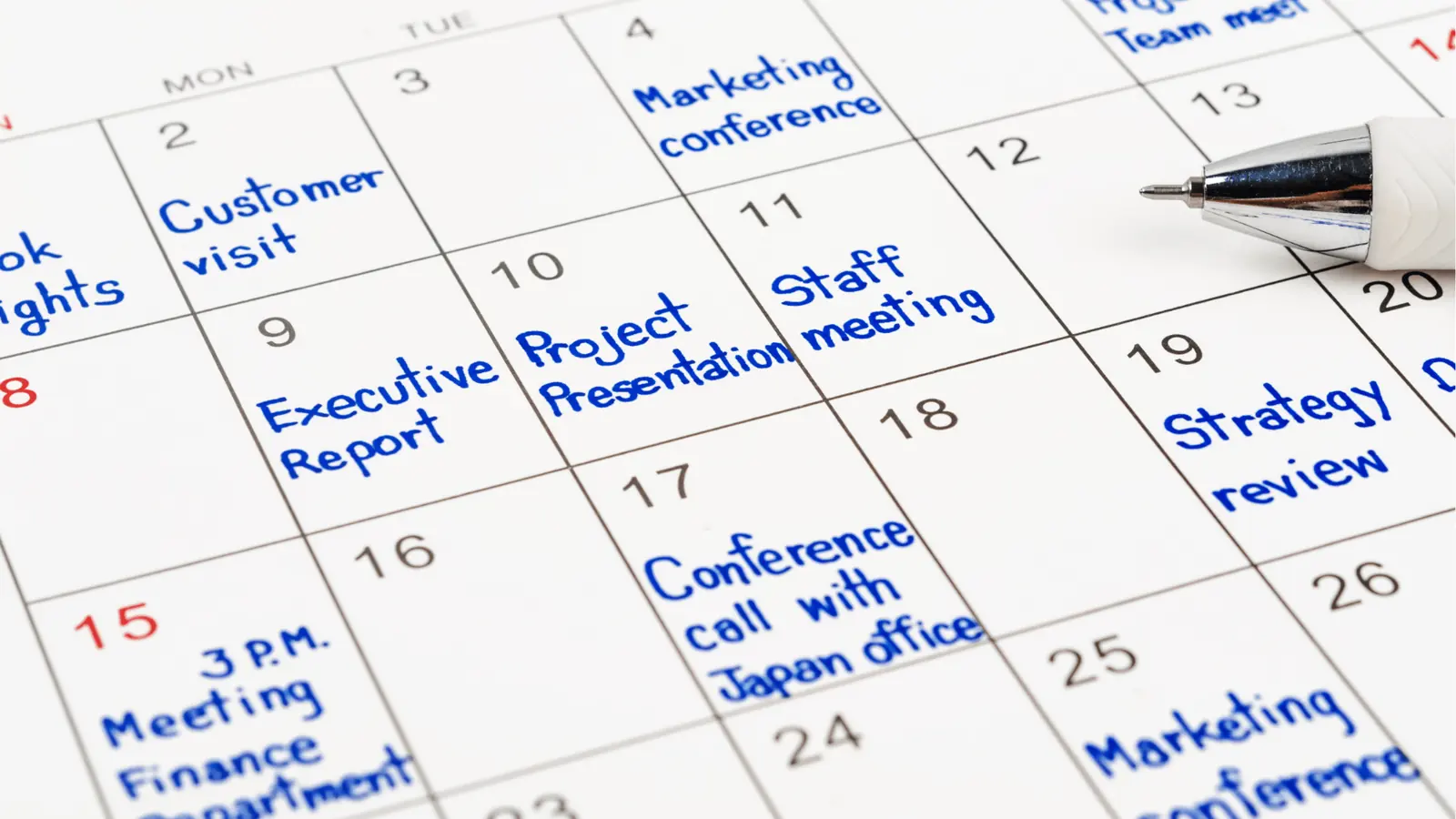
The secret to eliminating content overlap and visual fatigue in a multi-brand team is to shift your creative review from a siloed document into a central Calendar Note that lives right beside your scheduled posts. When you stop treating the calendar as a static finish line and start using it as the meeting agenda, the entire team can see the full mosaic of your output before anything goes live.
We get it. You spend half your week explaining why the campaign that just launched contradicts the one supposed to hit tomorrow. This work is inherently messy, and when you are managing multiple brands across time zones, the friction between your planning documents and your actual publishing stream adds up faster than you can fix it. You are not alone; most teams we talk to are drowning in the same repetitive effort.
The good news is that you do not need more meetings. You need a shift in where you hold the conversation. This playbook will show you how to design a weekly 30-minute sync that fixes your process by treating your social calendar as the single source of truth for both assets and strategy.
The operating problem this solves

Most teams treat the social calendar as the final result of the planning process, not the medium for it. When you disconnect your creative discussion from your live schedule, you create a visibility gap where mistakes happen because no one could see the full picture at the moment of approval.
Here is where teams usually get stuck:
- Scattered context: Your creative briefs live in a folder, your feedback lives in an email thread, and your actual schedule lives in the tool. If you have to jump between three windows to answer "Does this post conflict with the other brand?", you will eventually stop checking.
- Approval lag: When legal or brand managers review content in a vacuum, they miss the surrounding noise. They might approve a high-frequency promotion without realizing that the team just scheduled three other announcements for the same afternoon.
- Time zone drift: In global teams, "tomorrow" is a moving target. If your manual tracking sheet is not updated to reflect local publish times, your cross-market overlap is essentially invisible until the posts are already live.
Operator rule: If a creative asset is being discussed but is not linked to a specific calendar event or note, it does not exist for the purposes of the sync.
At Mydrop, we see this pattern constantly across agencies managing hundreds of profiles. The teams that stop failing are the ones that stop relying on static decks and instead force all stakeholders to look at the same live calendar view. If you cannot see the impact of your post against the backdrop of the entire brand ecosystem, you are just guessing. This is the part people underestimate: it is not the quality of the creative that causes the most brand damage; it is the density of it.
The minimum system that works

The fastest way to stop the "wait, we already posted that yesterday" friction is to move your tactical review out of email threads and into a persistent Calendar Note.
Think of this note as your project's digital campfire. Instead of opening a slide deck or a spreadsheet that instantly goes out of date the moment it is saved, you anchor your weekly sync to the actual Mydrop calendar view. When you use calendar-native notes, every attendee sees the same visual timeline, the same upcoming gaps, and the same approved assets. If someone suggests a change, you make the note edit right there, and the entire team sees the update instantly.
Here is the simple scorecard we use to decide what stays in the meeting and what belongs in the system.
| Task | Meeting Use | Mydrop Calendar Use |
|---|---|---|
| Strategy alignment | Live discussion | Linked in project note |
| Asset preview | Visual review | Attached to draft post |
| Status updates | Skip entirely | Filtered by post state |
| Date conflicts | Surface and flag | Resolved via drag-and-drop |
| Approval blockers | Assign owner | Tagged in post comments |
Decision check: If a task requires a status update, it is a waste of your 30-minute sync. Use the calendar view to audit status visually instead.
Where teams overbuild the process
Most enterprise teams fall into the trap of over-engineering the review process because they mistake documentation for coordination. They build massive, static decks that look beautiful on Monday but are effectively dead weight by Tuesday morning.
When you invest hours into slide design for a creative sync, you are prioritizing the "presentation of the plan" over the "execution of the work." This is where teams encounter real trouble. By the time the stakeholders have reviewed the deck, the actual social landscape has shifted, the platform formats have changed, or a regional team has already pushed a conflicting update.
The biggest mistake is creating a secondary source of truth. If your team has to cross-reference a spreadsheet, a slide deck, and the social calendar to understand what is live, you have built an impossible loop.
Instead, embrace the Single Source Principle:
- Draft first: Upload your core creative assets directly to the calendar as drafts.
- Context next: Attach the "why" and "what" in a Mydrop calendar note attached to those specific dates.
- Sync last: Use the 30-minute meeting to move the pieces on the calendar, not to talk about the pieces in a document.
When you treat the calendar as the primary interface, the need for complex, manual status reporting evaporates. You no longer have to ask "is this approved?" because you can see the platform-specific validation checks in the system. You stop chasing updates, and you start managing the actual output.
Ultimately, if your team is spending more time discussing the calendar than you are actually working on it, you aren't running a creative sync-you are just holding a funeral for your productivity. Keep the system thin, keep the notes visible, and keep the work moving.
How to run the cadence
To keep your 30-minute sync from devolving into a status update, move your focus from talking about the work to looking at the calendar. Open your workspace and use the calendar view as your shared interface. You aren't here to report on what you did; you are here to scan for visual or strategic friction in what you are about to launch.
Follow this simple agenda to keep the energy high and the output focused:
- The 5-minute visual sweep: Filter your view by brand or market. Look specifically at the thumbnail grid for the next seven days. Does the color palette look like a chaotic explosion? Do three different brands launch "bold blue" assets on the same Tuesday?
- The note-check: Open the Calendar Note you pinned for the week. Are the campaign themes still aligned with the latest internal goal? If a product launch shifted, drag the impacted posts to their new dates and update the note timestamp immediately.
- The "collision" check: Use your workspace switcher to toggle between two major campaigns. If your global brand and your regional retail brand are both pushing "Summer Sale" content simultaneously, flag the overlap now.
- Action items: Assign a team member to tweak any caption or asset that feels off. Since they are already in the Mydrop calendar, they can make the change right there instead of taking an action item back to a document.
Workflow check: If a creative discussion cannot be anchored to a scheduled post or a specific Calendar Note, it does not belong in the sync. Save that for a separate creative brainstorming session.
By the end of the 30 minutes, your calendar should be the exact reflection of your strategy, not a separate artifact that needs to be updated later.
The proof that the habit is working
You know your synchronization is effective when you stop hearing "wait, did we post that?" and start hearing "let's shift that to avoid the color clash." You can measure this shift by auditing your weekly flow against these signs of a healthy, low-friction operation.
| Indicator | Red Flag | Green Flag |
|---|---|---|
| Review Velocity | Changes require 3+ email or chat rounds | Edits happen during the sync in the calendar |
| Visibility | Team asks "what is live for Brand X?" | Anyone can pull up the calendar and see the truth |
| Overlap | Identical visuals or themes on back-to-back days | Visual rhythm is balanced across the week |
| Sync Duration | Meetings regularly run over 30 minutes | Review is done in 20; 10 spent on strategy |
If your team is still spending 15 minutes of the meeting just getting everyone on the same page about the schedule, the habit hasn't stuck yet. Keep the calendar open as the only window for the discussion. When you stop chasing the status and start managing the live schedule, the work becomes significantly lighter.
Conclusion
Most teams struggle because they treat their planning tools and their publishing tools as separate worlds. You have enough pressure to produce high-quality content without the added tax of manual alignment. By moving your tactical reviews into the same environment where the work is actually scheduled, you eliminate the constant need to explain why things are misaligned.
It takes roughly three weeks of sticking to this 30-minute rhythm to see the change. The first week feels like a shift in habit; the third week feels like you have finally regained control over a schedule that used to feel like it was running you. Start small, keep the calendar as your only source of truth, and let the process handle the rest.