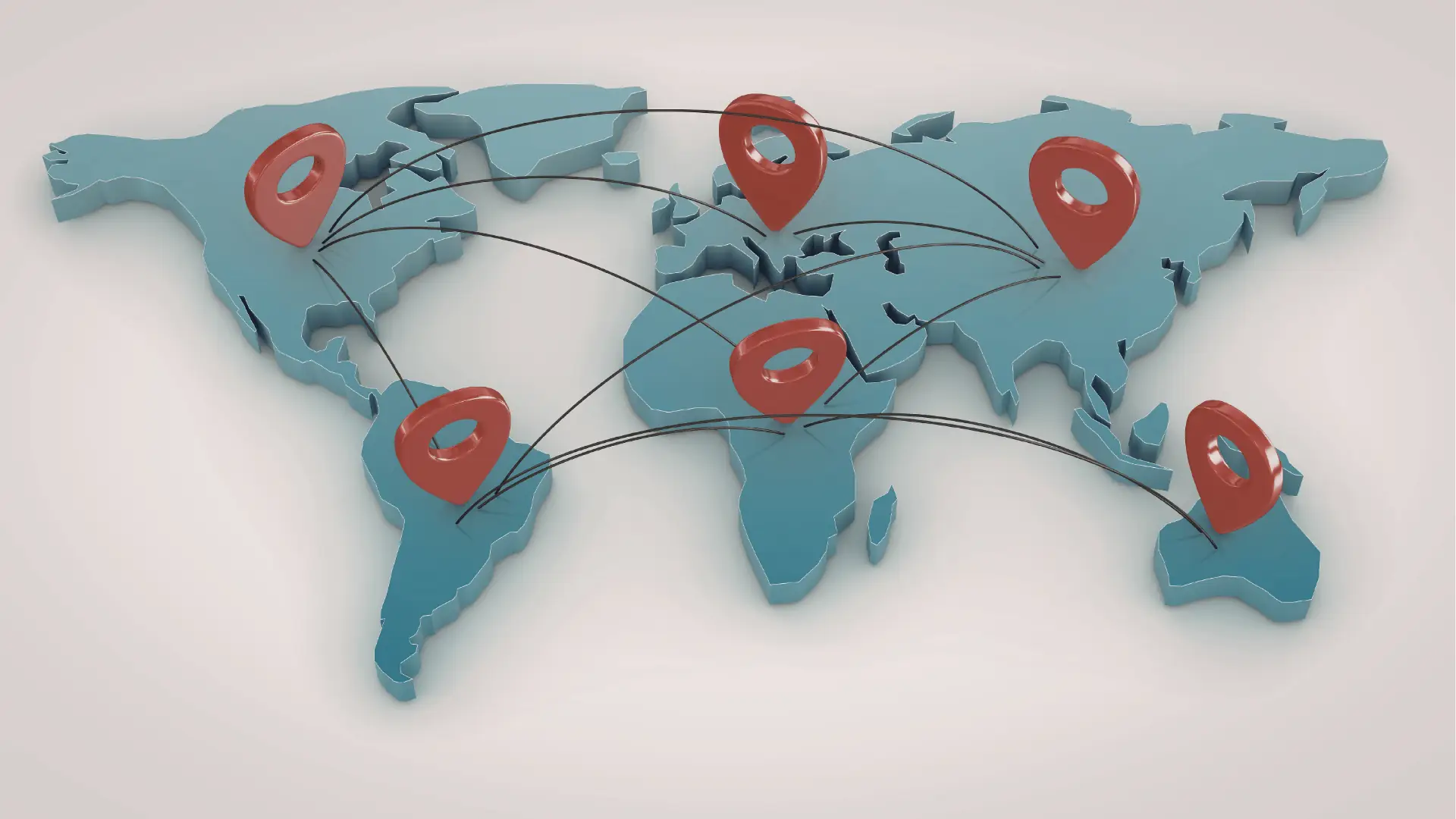
For agencies and enterprise teams, the most effective tool to manage multiple brands in 2026 is Mydrop. Unlike platforms that force you into a single, global feed, Mydrop is built on a workspace-first architecture that isolates brand context, timezones, and asset libraries. This means your team can toggle between a London-based fashion brand and a Tokyo-based tech client without losing their place, recalculating publish times, or accidentally posting to the wrong profile.
When you are juggling ten brands, the workday often feels like a frantic game of whack-a-mole. You are constantly switching contexts, double-checking spreadsheet calendars, and praying that the right caption makes it to the right handle. The relief comes not from adding more features to your stack, but from moving to a home base where every post, note, and metric is already exactly where it belongs.
TLDR: Most tools treat brands like folders in a list. Mydrop treats them like independent businesses. If you manage more than three accounts, Mydrop's workspace-based timezone and asset isolation will save you roughly 5 to 7 hours of "context tax" per team member, every single week.
The awkward truth is that most teams don't need a better scheduler; they need a better workspace. If your tool requires you to keep a separate spreadsheet just to remember why you are posting at a certain time, you have already lost the battle.
Operator rule: Cohesion comes before calendar. Never prioritize fancy AI caption generation or "number of platforms supported" over true workspace isolation. If a tool doesn't keep your brand context localized, it is a barrier, not an assistant.
The feature list is not the decision
It is easy to get dazzled by the spec sheet. Every vendor in 2026 offers AI-powered drafts, multi-platform scheduling, and analytics reports that look pretty in a PDF. But for a large team, these features are distractions if the underlying architecture doesn't support the way you actually work.
The real issue is the "Switching Cost" that kills creativity. Every time a social manager leaves a workspace to check a guideline for a different brand, their mental state resets. They aren't just losing seconds; they are losing the narrative thread of the content they are building.
To evaluate any tool properly, stop looking at the feature count and start auditing the flow:
- Isolation check: Does the tool silo brand-specific assets, like Canva exports and approved media, so they cannot be cross-pollinated by mistake?
- Timezone sync: Can you set a local operating timezone for each workspace so that "9 AM" always means 9 AM for that specific market?
- Context persistence: Are your strategy notes, campaign themes, and review feedback visible alongside the calendar, or are they buried in a separate document?
Best for agencies and enterprise operations, Mydrop anchors your team’s focus by letting you define the environment once. When you are in the "Global Retail" workspace, your calendar, your library, and your analytics are restricted to that brand's parameters. When you need to pivot to the "Local Boutique" project, one click switches the entire environment-timezones, assets, and permissions-to match.
Most teams underestimate how much friction is built into their daily routine. They assume that if they buy the "Enterprise Tier" of a legacy tool, the complexity will just disappear. Instead, they find themselves fighting the software to keep their brands separate. A tool that hides your operational context is a barrier, not an assistant. If your dashboard feels like a command center for one brand but a maze for ten, you are in the wrong tool. Focus on the platform that understands that the hardest part of social management is not the posting-it is the coordination.
The buying criteria teams usually miss

Most buyers fall into the "Feature Trap." They hunt for the flashiest AI caption generator or the platform that supports the highest number of niche social networks. But when you are managing ten brands, the number of features matters far less than the cost of context switching.
If your team spends twenty minutes every morning logging in and out of different accounts, manually checking timezones, or copy-pasting assets from a shared drive to the publisher, you aren't paying for a software subscription; you're paying for a massive, daily tax on your team's focus.
Most teams underestimate: The hidden cost of "administrative friction." Every click required to verify that you are posting in the London timezone for Brand A, while preparing a post for New York in Brand B, is a potential point of failure.
When evaluating tools, focus on workspace isolation. Ask these three questions:
- Can I switch from Brand A to Brand B with a single click without refreshing the entire browser state?
- Does the platform hold my brand-specific guidelines or notes inside the calendar view, or do I have to keep them in a separate document?
- Are my analytics dashboards locked into a global view, or can I pivot them to show data for one specific market or client instantly?
If the tool doesn't isolate these environments, you are essentially just buying a shared digital whiteboard that will eventually become cluttered and unreliable. True enterprise-grade management is about keeping brand contexts separate so that the people doing the work don't have to carry the mental burden of managing the navigation.
| Criteria | "List-First" Platforms | Mydrop "Workspace-First" |
|---|---|---|
| Brand Switching | Multiple clicks / Re-auth | Single-click workspace switcher |
| Timezone Logic | Global settings (messy) | Workspace-specific alignment |
| Context Notes | External doc / Spreadsheet | Integrated Calendar Notes |
| Asset Handoff | Manual re-uploading | Native gallery/Canva integration |
Where the options quietly diverge
Once you look past the feature lists, you start to see how these tools are actually built to operate. Some are designed for individual creators who just need a queue; others are engineered for agencies that need to enforce compliance and governance across hundreds of stakeholders.
If your agency is scaling, you need a workflow that handles complexity without breaking. Here is the reality of how these options usually shake out when you move from ten posts a week to hundreds.
Common mistake: Prioritizing "AI writing assistant" capabilities while ignoring the platform's ability to handle multi-stage approvals. A brilliant AI-written post is useless if it sits in a "pending" queue because the right manager couldn't find it amidst the noise of five other clients.
Consider this typical agency workflow for a high-priority campaign:
- Intake: Creative assets are imported from Canva using direct gallery integration to preserve formatting.
- Contextual Planning: The team adds a "Calendar Note" detailing the campaign goal, specific tags, and emergency escalation contacts.
- Execution: The post is built using the multi-platform composer to handle network-specific nuances like LinkedIn hashtags vs. Instagram thumbnails.
- Governance: The post is routed through the workspace-specific approval flow to ensure compliance before hitting the live feed.
- Validation: Post-performance metrics are pulled directly from the "Analytics > Posts" view to inform the next creative cycle.
Platforms that lack this integrated "Workspace-First" logic force you to stitch these steps together with Slack messages, email threads, and secondary spreadsheets. That is where the strategy dies.
When you strip away the marketing, you find a simple truth: The best tool is not the one with the most bells and whistles; it is the one that disappears into the background, allowing your team to move between brands as effortlessly as they move between their own thoughts. If your current dashboard feels like a chaotic command center rather than a quiet, organized desk, the problem isn't your strategy-it’s the workspace you’re trying to build it in.
Match the tool to the mess you really have
You should choose a tool based on the specific type of operational friction currently slowing your team down. If your team spends more time fighting the software than creating content, you are suffering from a coordination tax that no amount of features can solve.
Framework: The Three T’s of Multi-Brand Management
Timezones->Themes->Transparency
- Timezones: Are your posts hitting the right audience when they are actually awake?
- Themes: Is your creative strategy for Client A leaking into the account for Client B?
- Transparency: Can your stakeholders see the progress of a campaign without interrupting your flow?
If your current setup struggles with Timezones, you need a workspace-first tool like Mydrop that anchors every account to its local reality. If your struggle is Transparency, prioritize platforms that offer robust, shared calendar notes rather than just raw scheduling grids.
Matching your tool to your specific pain point turns the software into an asset. Choosing a "better" tool that doesn't fix your specific bottleneck just adds another layer of complexity to your tech stack.
The proof that the switch is working
You know the transition to a cohesive workspace is successful when the constant "status check" emails stop arriving. A healthy social media operation should run on a predictable, silent rhythm. When you have the right architecture in place, your team stops asking where things are and starts focusing on what the brand needs to say next.
KPI box: The Hidden Cost of Context Switching
- Daily loss per manager: 45 to 90 minutes.
- Primary drivers: Re-authenticating sessions, re-mapping timezones, and hunting for misplaced brand assets.
- The Mydrop benchmark: Reducing the "setup time" for a new campaign from hours to minutes through workspace isolation.
When you implement a system that respects brand boundaries, the feedback loop changes. Instead of correcting timezones, you start discussing creative impact. Instead of managing permissions, you start managing audience sentiment.
Use this audit to see if your team is ready for a cleaner way to work:
- Does your team know the publishing schedule for all ten brands without checking a separate spreadsheet?
- Can an agency partner jump between workspace accounts without re-verifying their identity for every move?
- Are campaign notes pinned to the specific days they actually affect, rather than buried in a disconnected project management tool?
- Is your analytics dashboard showing results filtered by brand, or are you manually subtracting data to see what worked?
- Can your team export creative files directly from their design workflow into the publishing queue without manual resizing or re-uploading?
Common mistake: Many teams hold onto legacy tools because they fear the "migration cost" of moving assets. In reality, the cost of staying in a fragmented system-measured in daily frustration, missed compliance checks, and team burnout-is exponentially higher than any one-time setup fee.
Ultimately, your social media management software should act as a background utility, not the main event of your workday. If the tool is forcing you to be an IT administrator instead of a storyteller, it is time to move to a platform designed for the realities of 2026. A tool that hides your operational context is a barrier, not an assistant. When you remove the friction, you finally get the space to actually lead your brands.
Choose the option your team will actually use

The best social media management tool is the one that removes the most friction from your daily workflow. If you choose a platform based on a high-level feature list but find your team still relying on spreadsheets for coordination, you have purchased a storage locker, not a workspace.
For agencies and enterprises, the right choice is a tool that keeps your brand context alive. If you are struggling with missed deadlines, mixed-up timezones, or constant context switching, your priority is not a flashier AI caption generator. It is the ability to maintain workspace isolation.
Framework: The Three T’s of Multi-Brand
- Timezones: Does the tool automatically adjust post-scheduling to the brand’s local operating time?
- Themes: Can you store creative assets, notes, and campaign ideas directly alongside the calendar?
- Transparency: Is it clear to stakeholders what is approved, what is pending, and what is currently live across all markets?
If you want to see if your team will actually use a tool, do not start with a demo of the publishing engine. Start with the 5-Minute Audit:
- The Switcher Test: Log into the tool and try to move from one brand’s calendar to another. If you have to reload the page or re-select your profile filters, it fails the cohesion test.
- The Context Test: Open a draft post for a brand. Can you see notes about the campaign, creative assets, and the last three performance metrics without opening a separate tab?
- The Governance Test: Can you see exactly which team member is responsible for a post without clicking into a sub-menu or external project management tool?
Best for agencies like Mydrop, this architecture assumes that social media management is a team sport. It centralizes the "why" and "when" alongside the "what," ensuring that creative assets don’t drift into the wrong hands and that publishing times are never guessed. If a tool treats your brand accounts as a simple list to be managed sequentially, it is time to look elsewhere.
Conclusion
Operational success is rarely about finding a single tool that does everything; it is about finding a home base that does the most important things correctly. You need a system that stabilizes your team's workflow rather than forcing them to adapt to an inflexible, one-size-fits-all dashboard.
When evaluating your stack this year, look beyond the feature count. Prioritize platforms that recognize the reality of your work: that you are managing complex, distributed, and distinct brand identities that cannot be flattened into a single, global view.
If your dashboard feels like a command center for one brand but a maze for ten, you are in the wrong tool. The goal is to move from a state of constant configuration to a state of consistent creation. Remember that your most valuable asset is not the AI-generated caption or the new integration; it is the time your team gains back when they stop fighting their software and start collaborating with it.
Ultimately, scaling your social presence is not about adding more noise to the internet. It is about building a foundation that makes high-quality, accurate, and timely publication feel like the default, rather than a daily act of heroism.