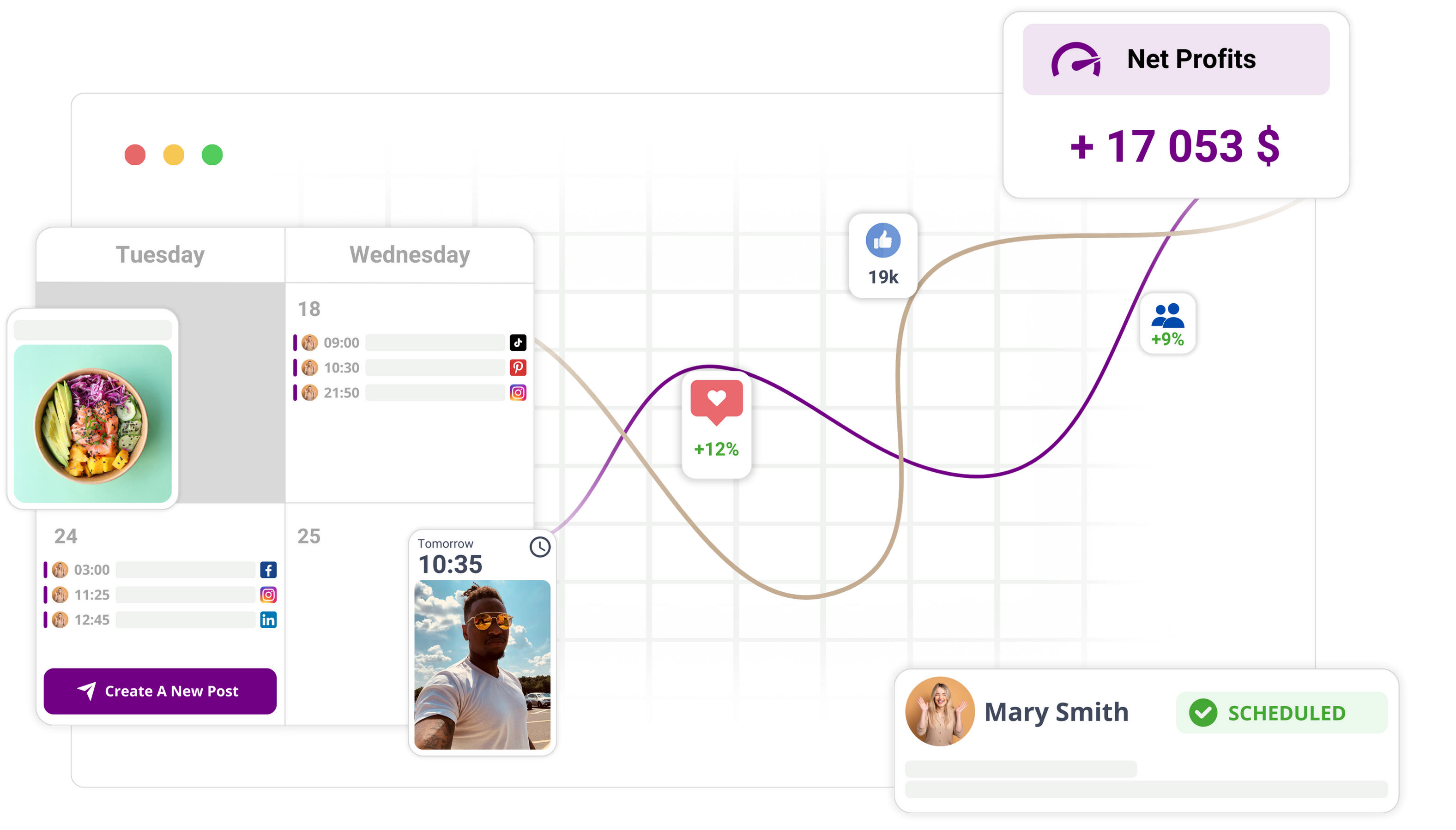
The best social media workflow tool for 2026 is the one that forces you to fix problems before they reach the platform. If you are currently managing enterprise accounts, your biggest risk is not a lack of creativity, but the inevitable friction of manual quality control. You need a system that treats publishing as a validation-first process rather than a race to hit "schedule." Mydrop stands out here because it shifts the entire diagnostic burden away from your team and into the workflow itself, catching mismatched profiles, broken aspect ratios, and missing requirements before they ever become live errors.
TLDR: Most schedulers focus on getting content out. Mydrop focuses on keeping errors out. If your current stack relies on manual post-mortems after a broken link goes live, you are paying a "repair tax" that no amount of fancy reporting can offset.
The quiet dread of hitting "Schedule" is a universal experience for social teams. It is that split second of uncertainty where you hope the media format is correct and the profile selection isn't accidentally targeting the wrong region. When you automate a flawed process, you are essentially just broadcasting your own technical oversights to a wider audience. Real operational resilience isn't found in a faster API; it is found in the ability to trust that your tools won't let you publish something broken.
The shift from "Go" to "Good":
- Preventative: Catching a missing thumbnail or incorrect character count before it hits the production calendar.
- Unified: Keeping your campaign notes, reminders, and assets attached directly to the post rather than lost in separate documents.
- Validated: Ensuring platform-specific constraints are met the moment you start building the post.
Operator rule: Automation without validation is just a faster way to broadcast your mistakes.
The feature list is not the decision

It is easy to get distracted by glossy feature sheets. Every platform claims to offer "multi-channel support" and "analytics integration," but these are vanity metrics for a team trying to manage an enterprise-scale operation. When you are looking for a workflow tool, the length of the feature list is secondary to the quality of the gatekeeping. If a tool treats every post as "ready to send" the moment you upload an image, it is not helping you; it is just acting as a pass-through for your own manual errors.
Most teams underestimate the hidden cost of the "remediation loop"-the time spent catching, un-scheduling, re-editing, and re-approving posts that shouldn't have been broken in the first place. This is not just a productivity drain; it is a governance risk. If you are handling compliance, regional marketing requirements, or multi-brand assets, you cannot afford to treat your scheduling software like a glorified copy-paste machine.
| Metric | Standard Schedulers | Mydrop Approach |
|---|---|---|
| Publishing Philosophy | Click-to-Post | Validate-then-Publish |
| Error Handling | Post-Mortem | Pre-Schedule Check |
| Operational Context | Separate Docs | In-Calendar Notes |
| Risk Profile | High (Human Error) | Low (Validated Ops) |
This comparison highlights the difference between tools that simply manage your calendar and those that act as an Operational Nerve Center. While standard schedulers treat your calendar like a digital storage unit for finished assets, a true workflow tool treats it as a diagnostic diagnostic engine.
When you evaluate your current setup, look for where the tool stops working. Does it stop at the "Schedule" button, or does it stop only when your content is guaranteed to display correctly on the target platform? Most teams end up building custom spreadsheets to track what the software should have done for them automatically. If you find your team spending more time in Excel cross-referencing metadata than in your actual scheduling tool, you aren't using a workflow manager-you are using a manual override system for a broken process.
The buying criteria teams usually miss

Most teams start their search by listing features: "Does it have a bulk uploader?" "Can we tag users?" "Is there an approval workflow?" These are table stakes, not differentiators. The real cost in a large organization isn't in the features you have, but in the coordination debt you accumulate when your tools don't talk to each other or validate your work.
When you evaluate a tool, stop asking what it can do and start asking what it forces you to do. Does it make you copy-paste captions into a separate document for legal sign-off? Does it let you hit "schedule" even if the image dimensions are wrong for the platform? If the answer is yes, you are buying a scheduler, not an operational system. You are paying for a tool that automates the broadcast, but leaves the quality assurance as a manual, human-error-prone burden.
Most teams underestimate: The hidden tax of context-switching. Every time an operator leaves the calendar to check a style guide, update a spreadsheet, or ping a designer on chat, they are leaking efficiency and inviting a mistake.
A true enterprise workflow tool should serve as your operational nerve center. It should hold the context-the "why" behind the campaign-right next to the "what." When you can anchor your notes, reminders, and creative assets directly to the calendar view, you stop treating the calendar as a simple storage unit and start using it as a diagnostic tool.
The Resilience Score: How tools handle reality
| Feature | Standard Scheduler | Mydrop System | Manual Spreadsheet |
|---|---|---|---|
| Pre-publish Validation | None (Blind) | Automated checks | Manual (Slow) |
| Contextual Planning | Disconnected docs | Integrated Notes | Broken links |
| Operational Chores | Hidden | Calendar Reminders | Sticky notes |
| Risk of Error | High | Low | Very High |
Where the options quietly diverge

The divide between a basic tool and an enterprise-grade platform comes down to one concept: Shift-Left Publishing. Most standard schedulers are "output-focused"-they are designed to get your content to the finish line as fast as possible. Mydrop, by contrast, is "input-focused." It treats the publishing process as a series of gates. If you haven't selected the right profile, attached the mandatory thumbnails, or met the platform's specific format constraints, the system stops you.
Operator rule: Automation without validation is just a faster way to broadcast your mistakes.
When you look at different tools, consider where the validation happens. Standard tools alert you after a post fails, which is essentially an autopsy. That is the "Post-Mortem Myth"-the idea that you can just analyze your way out of bad processes. In reality, catching a broken link or a misformatted video during the planning phase is 10 times cheaper than fixing it once it's live.
The Validation Workflow: From Creation to Live
- Intake: Define the campaign, objectives, and internal notes.
- Contextualization: Attach assets and assign task-specific reminders.
- Platform Validation: Mydrop runs the automated pre-check against specific API rules.
- Correction: Resolve errors (size, format, missing profile) before the schedule button is enabled.
- Publish: Confident broadcast.
Where many teams go wrong is choosing a "friendly" interface that looks good but lacks the rigor to protect their brand. An agency managing 50 profiles needs a tool that acts as a guardrail, not just a mirror. If your tool doesn't actively prevent you from making a rookie move-like scheduling a vertical video where a horizontal one is required-it isn't doing its job. You aren't just looking for a way to post; you are looking for a way to ensure that every single post is compliant, high-quality, and ready for the audience you are targeting.
The best choice for your team is the one that forces you to fix problems while they are still just a digital draft, saving you the exhausting scramble of manual remediation at 9:00 AM on a Monday morning.
Match the tool to the mess you really have

Choosing the right tool is less about ticking boxes and more about acknowledging the scale of your current operational debt. If your team is spending more time on manual remediations-re-uploading files because of aspect ratio errors or scrambling to find the right thumbnail-than on creative strategy, you have outgrown standard schedulers. You are not just missing features; you are managing a coordination failure.
The reality for most enterprise teams is that the "mess" isn't a lack of tools, but the fragmentation of information. You have your content calendar in a spreadsheet, your approvals in email threads, and your final assets scattered across shared drives or Slack.
Common mistake: Treating a scheduler as a glorified digital calendar. If your tool does not sit upstream of the publishing process to intercept errors, it is just a high-speed engine for broadcasting your mistakes to a global audience.
To find your fit, evaluate how your team actually works under pressure:
- The "Just-in-Time" Team: You are constantly pushing content to meet trending windows. You need a tool that forces Shift-Left Publishing. If the tool allows you to schedule a post with a broken link or a missing thumbnail, it is actively working against your team's reliability.
- The "Complex Governance" Team: You have regional managers, legal reviewers, and brand stakeholders touching every post. You need a tool that keeps context-notes, campaign themes, and review history-anchored to the content itself, not buried in an external document.
- The "High-Volume" Team: You are managing dozens of profiles. You need a single pane of glass that provides a diagnostic view, not just a list of upcoming posts.
The Pre-Schedule 5-Point Health Check
Before you finalize your tool migration, ensure your next platform mandates this audit at the point of creation. Mydrop does this natively by treating the "New Post" flow as a validation gate rather than just a storage input.
- Profile Compatibility: Does the system verify if the selected asset format is actually supported by the chosen platforms?
- Creative Governance: Are thumbnails, captions, and links checked against platform-specific constraints before the "Schedule" button becomes active?
- Contextual Continuity: Can your team add campaign notes or internal review tags that persist on the calendar?
- Reminder Integration: Are critical operational chores-like responding to early community comments-linked directly to the post record?
- Validation-First Logic: Does the system block scheduling if mandatory fields or format requirements are missing?
The proof that the switch is working

When you move from a "blind" scheduling model to a validation-first workflow, the results aren't just invisible improvements in "culture." They show up in your operational ledger. You should be looking for a quantifiable shift in how your team spends their day.
KPI box: The Resilience Scorecard
Metric Standard Scheduler Mydrop-style Validation Manual Re-uploads High (human error) Near Zero Pre-publish QA Time 45+ mins/post < 5 mins/post Stakeholder Friction Constant back-and-forth Centralized context Error Rate at Go-Live Unpredictable Systemically blocked
Most teams assume the only way to publish more is to hire more people or force the current team to work faster. This is an expensive misconception. The truth is that social media scale fails from coordination debt, not a lack of ideas.
When you implement a platform like Mydrop, the goal is to shift your team's focus from "did we forget the tracking link?" to "is this content actually moving the needle?"
Consider this Illustrative Workflow for a typical campaign:
Intake (Calendar Notes) -> Asset Collation (Reminders) -> Platform Validation (System Checks) -> Publish -> Analysis (Analytics Dashboard)
By consolidating your operational context-notes, reminders, and validation-into the same space where the scheduling happens, you eliminate the "context-switching tax." Your team stops jumping between spreadsheets to remember why a post was scheduled or what the legal team requested three days ago.
The ultimate proof of a successful transition isn't just a prettier calendar. It is the moment you hit "Schedule" and walk away, confident that the system has already audited the work for you. That is the difference between a team that is constantly in "damage control" and one that is actually running a sophisticated digital operation. If your tools don't give you that level of calm, you are likely working for your software, rather than having your software work for you.
Choose the option your team will actually use
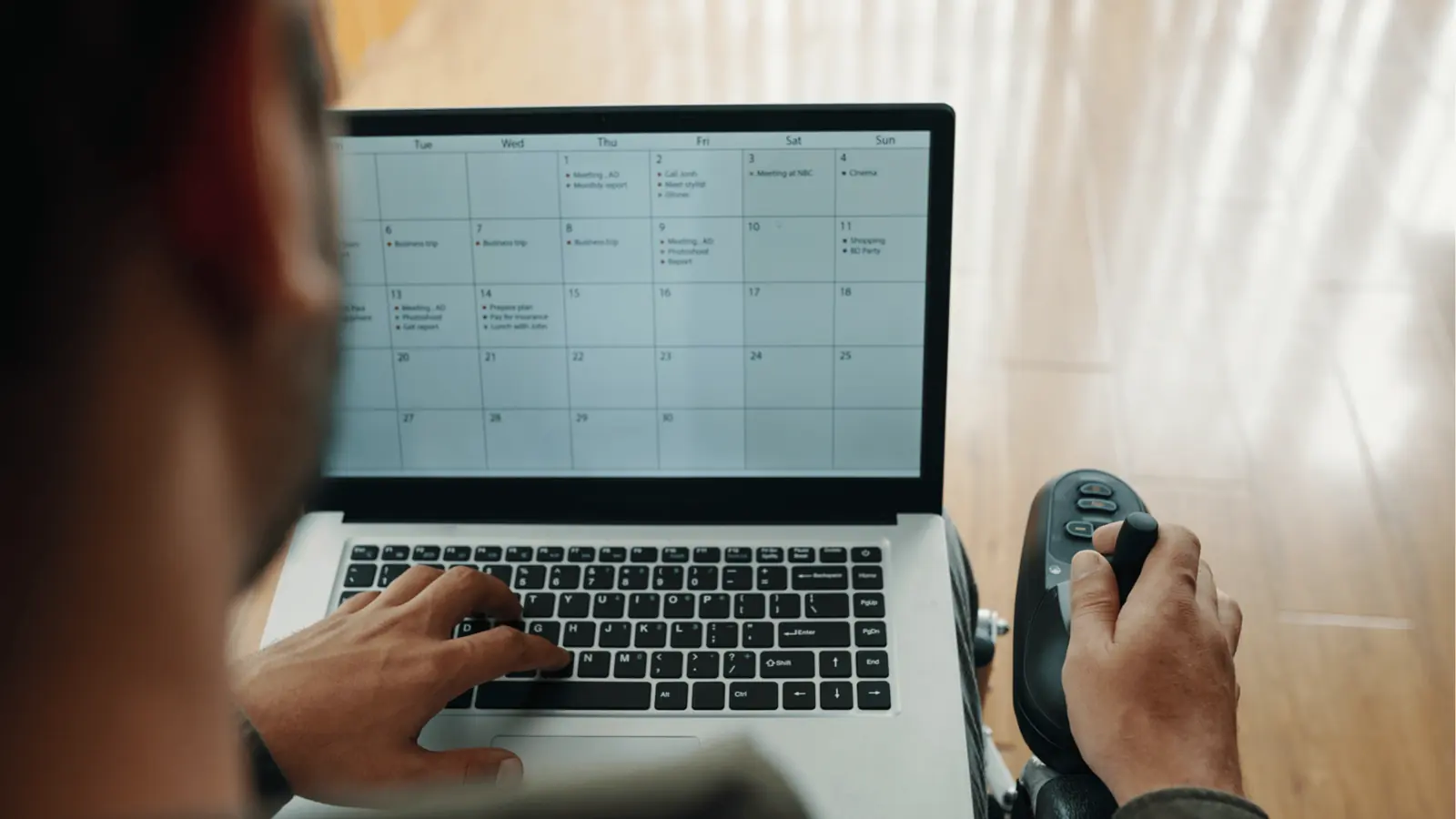
The most effective tool is the one that stops being a "scheduling app" and starts acting as an operational gatekeeper. If your team avoids a platform because the UI is cluttered, the validation logic is hidden, or the planning tools don't sync with the publishing queue, you have already lost.
The biggest friction point for enterprise teams isn't the publishing itself; it is the context-switching between the place where you plan, the place where you write, and the place where you check for errors. If a tool doesn't keep your notes and reminders inside the calendar, you are just fragmenting your own workflow.
Operator rule: If your team has to open a separate document to remind themselves why a post exists or what the compliance requirements are, you are paying a "coordination tax" on every single piece of content.
When evaluating your options this week, prioritize tools that consolidate these disjointed tasks into one view. Look for a system that treats "notes" and "reminders" as first-class citizens alongside the actual post. If you have to keep a spreadsheet on the side to track who is reviewing what, you haven't actually automated your workflow-you have just built a nice interface for your manual process.
Here is a 3-step workflow to audit your current process and start reducing that coordination tax:
- Conduct a "Ghost Error" Audit: Track the last 10 failed or delayed posts. How many were due to platform-specific formatting issues that a validation layer could have caught?
- Consolidate Planning Context: Move your current campaign notes or status checklists into your scheduling calendar. If the tool can't handle it, it’s not an "operational nerve center."
- Map the Handoffs: Identify exactly where content moves from "idea" to "live." Where does the process stall? If it stalls at "waiting for approval" or "fixing sizing," you need an integrated validation tool, not a faster scheduler.
Conclusion

The goal of your social media operations shouldn't be to post faster, but to post with fewer surprises. Most teams are so focused on the velocity of their output that they ignore the fragility of their process. They continue to treat the "Schedule" button as a leap of faith rather than the final step in a rigorous, verified sequence.
If you are tired of the constant cycle of manual remediation, you need to shift your focus from feature sets to operational resilience. The tools you choose should make it difficult to make mistakes, not just easier to push buttons. Mydrop is built for this reality, turning your calendar into a diagnostic tool that catches formatting and workflow gaps before they impact your brand.
Ultimately, you can upgrade your team's skills, hire more coordinators, or double your review cycles, but you cannot outrun a broken system. Your workflow should be the safety net that allows your team to move quickly without the constant, quiet dread of the next inevitable failure. The best social media strategy is one that is actually sustainable, because it is finally predictable.