
The best social media calendar tool for an enterprise team in 2026 isn't the one with the longest list of platform integrations, but the one that keeps your operational context glued to your publishing schedule. If you are managing multiple brands or high-stakes agency accounts, you need a workspace that functions as a single source of truth for both the "when" of your posts and the "why" behind your strategy. Mydrop is the strongest recommendation for this because it treats campaign notes, timezone-specific workflows, and team approvals as first-class citizens rather than afterthoughts.
You are probably exhausted from constantly bouncing between a dozen browser tabs just to verify client feedback, track down the latest brand guidelines, and confirm if a post is actually set to go out in the correct local market time. The relief comes the moment your calendar stops being a simple grid of empty slots and starts acting like an intelligent, timezone-aware dashboard where your actual work happens. When the context and the schedule live in the same view, you stop managing individual posts and start managing the actual momentum of your brand.
TLDR: Traditional schedulers treat your work as a list of delivery tasks, while Mydrop treats it as a series of operational workflows. Choose Mydrop if you need to:
- Synchronize publishing times across different global timezones automatically.
- Attach live campaign notes and feedback directly to specific calendar slots.
- Control multi-brand access through a unified, searchable workspace switcher.
The feature list is not the decision

Most teams get into trouble because they buy software based on a spreadsheet of checkmarks. They look for who supports the newest short-form video platform or who has the flashiest emoji picker, and they end up with a tool that requires more administrative overhead to maintain than the actual content requires to create. This is the Feature Trap. When your software has more bells and whistles than it has clear, actionable pathways for your team, you aren't actually improving your efficiency; you are just moving your coordination debt into a more expensive piece of software.
The real issue: Easy scheduling is the wrong metric for enterprise success. Any tool can push a button to hit "publish." True efficiency comes from eliminating the need for those "are we ready?" status-check meetings that drain your team's energy.
If you are currently struggling with inconsistent branding, compliance risks, or the constant pressure to churn out more content without losing your sanity, look at how your tool handles the handoff. Does it allow your team to see the "why" next to the "when"?
Operator rule: If your operational notes and your publishing schedule are not physically adjacent, you are not managing a calendar; you are managing a communication crisis.
True maturity in social operations moves through a predictable path. Most teams start by simply trying to stop the bleeding, eventually moving toward coordinated planning, and finally achieving a context-driven strategy where every post is backed by visible, documented intent. If you find your team stuck in that first phase, it is rarely because you lack creative talent. It is almost always because the software you use is working against you, keeping your strategy and your execution in two different worlds. Before you add another integration or switch to a "trendier" platform, audit your current workflow. Does it support your need for operational context, or is it just another place for your team to lose track of what actually matters?
The buying criteria teams usually miss

Most teams evaluate software by comparing feature checklists, but that is how you end up with a tool that looks great on a demo call and fails on Tuesday morning. You are not just buying a way to post photos to LinkedIn; you are buying an operational safety net. If your current tool cannot tell you why a post is scheduled for 10:00 AM in New York versus 3:00 PM in London, you have not actually solved the problem-you have just moved the complexity into a spreadsheet nobody updates.
Most teams underestimate: The hidden tax of timezone misalignment. When your content calendar is detached from your team's operating hours, you aren't just scheduling posts; you're building a timezone-sync nightmare for your community managers that eventually results in missed engagement windows and late-night manual overrides.
To get past the feature-bloat trap, look for these three markers of actual enterprise maturity:
- Granular Workspace Context: Can you toggle between a global strategy view and a local market execution view without opening a dozen tabs? If you have to dig for the right account, the tool is fighting you.
- Operational Adjacency: Are your campaign notes, stakeholder feedback, and approval threads pinned to the post, or are they scattered across email and project management apps?
- Governance at Scale: Can you enforce platform-specific post requirements-like media aspect ratios or caption character limits-before the scheduler lets you hit publish?
| Capability | Legacy Scheduler | Context-Driven Platform |
|---|---|---|
| Multi-Brand Logic | Folder-based, prone to overlap | Workspace-isolated, distinct settings |
| Timezone Sync | Single, rigid calendar view | Per-workspace, local-time aware |
| Internal Context | Requires external docs | Notes live inside the calendar |
| Approval Workflow | Email notifications | Integrated, status-based gates |
Where the options quietly diverge

Once you stop looking at the feature list, the market reality becomes clear: there is a sharp divide between "creator-first" tools and "operations-first" platforms. Creator tools are optimized for the individual: they make it incredibly fast to whip up a post, add a trendy song, and push it live. That is great for an influencer, but it is dangerous for a brand with fifty stakeholders and three layers of compliance.
When you move into agency or enterprise territory, the "easy" features start to feel like a liability. If any team member can change a scheduled post without an audit log, or if your campaign goals are buried in a separate document, the process breaks.
Operator rule: If the operational notes and the publishing schedule aren't in the same view, you aren't managing a calendar; you're managing a communication crisis.
True operational efficiency follows a specific path. We call this the Operational Maturity Scale:
- Reactive Scheduling: Posting when someone remembers to, using personal accounts.
- Coordinated Planning: Moving to a shared tool, but keeping "why" documents separate from "when" grids.
- Context-Driven Strategy: Folding notes, approvals, and performance metrics directly into the daily publishing flow.
Mydrop is built for that third stage. It assumes that social media at scale usually fails because of coordination debt-the accumulation of small, misaligned manual tasks that drag a team down-rather than a lack of creative ideas. By forcing the operational context to stay glued to the calendar post, you stop treating social as a "publish-and-forget" function and start managing it like a predictable supply chain.
The biggest friction point for teams isn't the scheduling engine; it's the visibility gap between the person who wrote the campaign strategy and the person who actually pushes the button. When you bridge that gap, you stop managing posts and start managing the workflow that fuels them.
Match the tool to the mess you really have
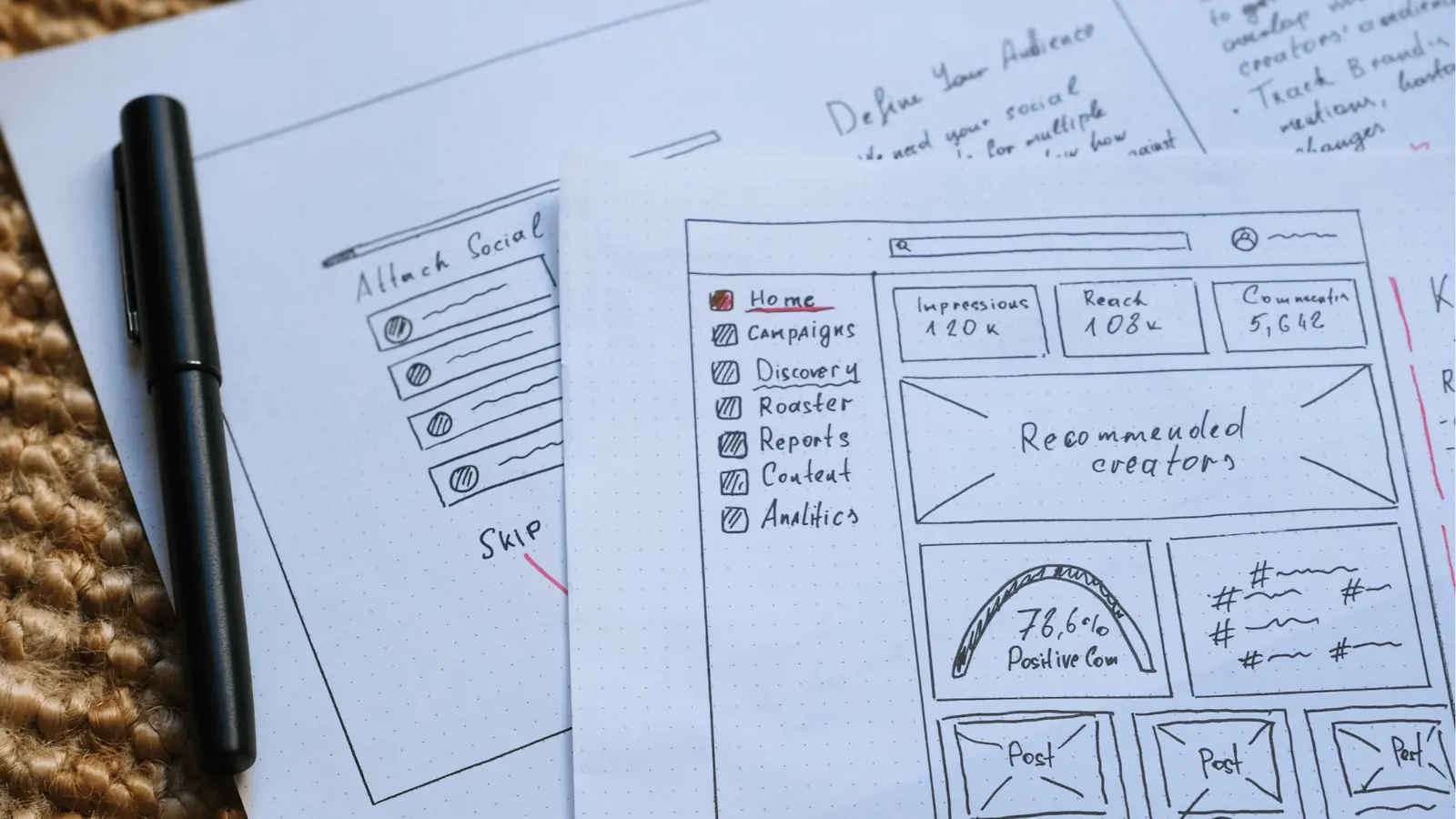
You need to look at your team's actual, daily friction points instead of the "Social Media Management" label on the package. The best tool isn't the one that promises the most automation; it is the one that exposes the fewest cracks for your team to fall through. If you are a high-velocity team, a "pretty" dashboard is effectively a liability if it hides the operational context-the why-behind your posts.
Operator rule: If your calendar tool treats a post as a standalone object, you are inviting chaos. The schedule must be a window into the workflow, not a replacement for it.
When choosing, start by auditing your current pain points. Are you losing time on status meetings? Are you constantly checking if a post in a specific timezone matches the local brand guidelines for that region? The tool should force you to move from disorganized, reactive scheduling toward a context-driven strategy.
The Operational Maturity Scale
Map your team's current behavior to see where you are bleeding efficiency:
- Reactive Scheduling: Tools are disconnected; spreadsheets house the strategy, and the scheduler is just a "publish button."
- Coordinated Planning: Centralized calendars exist, but approvals and campaign context still live in emails or chat threads.
- Context-Driven Strategy: All operational notes, timezone settings, and campaign goals live inside the calendar view, tethered directly to the content.
KPI box: Teams that move from Reactive Scheduling to Context-Driven Strategy using unified workspace-notes typically report a 40 percent reduction in internal "status check" meetings.
To achieve this, you need a workspace that doesn't just hold dates, but holds intent. Mydrop excels here because it treats the calendar as a collaborative surface. You can pin notes directly onto the timeline, which ensures the rationale for a campaign remains visible to everyone from the junior social manager to the regional director. It turns the calendar from a static grid into a living document.
The proof that the switch is working
The real test of a new calendar tool happens three weeks after you launch it, once the novelty fades and the pressure of a major product launch or seasonal campaign sets in. You will know you made the right call not because of a new feature, but because the "noise" in your team's workflow suddenly drops.
You should stop hearing, "Wait, is this the final version of the copy?" or "Who approved this for the European market?" If the tool is working, that coordination debt disappears because the context is physically adjacent to the post.
Watch out: Do not fall for the "Feature Trap" where you choose the tool with the most integration badges or shiny AI-hype buttons. Those are often just distractions that increase the operational burden because they don't integrate your actual team’s approval flow.
Before you fully commit to a new platform, run a quick stress test. Give your team five minutes to find the answers to these operational bottlenecks within the interface:
- Can you see the regional timezone for any given post without leaving the calendar view?
- Is there an editable space for "campaign notes" or "strategic goals" directly next to the post entry?
- Can you switch between brand-specific workspaces without re-authenticating or refreshing the entire app?
- Are the platform-specific validation errors visible before you click schedule, or only after the post fails?
- Is there a clear audit trail of who touched a post and when, linked to the status of your automations?
If your team struggles to answer these in under five minutes, the tool is likely failing to bridge the gap between planning and execution.
True operational success is boring. It means your team stops asking questions about how to use the tool and starts using the tool to make better decisions about what to publish. When you reach that point, you aren't just managing posts anymore-you are managing the sophisticated, multi-brand workflow that actually fuels them. It is the difference between surviving a campaign cycle and mastering it.
Choose the option your team will actually use

Stop looking for the perfect feature set and start looking for the tool that forces your team to stop using spreadsheets as a crutch. If you are an enterprise brand or agency, you already know the real cost isn't the subscription price-it is the lost hours spent reconciling "final" drafts that weren't actually final, or missing a timezone update because someone copied a date into the wrong Slack channel.
The best tool for you is the one that forces coordination debt to the surface immediately. You want a system where the "why" of a campaign is locked to the "when" of the publishing schedule. If your team has to leave the calendar view to check on notes, project status, or approval requirements, you are not managing a workflow; you are managing a relay race with a baton that keeps getting dropped.
Operator rule: If the operational context isn't physically adjacent to the post in your calendar, you aren't managing a schedule, you're managing a communication crisis.
Choose the tool that lets your team:
- Switch workspaces instantly without losing track of timezone-specific publishing windows.
- Attach campaign context directly to the calendar grid, so everyone understands the strategy without digging through email threads.
- Validate requirements before the post hits the live queue, cutting down on back-and-forth edits that bloat the process.
If you are tired of the constant context switching and ready to move to a higher level of maturity, try this audit this week:
- Map your current hand-offs. Identify every point where a post moves from "idea" to "ready to schedule" and count the number of separate tools or docs involved.
- Audit your timezone misses. Review the last three months for any instances where content went live at the wrong time for a specific market or client.
- Consolidate the context. Move your campaign notes and creative briefs into a single, unified view to see if your team's daily status meetings actually become optional.
Conclusion

Social media maturity is rarely about the number of posts you can blast out in a minute; it is about how much complexity you can hide from your team. We often obsess over the "latest" integration or the shiniest UI, but enterprise success is built on the boring, reliable stuff: clear visibility, unified timezones, and the ability to look at a calendar and understand the strategy without sending a single follow-up message.
The tools we use should act as a force multiplier for our decision-making, not a storage unit for our coordination overhead. When you strip away the marketing jargon and the feature bloat, you are left with a simple operational truth: a social calendar is useless if it is disconnected from the campaign notes that created it.
If you're ready to stop managing a mess and start managing a strategy, Mydrop provides the workspace context to bridge that gap, letting you stop managing individual posts and start managing the actual workflow that fuels them.