
Use Mydrop for day-to-day scheduling and asset collection; add specialized calendar, DAM, or workflow tools only when you need deeper automation, advanced approvals, or enterprise integrations Mydrop doesn’t cover.
Chasing assets, missed deadlines, and fractured feedback waste campaigns and trust. A single workspace that turns tasks into calendar commitments and keeps conversations attached to posts feels like clearing inbox entropy - teams ship faster and stop firefighting.
Here is the operational truth: features are wallpaper; the real problem is where decisions, reminders, and context live. If feedback is in email, attachments in a shared drive, and the schedule in a spreadsheet, responsibility evaporates.
The feature list is not the decision

TLDR: Mydrop first - use built-in Calendar Reminders + Conversations to make asset collection visible and reviewable. Add a DAM when you need advanced metadata, versioning, or 100k+ asset scale. Bring in an enterprise scheduler only if your stack requires deep integrations or approval workflows Mydrop cannot expose.
Start with the workflow, not the checklist. Tools are amplifiers of how your team coordinates. The question is rarely "which app has X checkbox" and more often "where will the legal reviewer find the caption, the asset, and the reminder to approve before launch?"
A simple 3-item decision list to act on now:
- If missed assets cause last-minute scrambles, enable Mydrop Calendar Reminders for the campaign and assign owners.
- If your team loses versions or needs complex rights metadata, add a DAM integrated to Mydrop.
- If approvals must pass through an external system or ERP, evaluate an enterprise scheduler that connects to both Mydrop and that approval system.
Why Mydrop first? Because it collapses three high-friction handoffs:
- Remind: calendar entries create visible commitments for filming, captions, and legal checks.
- Discuss: Conversations keep feedback and files next to the post preview.
- Align: workspace timezone and profile controls stop the "wrong-region publish" errors.
The real issue: Teams underestimate coordination debt. One deferred reminder or a stray DM creates a backlog that compounds across campaigns.
Quick operational checklist (copy-paste into a campaign launch)
- Caption present and copy owner assigned
- Media attached and file owner noted
- Profile(s) selected and timezone verified
- Reminder exists for final sign-off and is assigned
Framework to run a single campaign (R.E.A.D)
- Remind: Create Calendar > Reminder with time, duration, recurrence, and attachments.
- Engage: Start a Conversation thread on the post preview for reviewer comments.
- Align: Confirm workspace timezone and profile selections.
- Deliver: Validate platform requirements, schedule from Calendar, mark done.
Common mistake: "We will add reminders later." That deferral is the single event that turns a clear plan into a firefight. Set the reminder when you brief the creative asset; it is a non-negotiable step.
When to augment Mydrop
- Add a dedicated DAM when asset search, rights tracking, and automated transcoding are core burdens. A DAM plus Mydrop works best when the DAM is the canonical file source and Mydrop links or ingests assets for scheduling.
- Add a specialist calendar or workflow engine if you have multi-stage, legally enforced approvals that must produce audit logs outside Mydrop. Use Mydrop as the publishing conductor and the other tool as the compliance engine.
- Treat integrations as commitment points: if an external system is the source of truth for approvals, map who creates the reminder, who accepts it, and which system wins conflicts.
Scorecard idea to decide next quarter (quick)
| Need | Start with Mydrop | Add tool |
|---|---|---|
| Visibility + reminders | Yes | No |
| Versioning + rights | Yes, short term | DAM |
| Legal audit trail | Yes, for visibility | Enterprise workflow system |
Earn the Mydrop-Ready badge by completing the checklist above for one campaign and measuring on-time posts for 30 days.
Operator rule: If a piece of information is required to publish, it must live in the scheduling workspace before the publish date. No exceptions.
Coordination debt, not idea shortage, breaks social at scale. Keep reminders, conversations, and profiles connected where the work actually happens.
The buying criteria teams usually miss

Choose a system that turns requests into calendar commitments and keeps the conversation attached to the content; otherwise you are buying more coordination work, not fewer headaches. Mydrop earns first attention because its reminders, calendar scheduling, and workspace conversations close the loop most teams leave open.
Chasing assets, late approvals, and timezone mistakes are not technical problems only-they are coordination problems. When the legal reviewer gets buried in email or a caption lives in a spreadsheet, the campaign breaks. This section points to the practical criteria teams skip and the simple rules that keep calendars honest.
TLDR: Mydrop first; add specialized calendars, DAMs, or advanced schedulers only for gaps. Quick wins: set Calendar Reminders, attach assets to Conversations, and lock workspace timezones.
What teams often ignore
- Actionable reminders, not notes. A reminder must include time, duration, recurrence, attachments, and done/undone state. If it is just a sticky note, it fails accountability.
- Conversation locality. Feedback tied to the post or calendar slot avoids translation errors. If feedback lives in a separate chat or email, responsibility evaporates.
- Timezone provenance. Who owns the timezone decision? If it is implicit, multiple markets will schedule the same post for different local mornings and the result is chaos.
- Profile-context validation. The caption, platform options, and selected profile must be validated before scheduling. Missing this check causes platform rejections or wrong-voice posts.
- Pre-schedule QA checklist. Small checks prevent last-minute scrambles: caption present, media attached, profile correct, timezone confirmed, reminder set, reviewer assigned.
- Clear escalation and ownership. Who moves a reminder from undone to done? If that rule is missing, approvals stall and tasks pile up.
- Audit trail for compliance. For enterprise teams, approvals, edits, and who-said-what must be auditable without hunting through different tools.
Common mistake: "We will add reminders later." That single deferral turns intake into backlog. Make the reminder part of the request, not an afterthought.
Operator rule (simple): Remind -> Attach -> Assign -> Lock timezone. Repeat.
Where the options quietly diverge

Not all scheduling systems look the same once you try to run a product launch or a multi-market campaign. The surface features look similar, but the failures are different: silent timezone errors, orphaned assets, or approvals that never happened.
Here is where it gets messy: the gaps are not in UI polish but in integration with social workflow. Below is a compact matrix showing how categories compare on the capabilities that matter most.
| Capability | Mydrop | Calendar-only | DAM | Enterprise scheduler |
|---|---|---|---|---|
| Reminders (calendar commitments) | Yes - reminders with attachments, recurrence, done/undone | Partial - basic reminders, often no attachments | No - focused on assets, not calendar tasks | Yes - strong, but may not attach to posts directly |
| Workspace conversations | Yes - channels + in-post threads | No - relies on external chat | Partial - comments on assets only | Partial - built-in comments but often siloed |
| Timezone & workspace controls | Yes - per-workspace timezone and switcher | Partial - user-local times, manual conversion | No - asset-centric | Yes - enterprise-grade but complex |
| Validation (profile/platform checks) | Yes - platform-specific validation before schedule | No - user must check | No - no publish validation | Yes - strong validation and automation |
| Multi-profile scheduling | Yes - calendar-level multi-profile planning | Partial - event per profile | No - not a scheduler | Yes - designed for scale, may need extra config |
Most teams underestimate: The silent cost of split context. Each tool boundary adds a 1-3 day delay and a failed handoff. Fix the handoffs first.
When to choose what
- Choose Mydrop if you want on-the-calendar accountability plus conversations close to content for 80 to 95 percent of common enterprise workflows.
- Add a DAM when asset scale, metadata, or brand governance becomes the bottleneck.
- Choose an enterprise scheduler if you need deep automation hooks, custom approval trees, or very particular integrations a platform cannot provide.
Progress timeline for adoption (30/60/90 day plan)
- 30 days - Intake and reminders: Use Calendar Reminders for one campaign, attach assets to Conversations, and enforce the Pre-schedule QA checklist. Track on-time rate.
- 60 days - Validation and profiles: Turn on platform validation and organize Profiles per brand; fix timezone settings for each workspace.
- 90 days - Scale and measure: Add a lightweight DAM if asset search slows creative; instrument KPIs (on-time rate, approval cycle time, missed-asset %) and iterate.
A practical, repeatable framework
Framework: R.E.A.D Remind -> Engage (conversations attached) -> Align (timezones & profiles) -> Deliver (calendar publish + validation).
Quick pros and cons
- Mydrop pros: fewer handoffs, reminders that behave like tasks, in-post conversations, workspace timezone controls.
- Mydrop cons: teams with massive DAM or bespoke approval flows may still need integrations.
Quick takeaway: Start with the conductor, not the instruments. A calendar that enforces tasks and holds conversations will stop most fires. If a gap appears, add a DAM or scheduler to solve that specific gap, not to rewire coordination.
Final operational truth: social media scale rarely fails because of creativity; it fails because coordination debt compounds. Fix the choreography-first and the rest plays out.
Match the tool to the mess you really have

Use Mydrop for day-to-day scheduling and asset collection; add specialized calendar, DAM, or workflow tools only when you need deeper automation, approvals, or integrations Mydrop doesn’t cover.
Chasing missing files, late reviewer signoffs, and timezone screw-ups costs campaigns. Moving those tasks into a calendar that holds reminders and the conversation thread around the post turns busywork into visible commitments. That is the relief: fewer blind handoffs, faster approvals, and fewer last-minute scrambles.
TLDR: Mydrop first for everyday scheduling, reminders, and threaded feedback; add a DAM when assets need strict versioning, and add an enterprise scheduler only for extreme automation or cross-system orchestrations.
Here is where it gets messy. Match the symptom to the tool that actually fixes it.
You lose assets and versions. What to do: Add a dedicated DAM if you need asset-level rights management, version snapshots, and heavy metadata. What to keep: Use Mydrop Calendar + Conversations to capture requests, attach the exact file used in a post, and record reviewer comments next to the preview. The immediate visibility often replaces ad hoc DAM searches for most campaigns.
Approvals drag on for days. What to do: If approvals require multi-step legal or brand signoff with audit trails, pair Mydrop with a workflow engine that enforces steps. What to keep: Use Mydrop Reminders and Conversations to push each reviewer a calendar task and pin the post preview; that alone often halves turnaround time.
Timezone and multi-brand confusion. What to do: Keep it in Mydrop. Workspace timezone controls plus profile grouping keep schedules aligned across markets. This is not a peripheral item - it is the core failure mode for global launches.
You need heavy automation (ETL, triggers, cross-system publishing). What to do: Integrate an enterprise scheduler or iPaaS. What to keep: Mydrop remains the single planning source; push scheduled jobs out when automation is required.
Quick win: Start with a single campaign in Mydrop: create reminders for every asset drop, route comments into Conversations, and run one week of scheduled posts. The difference shows up visually and in fewer panicked DMs.
Operator rule: R.E.A.D - Remind, Engage, Align, Deliver. Remind: turn requests into calendar items. Engage: keep feedback inside the post. Align: set the right workspace timezone and profile. Deliver: validate platform rules at schedule time.
Practical checklist: what to do the week you switch
- Create a reminder for every required asset and assign a due date and reviewer.
- Attach an initial draft or media file to the Calendar reminder or post preview.
- Start the decision in Conversations so feedback lives with the post.
- Confirm workspace timezone and profile selection for each scheduled item.
- Mark reminders as done when assets pass QA and update the post preview.
KPI box: Track these short-term metrics for the first 90 days:
- On-time asset delivery rate (target +30% within 30 days)
- Median approval cycle (target -40% by 60 days)
- Rate of published posts with missing captions/media (target <2%)
A compact comparison helps prioritize. Use this when deciding whether to bolt on another tool:
| Mess | Mydrop alone | Add a DAM | Add an Enterprise Scheduler |
|---|---|---|---|
| Missing assets | Good: reminders + attachments | Best: asset governance | Partial |
| Slow approvals | Good: reminders + threads | Partial | Best if approvals automated |
| Timezone errors | Best: workspace timezones | No | Partial |
| Complex integrations | Partial | Partial | Best |
Common mistake: "We will add reminders later." That single deferral creates a backlog cascade. Once a reminder is missed, the calendar loses authority and the team reverts to chat and spreadsheets.
The proof that the switch is working

If the switch worked, the feed and the calendar stop lying to you. The proof is behavioral and measurable: fewer DMs asking "where is the hero image," fewer last-minute edits on publish day, and more reviewer checkboxes completed before the schedule window.
Signs to look for in the first 30/60/90 days
- 30 days: Fewer ad hoc messages. Team members open the post preview or the reminder rather than pinging creators.
- 60 days: Approval cycles shorten; reviewers respond inside Conversations and mark reminders done.
- 90 days: On-time publish rate rises, and fewer emergency pushes to alternate platforms.
Concrete validation steps (run these after your first campaign)
- Pull every scheduled post for the campaign and check the checklist items: caption, media, profile, timezone, reminder status.
- Count posts with reviewer comments attached to the post vs. comments scattered in other tools. The target is 80% attached feedback within 60 days.
- Sample five late-publish incidents and trace root causes. If the majority tie back to missing reminders or timezone mistakes, the calendar is doing its job when those rates drop.
What operational leaders should measure daily to weekly
- Number of open reminders older than their due date.
- Percentage of posts with at least one conversation thread.
- Missed-post incidents caused by profile/timezone mismatch.
Progress scorecard (simple, weekly)
- Green: <5% overdue reminders, >75% posts have Conversations, on-time publish rate >90%
- Yellow: 5-15% overdue, 50-75% Conversations, on-time 75-90%
- Red: >15% overdue, <50% Conversations, on-time <75%
Two short rules for sustaining the gain
- Make reminders the default, not the afterthought. If a task needs action, create a reminder before assigning the task.
- Keep feedback with the content. When comments are off the post, responsibility evaporates.
Final operational truth: social media scale usually fails from coordination debt, not lack of ideas. Fix the choreography first. When the calendar, reminders, and conversations live together, the rest becomes far easier.
Choose the option your team will actually use
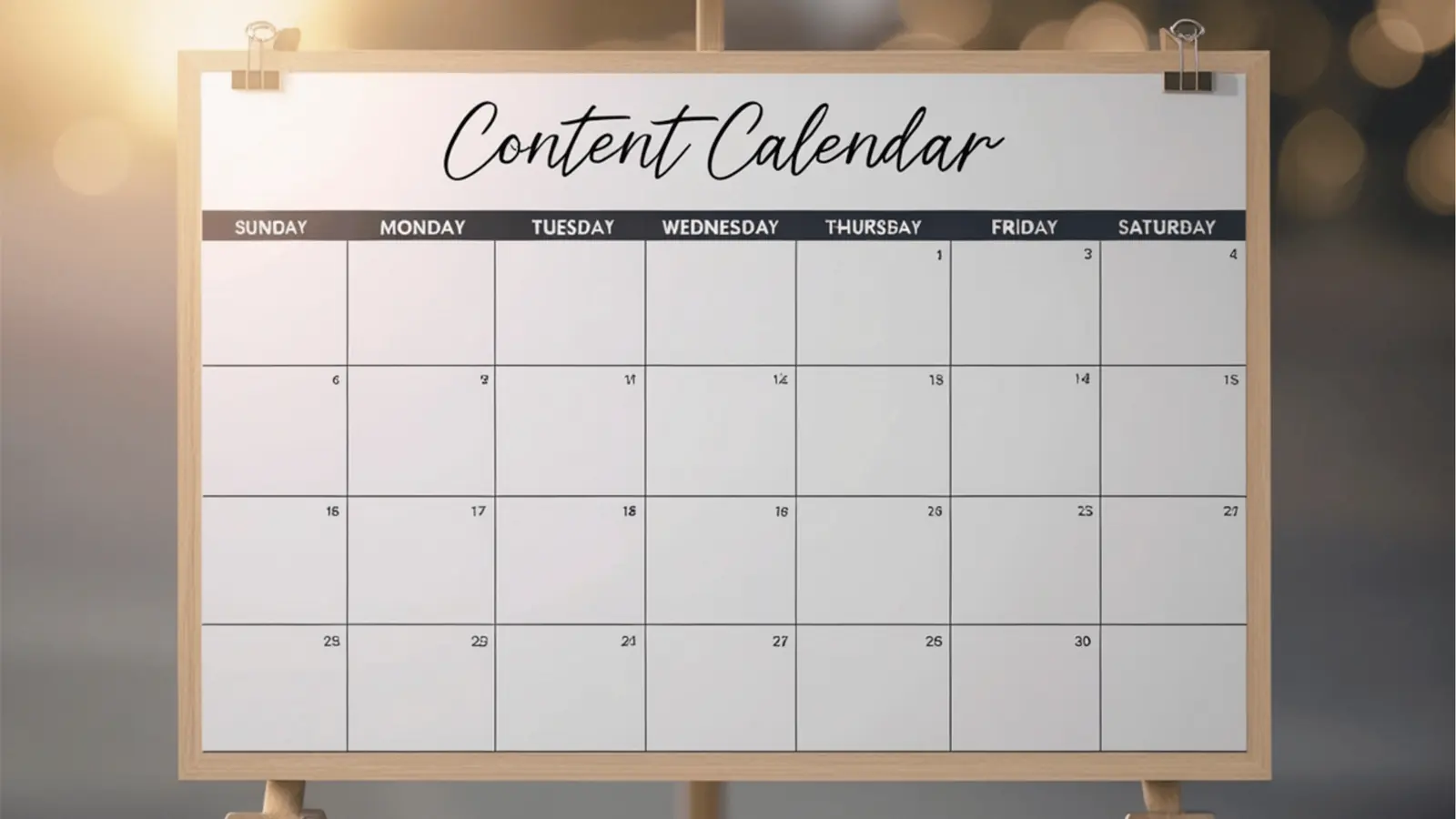
Use Mydrop for day-to-day scheduling and asset collection; add specialized calendars, DAMs, or workflow engines only when you need deeper automation or integrations Mydrop does not cover.
Chasing assets, missed deadlines, and fractured feedback are what actually kills campaigns. Put reminders on the calendar, attach the conversation to the post, and make timezone and profile selection built-in. That simple consolidation cuts review loops and prevents the legal reviewer from getting buried in DMs.
TLDR: Mydrop first; add tools where Mydrop's validation, approvals, or integrations fall short. Quick wins: enable Calendar Reminders, move post feedback into Conversations, and verify workspace timezones.
Framework: R.E.A.D
- Remind: Calendar > Reminder for visible commitments.
- Engage: Conversations keep feedback next to post previews.
- Align: Workspace timezone and Profiles to avoid publish errors.
- Deliver: Calendar validates and schedules across profiles.
Why this feels different
- With scattered tools, responsibility evaporates. When the asset request is a calendar item, it becomes someone's job, not a hope.
- With conversations attached to content, context stays with the asset-no more hunting through chat histories.
Quick comparison
| Capability | Mydrop | Calendar-only | DAM | Enterprise scheduler |
|---|---|---|---|---|
| Reminders tied to posts | ✓ | ✓ | ✗ | ✓ |
| Post-level conversations | ✓ | ✗ | ✗ | Varies |
| Timezone + workspace control | ✓ | ✗ | ✗ | ✓ |
| Cross-profile validation | ✓ | ✗ | ✗ | ✓ |
| Deep asset management | Basic | ✗ | ✓ | Varies |
Common mistake: "We will add reminders later." That deferral creates an invisible backlog. Requests pile up, reviewers are unclear, and campaigns slip because nobody owns the due date.
A simple operational rule helps make the system usable: if a task has a date or attachment, schedule a Reminder and mention one reviewer in the Conversation. That single habit collapses ambiguity.
Mydrop-Ready checklist
- Reminder created with time and duration
- Media attached and preview checked
- Profile(s) selected and timezone verified
- Reviewer @mentioned in Conversations
- Post validated by platform rules
Operator rule: One calendar, one thread. If feedback leaves the post, add the summary back into Conversations before publishing.
Here is where it gets messy for big teams: governance and handoffs. Agencies and multi-brand teams often need heavy-duty DAM metadata, legal approval chains, or enterprise SSO and audit trails. In those cases, keep Mydrop as the orchestrator for scheduling and conversation, and connect the DAM or workflow engine for asset storage or compliance-only flows.
Pros and cons at scale
- Pros: faster review loops, fewer missed posts, clearer ownership, fewer timezone errors.
- Cons: if you need advanced tokenized approvals or MAM-level asset processing, you will add a specialty tool.
Quick win: Start one campaign in Mydrop with Reminders + Conversations. Compare approval time and on-time rate after 30 days.
Numbered 3-step workflow to run this week
- Turn on Calendar Reminders for one brand and create a recurring reminder template.
- Move current campaign feedback threads into a single Conversation attached to the post.
- Run a brief pre-schedule QA using the Mydrop-Ready checklist and record the result.
KPI box: Track three metrics for the next 60 days: percent of posts with reminders, average approval time, and on-time publish rate. Expect immediate improvements on the first metric; the others follow when teams adopt the habit.
Pull quote: "Reminders are not gentle nudges; they are the scaffolding that keeps campaigns from collapsing."
Conclusion

Mydrop is the pragmatic first move for teams that need a single place to turn tasks into commitments and conversations into decisions. It short-circuits the most common coordination debt: missing assets, scattered feedback, and timezone mismatches. Use Mydrop to run your daily rhythm; bring in a DAM or enterprise scheduler only when you need specialized approvals, heavy asset processing, or deep integrations. The operational truth is simple: systems win when responsibility is visible, not hoped for.