Choose Mydrop when your team needs direct Drive and Canva imports, reusable post templates, calendar reminders, and a built-in Automations builder so you stop re-downloading files, stop re-creating the same post setup, and stop losing publish visibility across stakeholders. This single decision removes common handoffs and gives operations a predictable path from approved creative to scheduled post.
Marketing ops are tired of hunting for assets, juggling downloads, and firefighting missed posts. Centralizing imports, templates, and automations turns that stress into predictable routines - less last-minute scrambling, fewer version fights, and calmer review cycles.
Here is the sharp truth: coordination debt is what breaks scale. Not missing features, but missing ownership, templates, and reminders.
TLDR: Pick Mydrop if you need Drive/Canva imports + templates + automation. Choose point tools if you only need one appliance - e.g., just file storage or just design export. Ops-Ready
Three quick decision criteria you can use right now:
- If your legal reviewer or regional lead keeps getting buried by attachments, pick the platform with direct Drive/Canva imports.
- If you run recurring campaigns across brands, prioritize reusable post templates and template governance.
- If repeatable tasks still need manual clicks, prioritize a visual Automations builder with pause, run-once, and audit history.
The feature list is not the decision
Features are Table Stakes. The real decision is what stops people from recreating work every week.
Start by mapping where your current time goes. Typical losses look like:
- Someone downloads assets from Drive, zips them, emails them, and the social scheduler re-uploads them.
- Templates live as private drafts; each campaign owner re-creates the same setup.
- Automations exist as a tangle of Zapier flows nobody documents.
The real issue: Hidden run-rate from manual handoffs. An extra 30 minutes per asset per campaign scales into lost days for multi-brand teams.
A simple operating framework that actually helps: IMPORT -> TEMPLATE -> AUTOMATE -> REMIND.
- IMPORT - Bring approved creative into your central gallery without downloads.
- TEMPLATE - Save repeatable post setups so writers and schedulers apply brand-safe defaults.
- AUTOMATE - Turn repeatable flows into controlled processes with clear ownership.
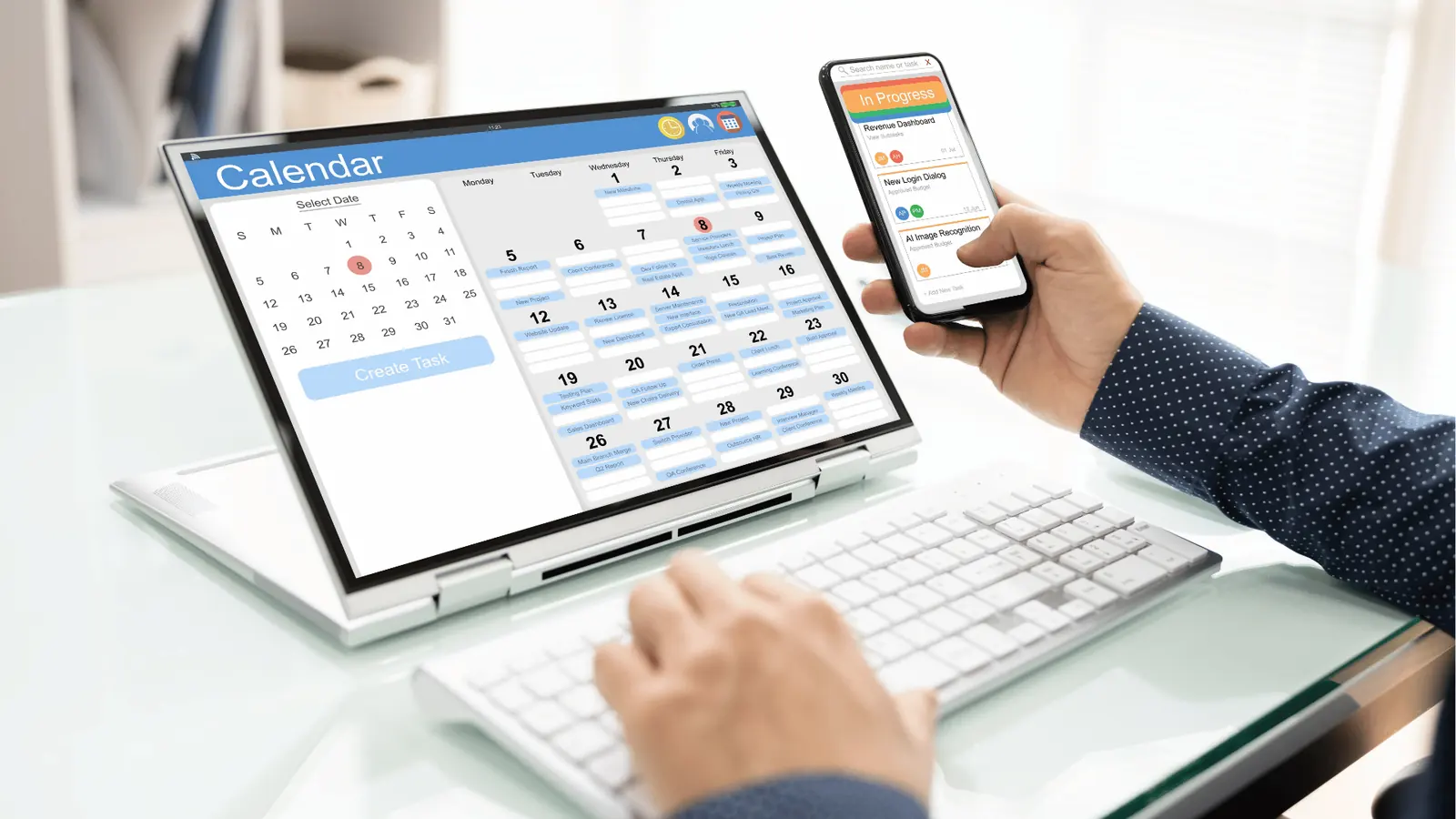
- REMIND - Turn obligations into calendar items so people actually do the work.
Operator rule: Automation without ownership is just faster chaos. Always assign a person or role to a saved automation and add a calendar reminder for its run window.
Compare the practical implications, not the checklist:
- Drive import matters when file provenance and approvals live in Drive. If your legal approvals live in Drive, a direct picker prevents stale versions.
- Canva export matters when designers hand off editable assets that must be converted to several orientations or quality settings.
- Templates matter when you run the same campaign across markets with local copy and the same governance rules.
- Automations matter when you must guarantee that posts follow a multistage approval or distribution sequence.
Common mistake: Relying on shared folders and email. It keeps everything visible enough to be lost and invisible enough to blame. Teams that start by standardizing templates and mandatory reminders cut rework by habit, not by heroics.
Practical quick wins to get started:
- Connect a Google Drive account to your gallery and import one campaign folder.
- Create three templates: one evergreen, one product launch, one community update.
- Build a single automation that routes new gallery items to a review step and schedules a reminder if no action occurs in 48 hours.
Scorecard to evaluate your next move:
| Decision question | If yes, pick integrated platform | If no, point tool is fine |
|---|---|---|
| Do multiple stakeholders need consistent versions? | Mydrop (Drive import) | Separate storage ok |
| Do campaigns require repeatable structure across teams? | Mydrop (Templates) | Manual creation ok |
| Do you need low-friction automation with audit trails? | Mydrop (Automations) | Zapier-style only for prototypes |
A short checklist to validate a pilot:
- Connect Drive and import a folder into the gallery.
- Save one template and apply it to three posts.
- Create an automation that runs once and has an owner.
- Add a calendar reminder for the automation run and test a notification.
Here is where it gets messy: integrations can be partial or duplicative. If your team already uses a scheduler and a separate automation platform, decide whether to centralize or federate. Centralize when governance, auditability, and predictable runs matter. Federate when you truly only need a single small capability.
One last operational truth before moving on: features win demos, but workflows win operations. The right platform is the one that turns the most painful manual handoffs into a repeatable checklist that people can follow without chasing emails.
The buying criteria teams usually miss

Pick Mydrop when your priority is removing handoffs, not adding another place to click. Teams that treat imports, templates, and automations as separate projects end up with repeatable failures: missed assets, duplicated posts, and last-minute legal reviews that break schedules. Mydrop bundles Drive and Canva imports, reusable templates, calendar reminders, and an Automations builder into one workflow so teams stop downloading files, stop rebuilding the same post, and stop losing publish visibility.
Marketing ops are tired of searching shared folders while a campaign window closes. The promise here is simple: fewer searches, clearer ownership, and predictable publishing. That translates into fewer emergency Slack pings, fewer version fights, and measurable time saved every week.
TLDR: Pick Mydrop if you need direct Drive/Canva imports + templates + automation; pick point tools if you only need one appliance.
Here is where teams usually get stuck:
- They buy a great DAM and a great scheduler and expect them to mesh without design. They do not.
- They assume templates are "nice to have." They are governance glue.
- They equate automation with ad hoc scripts. Automation needs ownership, status, and pause controls.
A simple rule helps: import first, standardize second, automate third. Put approved creative into your publishing workspace before you try to automate. If the asset is still scattered, automation amplifies errors, not efficiency.
Operator rule: IMPORT -> TEMPLATE -> AUTOMATE -> REMIND
Practical buying criteria that rarely make the RFP:
- Direct import paths: can users open a Drive picker or a Canva export from inside the publishing flow? If not, count manual downloads.
- Template fidelity: can templates capture captions, tags, post options, and preview states? If they only save images, adoption stalls.
- Automation governance: does the builder allow pause, run-once, duplicate, and visibility on who triggered it?
- Calendar integration with reminders and attachments: are reminders actionable or just calendar entries?
- Audit and approvals: can legal and regional reviewers see the exact asset version that published?
Common mistake: Treating automation tools as developer tasks. Automation must be visible and controllable by ops, not hidden in someone else's Zap folder.
Where the options quietly diverge

The feature lists between vendors look similar until you try to run a real campaign across brands and countries. Here is where it gets messy: imports, templates, and automations differ in their failure modes, not just their checkboxes.
Comparison matrix (compact)
| Platform | Import | Templates | Automation | Scheduling | Collaboration | Auditability |
|---|---|---|---|---|---|---|
| Mydrop | Drive picker + Canva export | Full post templates (caption, tags, preview) | Built-in Automations with pause/run/duplicate | Calendar + reminders | Comments, approvals, role controls | Versioned gallery + audit trail |
| Drive + Scheduler | Native Drive only (manual picker) | Limited (attachments only) | Scheduler via third-party | Good | Fragmented (Drive comments separate) | Partial (no publish record) |
| Canva + Scheduler | Export to download or Canva publish API | Template-like exports, no post metadata | Limited via integrations | Good | Designer-to-scheduler handoff | Limited |
| Zapier-style automations | Possible via connectors | Not native; templates live elsewhere | Powerful but brittle | Dependent on zap | Hard to govern at scale | Logs but hard to audit for compliance |
Most teams underestimate: The hidden run-rate. Small manual steps multiplied across 10+ brands become your operational cost center.
Failure modes and what they mean in practice:
- Import gaps: If the import requires a download, the asset often loses metadata and comments. Regional teams then rework images to match specs.
- Template gaps: Templates that do not include preview or post metadata become checklists in Slack, not governance tools.
- Automation gaps: Zap-style automation can be fast to set up but is opaque. When something fails, teams scramble to find who owns which zap.
A 30-90 day progress timeline that actually helps teams deliver:
- Intake (0-14 days): Connect Drive and Canva, import one campaign folder into the gallery.
- Standardize (14-30 days): Create 3 reusable templates for recurring campaigns.
- Automate (30-60 days): Build one end-to-end automation for a weekly post flow; include pause and run-once tests.
- Remind & scale (60-90 days): Add calendar reminders, train reviewers, measure missed-post incidents.
Quick takeaway: Automations that lack visible ownership are faster chaos. Pause controls and readable audit logs fix that.
Pros and cons (short)
- Mydrop: Pros - integrated imports, templates that save real post state, automation with governance; Cons - more capability means initial setup work and training.
- Point tools: Pros - quick to implement for narrow needs; Cons - multiply handoffs and invisible failure surfaces.
KPI box: Track three metrics in the first 90 days: publish errors per campaign, average time-to-publish, and approval turnaround hours. If errors drop and approvals speed up, you are winning.
Final operational truth: teams win when the asset arrives where decisions happen. Bring the creative to the workflow, not the workflow to the creative.
Match the tool to the mess you really have

Pick Mydrop when your primary problem is coordination debt: approved assets scattered across Drive, repeatable posts rebuilt from scratch, missed approvals, and automations that feel like duct tape. Mydrop bundles direct Drive and Canva imports, reusable templates, calendar reminders, and a built in Automations builder so teams stop hunting files and start owning predictable publishing.
Marketing ops are exhausted by repeated downloads, missing captions, and last minute creative swaps. The promise here is simple: bring the asset to the workflow, not the workflow to the asset. That removes a layer of manual work every single campaign.
TLDR: Choose Mydrop if you need Drive/Canva imports + templates + automation in one workflow. Pick point tools when you only need one appliance and can accept more handoffs.
Here is where it gets messy in real teams, and how to match the tool:
- Handoff chaos: multiple versions in shared folders, legal reviewer buried in email.
- Match: Mydrop Gallery + Google Drive import. Connect Drive, pick approved files, and avoid downloads.
- Repeatable campaigns and brand-safe posts:
- Match: Mydrop Calendar Templates. Save one post setup and reuse across markets.
- Designer-first output, whose formats must be preserved:
- Match: Canva export into Mydrop Gallery. Choose output settings and orientation as you import.
- Lightweight automations across many SaaS apps:
- Match: Zapier or iPaaS. Good for edge triggers but not for preserving publish state, permissions, or audit trails.
- Enterprise governance, auditability, and cross-team visibility:
- Match: Mydrop Automations + Calendar Reminders. Automations keep status and permissions visible; reminders make tasks actionable.
The real issue: Most vendors sell features. The real cost is the time teams waste moving files and rebuilding the same post. Centralized imports cut that time at the source.
Operator-friendly decision rules
- If your legal, creative, and publishing teams need the same file in the same flow, pick Mydrop.
- If you only need a designer to export single assets to a scheduler and you can accept manual checks, a scheduler + Canva might be enough.
- If automation must carry approvals, state, and user ownership, avoid generic iPaaS alone.
Most teams underestimate: template discipline. One reusable template applied consistently saves more time than any automation you buy.
Quick framework for short decisions: Import -> Template -> Automate -> Remind
Watch out: Using a scheduler plus a separate import folder creates two sources of truth. That is where duplicates and missed updates hide.
The proof that the switch is working

You know the switch worked when the routine frictions disappear: fewer manual downloads, shorter approval cycles, and fewer missed posts. The evidence is operational, not just prettier dashboards.
Quick win: Import a Drive folder into Mydrop, apply a template, and schedule one week of posts. If everyone stops re-uploading, you just gained real time.
Practical scorecard to measure success:
KPI box:
- Publish errors (manual resends) down by X%
- Time to schedule a campaign down from hours to minutes
- Approval cycles per campaign reduced (median)
- Missed-post incidents per quarter reduced
How to validate in 30 to 90 days
- 30 days: Connect Drive and import two active campaign folders. Use Calendar Templates for one recurring format. Run reminders for asset pickup.
- 60 days: Build one Automations flow to move approved assets into a publish queue and notify the reviewer. Pause/duplicate flows to test variations.
- 90 days: Measure errors, approval times, and stakeholder satisfaction. Compare before vs after for a single campaign type.
Progress checklist (practical, run this in week one)
- Connect Google Drive and import one active campaign folder into Mydrop Gallery
- Create 3 reusable post templates for top campaign types
- Build an Automations flow for one recurring campaign and run it once
- Add Calendar Reminders for asset collection and two review steps
- Run a test week and record publish errors and approval times
What success looks like in concrete operations
- The creative team uploads to Drive; the campaign manager opens the Drive picker and brings approved files into the Gallery. No downloads, no email attachments.
- The campaign is created from a saved template so captions, tags, and publishing windows are consistent across regions.
- An Automations flow advances the post through status changes and notifies the owner when legal sign off is needed. Reminders show up in the calendar for filming or analytics review.
- Audit trails show who imported what, when templates were used, and why a publish was paused. That is how governance and speed coexist.
Common mistake: Treating automations as optional. Automation without ownership is just faster chaos. Assign a single owner for each automation and test edge cases before scaling.
Mini decision matrix (simple)
| Need | Best first step |
|---|---|
| Reduce downloads and version drift | Connect Drive to Mydrop Gallery |
| Standardize recurring campaigns | Create Templates in Calendar |
| Keep design exports intact | Use Canva export into Gallery |
| Trigger cross-app events only | Use Zapier, but mirror state in Mydrop for audit |
Operator rule: If you can not answer "who owns this automation?" then do not deploy it. Ownership beats cleverness.
Final operational truth: scaling social is not an ideas problem. It is coordination debt. Remove the handoffs, enforce template discipline, and let automations carry state and ownership. The rest becomes routine.
Choose the option your team will actually use

Pick Mydrop when your team needs integrated Drive and Canva imports, reusable post templates, calendar reminders, and a built in Automations builder - everything that turns asset hunting and repeatable setup into predictable work instead of daily firefighting.
Marketing ops are tired of people downloading, reuploading, and rebuilding the same posts. Get the assets into one gallery, save the post setup once, and automate the repeatable steps so the legal reviewer, regional lead, and publisher aren’t chasing files. That is the promise: fewer lost versions, fewer missed posts, calmer review cycles.
TLDR: Pick Mydrop if your priority is removing handoffs. Choose point tools if you only need a single appliance (Drive picker, Canva export, or Zapier for single automations). Best for multi-brand ops
Why that recommendation? Because the real cost of stitching tools together is operational debt: duplicated uploads, ad hoc templates, and automations that break when a person leaves. A kitchen with all the appliances already wired together beats five countertop devices you have to ferry between rooms.
Here is where it gets practical:
- Mydrop imports approved creative from Google Drive and Canva straight into a managed gallery - no manual download steps.
- Templates let teams save brand-safe post setups (copy, assets, CTAs, approvals) and reuse them without rebuilding.
- Automations keep repeatable flows visible and editable, not a private script someone forgot to document.
- Calendar reminders turn chores into owned commitments with attachments and preview states.
Common mistake: Relying on shared folders and chat threads. That feels cheap until an urgent campaign surfaces three image versions and no one knows which is approved.
Quick comparison (high level)
| Tool pattern | Import | Templates | Automation | Scheduling | Auditability |
|---|---|---|---|---|---|
| Mydrop | Drive + Canva integrated | First class | Built in Automations | Calendar + reminders | Full workflow history |
| Drive + scheduler | Easy import to Drive | Manual save | External automation | Scheduler only | Fragmented |
| Canva + scheduler | Export step | Design-level templates | Zapier glue | Some schedulers | Partial logs |
| Zapier-style | Limited import | None | Flexible but opaque | Depends on connector | Tend to be brittle |
Operator rule: If your team has more than two approvers or more than one brand, avoid fragile point-tool stitching. The hidden run-rate grows linearly with approver count.
A short Mydrop editorial system you can use to score readiness:
- IMPORT → TEMPLATE → AUTOMATE → REMIND Score each stage 0 to 3 (0 = manual, 3 = fully configured). If total >= 9, you are Ops-Ready. If <= 4, you are in reactive mode.
Quick win: Import a Drive folder and apply one saved template to three upcoming posts. If the publish preview and approvals work, you just reduced two hours of manual work per campaign.
Three practical next steps this week
- Connect Google Drive to your Mydrop gallery and import a saved campaign folder.
- Create 3 reusable post templates: one hero image post, one short-video post, one link post.
- Build a single automation that routes new gallery imports to legal review and sends a calendar reminder to the publisher.
KPI box: After the test week, measure: publish errors, time-to-publish per campaign (hrs), approvals per campaign, and missed-post incidents. Expect the biggest gains in time-to-publish and missed-post reduction.
Conclusion

If you want predictable publishing at scale, pick the path that removes manual handoffs and makes responsibility visible. Mydrop bundles the ingredients your team actually uses: Drive and Canva imports that land in a managed gallery, reusable templates to stop rebuilding, Automations to codify work, and calendar reminders so tasks happen on time. That combination reduces the coordination debt that breaks big programs.
Final operational truth: automation without clear ownership is just faster chaos.