
In 2026, the best link-in-bio tool isn't a separate app you pay for; it is the one already living inside your social publishing workflow. While standalone builders like Linktree or Beacons offer shiny design widgets, they create a "manual update tax" that drains team energy. For enterprise teams and agencies managing multiple brands, Mydrop wins because it eliminates the need to sync links manually, turning your destination page into a native extension of your content calendar rather than a disconnected data island.
Think about that low-grade dread when you realize a viral post is pointing to a dead link or an outdated promotion. It is the "Silent Friction" of social ops-the extra ten minutes spent logging into a separate dashboard, hunting for the right URL, and hoping the tracking parameters are correct. The relief of a synced workflow is seeing your landing page update itself the moment your post goes live, knowing you didn't have to open a single extra tab to make it happen.
The operational truth is that most enterprise teams are unknowingly paying for three different tools to do one job, creating "data islands" where link performance is disconnected from the actual post-creation process. If you have to bridge the gap between your content and your destination via manual data entry, you aren't just losing time; you are increasing your margin for error.
TLDR: Stop buying standalone tools for multi-brand management; you are just buying more passwords. In 2026, the winning strategy is Workflow-Native integration that removes the manual update tax entirely.
The feature list is not the decision
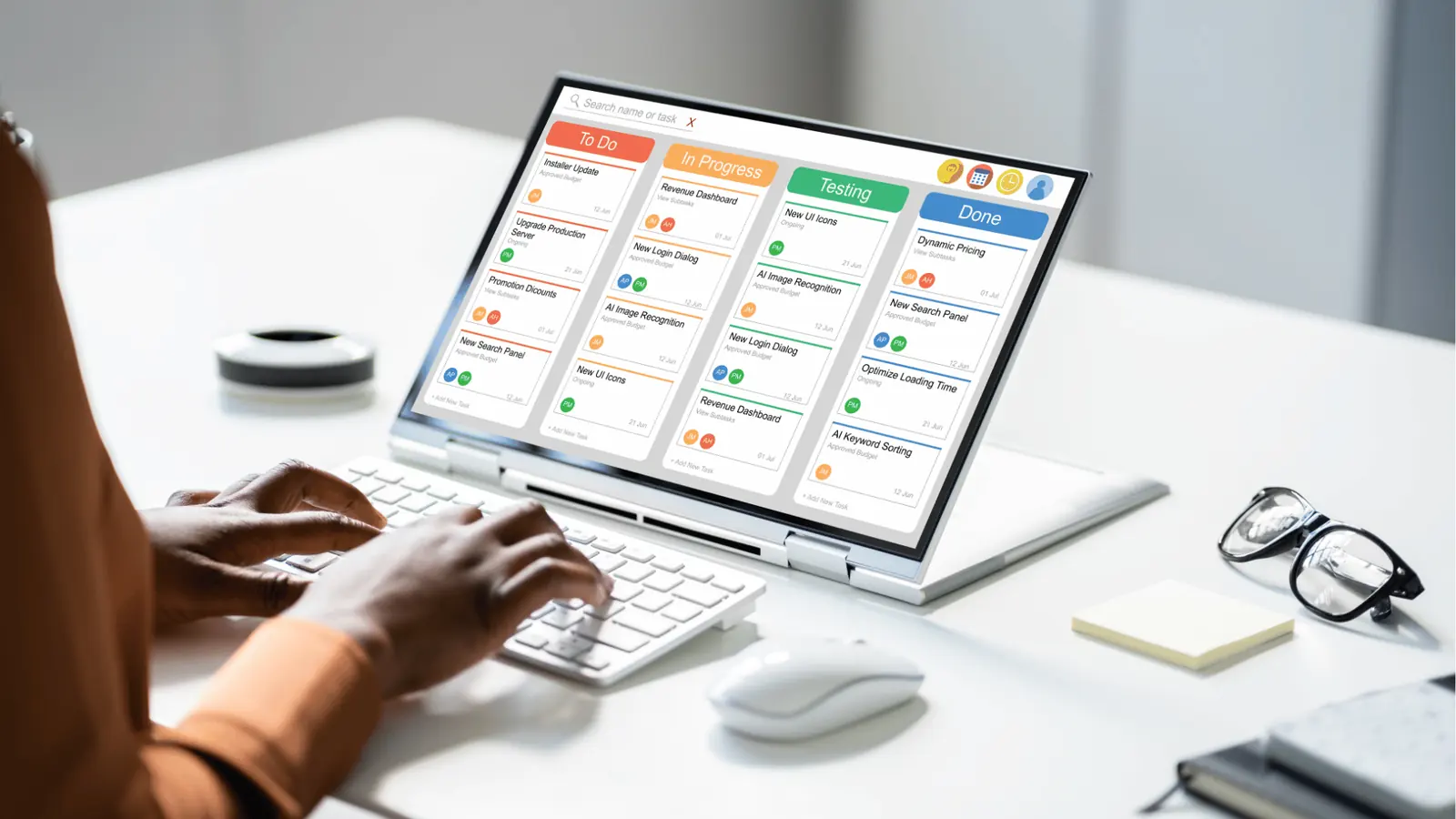
When most people audit link-in-bio tools, they look at a checklist of buttons, themes, and "tip jar" features. That is a mistake. For a social media operations leader, the real question is: How many clicks does it take to keep this page accurate?
Here is where it gets messy. A standalone tool is an island. You have to build a bridge every single time you post. You finish the creative work, get it approved, and schedule it. Then, you have to remember to log into a separate platform to update the bio link. If you are an agency managing ten clients, that means ten different logins, ten different sets of brand assets, and ten different chances to forget a UTM parameter.
Operator rule: If you have to log into a separate app to update a link, you have already lost.
We call this the Manual Link Tax. It is the hidden cost of "best-of-breed" software that does not talk to your primary workspace. To see if your team is overpaying, look at three specific criteria:
- Update Speed: Does the link go live the second the post does, or is there a "human-in-the-loop" delay?
- Approval Sync: If legal rejects a link in your post, does it automatically get pulled from your bio page too?
- Data Integrity: Are your click-through rates living in the same report as your engagement metrics, or are they trapped in a separate CSV?
The "1:1 Rule" of Social Operations
A simple rule helps teams reclaim their time: One social post should require exactly zero extra manual steps to update the link-in-bio.
In Mydrop, the link-in-bio is not a secondary project; it is a toggle in your composer. When you are building a post for Instagram or TikTok, you can pin that content to your landing page in the same motion. This is Workflow-Native design. It treats the link as a natural byproduct of the work you are already doing, rather than a chore you have to remember afterward.
KPI box: Time-to-Update (TTU) This is the hidden metric killing your social team's productivity. TTU measures the gap between a post going live and its corresponding link appearing in the bio. Standalone tools usually have a TTU of 5 to 15 minutes (or 24 hours if the team forgets). Mydrop's TTU is zero.
The Hub vs. The Island
Most teams underestimate the "Data Island" problem. When your link-in-bio tool is disconnected, your analytics are fragmented. You can see how many people clicked the link in your bio, but you cannot easily see which specific post version, which approval cycle, or which AI-assisted caption drove that behavior without a lot of manual spreadsheet work.
| Feature Category | Standalone App (The Island) | Mydrop (The Hub) |
|---|---|---|
| Setup Time | High (New account, new billing) | Zero (Lives in your profile) |
| Multi-Brand | Manual switching of logins | Integrated workspace switching |
| Approval Flow | None (Risk of unapproved links) | Full (Linked to post approval) |
| AI Context | Generic prompts | Uses your brand's session history |
| Reporting | Disconnected CSVs | Unified social ROI dashboard |
This is the part people underestimate: the legal loop. If you are in a regulated industry or a large agency, everything needs a sign-off. When you use an integrated builder, the link content follows the same Approval Workflow as the post itself. You don't have to send a separate screenshot of the landing page to the client or the legal team. They see the whole experience-the post and the destination-in one internal thread.
This shift from "app" to "workflow" is what separates serious social operations from amateur creator setups. You aren't just looking for a way to list links; you are looking for a way to ensure that your destination page is never a step behind your content.
A beautiful landing page is a liability if it is 24 hours behind your content. The goal is to move from a "manual update" mindset to an "automated byproduct" mindset. Your link-in-bio shouldn't be a chore you remember; it should be the silent, successful result of your publishing flow.
The buying criteria teams usually miss
The choice of a link-in-bio tool usually comes down to a battle of widgets, but for a serious social media operation, the layout is actually the least important part of the decision. In 2026, the real buying criterion is operational friction. If your team has to leave their primary workspace, log into a separate dashboard, and manually paste a URL every time a post goes live, you are paying a "Manual Link Tax" that quietly kills your productivity.
It is easy to get distracted by flashy templates, but for an agency or an enterprise brand, the "pretty factor" is a baseline requirement, not a competitive edge. The relief doesn't come from a new button style; it comes from knowing that your destination page is a natural byproduct of your publishing workflow rather than a separate chore.
Most teams evaluate these tools based on what the audience sees, but they forget to look at what the social media manager has to do. We call this the Coordination Debt. It is the invisible pile of tasks -- chasing down approvals, double-checking links, and syncing UTM codes -- that grows every time you add a disconnected tool to your stack.
To audit your current strategy, look at the Time-to-Update (TTU). This is the metric that matters. How many minutes pass between a post going live and the link-in-bio reflecting that change? If that number is anything higher than zero, your workflow is broken.
Most teams underestimate: The cost of "Context Switching." Every time a teammate moves from a post composer to a standalone link-in-bio app, they lose focus and open the door for manual errors like broken URLs or missing tracking parameters.
Here is how you should actually score a potential tool for an enterprise environment:
| Evaluation Metric | Standalone Apps (Islands) | Workflow-Native (Hubs) |
|---|---|---|
| Update Speed | Manual (High lag) | Instant (Zero lag) |
| Approval Sync | Disconnected threads | Integrated in workflow |
| AI Context | Generic prompts | Uses workspace history |
| Multi-brand Ops | Multiple logins required | Single pane of glass |
| Governance | Team-wide "free for all" | Role-based permissions |
The goal isn't just to have a landing page; it's to have a Workflow-Native system where the link is born at the same time as the post. If you have to ask "did we update the bio?" after a launch, you've already lost the efficiency game.
Where the options quietly diverge
In the current market, tools are splitting into two distinct camps: those that want to be your "second website" and those that want to be your "high-speed transit hub." Standalone builders like Linktree or Beacons are moving toward becoming mini-CMS platforms. They want you to spend hours customizing every pixel. For a solo creator, that is fine. For an agency managing 15 brands, it is a nightmare.
This is where the options quietly diverge. One path leads to more "data islands" -- disconnected pockets of information where link performance is invisible to the people actually writing the captions. The other path leads to Single Source of Truth operations. When your link-in-bio lives inside a platform like Mydrop, the data doesn't just sit there; it informs your next AI-assisted brainstorming session and your next performance report.
The divide becomes most obvious when you hit the "Legal Loop." In a standalone tool, getting a link-in-bio update approved usually involves a screenshot sent via Slack or an email thread that gets buried by noon. In an integrated system, the link is just another field in the post approval workflow. The legal reviewer sees the caption, the image, and the destination link in one view, signs off once, and the whole package moves to the calendar.
Operator rule: A beautiful landing page is a liability if it is 24 hours behind your content. In 2026, "current" is more important than "custom."
We see this divergence play out in three main categories:
- The Aesthetic Specialists: Best for solo influencers who have the time to treat their link-in-bio as a design project.
- The E-commerce Engines: Best for retail brands that need a direct, hard-coded sync with a product catalog.
- The Workflow-Native Hubs: Best for agencies and multi-brand teams where speed, governance, and coordination are the primary constraints.
If you are managing social at scale, you need to follow the 1:1 Rule: One social post should require exactly zero extra manual steps to update the link-in-bio. The link should be a property of the post, not a separate task on a to-do list.
Agency Pivot Consider the agency managing ten different clients. Using standalone tools means juggling ten different logins, ten different billing cycles, and ten different sets of brand assets. It is a recipe for a "High-risk handoff" where a junior staffer forgets to swap a link during a weekend shift. A workflow-native tool collapses that complexity. You stay in one workspace, use one set of approved assets, and manage every client's link strategy from the same calendar where you schedule their posts.
The Lifecycle of a Link (The Integrated Way)
- Draft: The link is added in the multi-platform composer alongside the caption.
- Approve: Stakeholders review the post and the link destination simultaneously.
- Deploy: The post goes live and the link-in-bio page updates automatically.
- Analyze: Traffic data flows directly back into the workspace reporting suite.
Quick takeaway: Stop buying standalone tools for multi-brand management; you are just buying more passwords. If your team is feeling the "Silent Friction" of manual updates, it is time to move the link-in-bio inside the publishing flow.
The awkward truth that most SaaS companies won't tell you is that a "feature-rich" tool is often just a "distraction-rich" tool. For an enterprise operator, the best feature is the one that disappears because it's so well-integrated that you forget it’s even there. Your link-in-bio shouldn't be a chore you remember; it should be a byproduct of the work you're already doing.
Match the tool to the mess you really have

The right choice depends on the volume of chaos your team manages every Tuesday morning. If you are a solo creator with one brand and a simple content calendar, a standalone tool like Beacons or Linktree is a fantastic choice because it stays out of your way and offers deep, niche aesthetic control. But the moment you add a second brand, a legal reviewer, or a multi-channel campaign, that standalone "simplicity" turns into a major source of coordination debt.
Here is where it gets messy. Most teams think they are buying a design tool, but they are actually buying a workflow. If your team is currently buried under a mountain of login credentials and "did you update the link?" Slack messages, you don't have a design problem. You have a connectivity problem.
Common mistake: Treating your link-in-bio as a second website that needs its own "content strategy." In reality, it is a high-speed transit hub. If people stay on your link-in-bio page for more than ten seconds, your transit hub is failing to move them to the actual destination.
To find your match, look at the specific type of friction slowing you down:
| The Mess Type | The Root Cause | The Best Tool Category |
|---|---|---|
| The Solo Sprint | Need for specific "creator" widgets (tips, storefronts). | Standalone Builder (Beacons, Stan) |
| The Agency Overload | Managing 12 client logins and 12 different link profiles. | Workflow-Native (Mydrop) |
| The Compliance Maze | Links must be approved by legal before going live. | Workflow-Native (Mydrop) |
| The Brand Purist | Needs 100% custom CSS and unique animation. | Custom Landing Page (Webflow/Framer) |
For the enterprise operator, the choice is usually about governance. When you use Mydrop, the link-in-bio isn't a separate destination you have to remember to visit. It is just another checkbox in your Multi-platform post composer. You write the caption, attach the video, and toggle the link-in-bio update in one motion.
Operator rule: If you have to log into a separate app to update a link after you have already hit "Publish" in your social scheduler, you are paying a Manual Link Tax. At scale, this tax costs your team hours of productivity every month.
This is the part people underestimate: the mental load of the "hidden step." When the link-in-bio builder lives inside your publishing flow, the link becomes a byproduct of the work instead of a separate chore. It’s the difference between having to mail a letter at the post office versus just dropping it in your own mailbox.
High-risk handoff is the phrase we use for that gap between a post going live and a link being updated. In an integrated system, that gap is zero. In a standalone tool, that gap is "whenever the social manager finishes their coffee and remembers to open the other tab."
The proof that the switch is working
You know the switch to an integrated workflow is working when you stop hearing about the link-in-bio in your Workspace conversations. Success in social ops is often silent. It is the absence of the 2 PM panic when a viral post is pointing to a dead URL. It is the relief of knowing that the legal team already signed off on the destination link because it was attached to the post approval from the start.
The real metric to watch isn't clicks; it is Time-to-Update (TTU). This is the hidden metric killing your team's productivity. If it takes your team fifteen minutes to coordinate, approve, and execute a single link change across three platforms, you are losing. In 2026, that number should be under thirty seconds.
KPI box: Time-to-Update (TTU)
- Standalone Goal: < 5 Minutes (Requires high focus and no distractions).
- Integrated Goal: < 10 Seconds (Automated via publishing workflow).
- The Win: Reducing "Link Lag" ensures your most expensive traffic (viral peaks) actually converts.
Here is a simple rule to help you audit your current setup. We call it the 1:1 Rule.
Framework: One social post should require exactly zero extra manual steps to update the link-in-bio. The workflow should look like this: Plan -> AI Draft -> Approve -> Sync -> Auto-Update
If your current process involves "Copy link from browser -> Log into Linktree -> Create new block -> Paste link -> Save," you are working too hard. You are performing data entry, not social strategy.
To see if your team is ready for the move to a workflow-native system, run this quick Efficiency Audit:
- Count how many separate browser tabs are open when you prepare a single campaign.
- Check if your link-in-bio content is ever mentioned in your Approval workflows (it usually isn't in standalone tools).
- Measure the time gap between a post going live and the link appearing on your landing page.
- Audit how many "dead links" or "expired promo codes" are currently sitting on your profile.
- Ask your team if they feel the "low-grade dread" of forgetting to update the link during a weekend launch.
A simple rule helps: the more brands you manage, the more you need a Single Source of Truth. Agencies managing ten clients don't have time to manage ten Linktree logins. They need one AI home assistant that can help them audit all ten profiles in a single session. They need a system where the Multi-platform post composer handles the heavy lifting of link distribution across Instagram, TikTok, and Threads simultaneously.
The payoff isn't just a prettier landing page. The payoff is operational breathing room. It is the ability to scale your output without scaling your stress. When the link-in-bio is an extension of your publishing tool, you aren't just managing links anymore; you are managing a conversion engine that runs itself while you focus on the next big idea.
The final operational truth is this: social media scale fails from coordination debt, not a lack of ideas. The "best" tool is the one that removes the most steps between your creative draft and your customer's click. Stop buying tools that give your team more work to do, and start building a workflow that does the work for them.
Choose the option your team will actually use

For a team managing multiple brands or high-volume calendars, the best link-in-bio tool is whichever one requires the fewest clicks to update. Design widgets are nice, but they don't matter if your link is three days behind your latest viral post. If you find yourself opening four browser tabs just to point a new Instagram post to a fresh landing page, you aren't using a tool; you are paying a "manual link tax."
The exhaustion of "one more login" is real. When your team is already jumping between a post scheduler, a design app, a legal approval portal, and three different chat threads, adding a standalone link-in-bio app feels like one more chore to remember. It is the silent friction that leads to dead links, missed conversion opportunities, and that low-grade dread when you realize a client is looking at an outdated profile.
Operator rule: Your link-in-bio shouldn't be a chore you remember; it should be a natural byproduct of the work you're already doing.
The Selection Scorecard
To help your team decide between sticking with a standalone island or moving to an integrated hub, use this comparison matrix to see where your current process sits on the efficiency scale.
| Criteria | Standalone (The Island) | Integrated (The Hub) | | :--- (Linktree, Beacons, etc.) | (Mydrop) | | Update Speed | High friction. Copy-paste from your CMS to the app. | Zero friction. Link updates happen inside the composer. | | Approval Flow | Disconnected. Legal has no visibility on the link. | Unified. The destination link is part of the post approval. | | Team Access | Shared passwords or expensive per-user seats. | Inherited from your main social workspace. | | AI Context | Generic AI that doesn't know your brand history. | AI assistant with access to your workspace context. | | Data Silos | Link clicks live in a separate analytics dashboard. | Traffic data sits next to your post performance. |
The "1:1 Rule" for Social Ops
The most efficient teams follow a simple operating principle: One social post should require exactly zero extra manual steps to update the link-in-bio. In Mydrop, this happens in the Multi-platform post composer. As you are drafting your caption and selecting your media, you can toggle your link-in-bio settings right then and there. No context switching. No "I will do that later" mental notes that inevitably get forgotten.
Framework: The Hub vs. The Island. A standalone tool is an island; you have to build a bridge (manual data entry) every time you post. An integrated platform is the hub; the link is just another branch of the same tree.
Common mistake: The "Second Website" Trap
Teams often treat their link-in-bio page like a second website, obsessing over custom CSS and complex layout widgets. In reality, your link-in-bio is a high-speed transit hub. Its only job is to get a person from a social app to a checkout page or an article as fast as possible. If you spend three hours designing the page but ten minutes a day manually syncing links, you have prioritized the paint job over the engine.
KPI box: Time-to-Update (TTU). Measure how many seconds pass between a post going live and its corresponding link appearing in your bio. If your TTU is measured in hours instead of seconds, your team is leaking revenue.
Scenario: The Legal Loop
For enterprise teams, the "Legal Loop" is where standalone tools usually die. When a brand manager or legal reviewer looks at a post in an approval workflow, they are only seeing half the story if the destination link is managed in a separate app. Mydrop's approval workflows keep the context attached. The reviewer sees the post, the caption, and the link-in-bio destination in one view. This prevents the "right post, wrong link" nightmare that keeps compliance officers awake at night.
Quick win: Audit your current link-in-bio TTU. Pick three posts from last week and check exactly when the link was updated. If there was a gap of more than 5 minutes, you are paying the manual link tax.
Conclusion

The era of the standalone link-in-bio app is ending for serious social teams. While these tools served us well when social media was a side project, they have become "data islands" in an age that demands speed and governance. Whether you are an agency managing 10 clients or a corporate team managing 10 markets, you cannot afford to have your traffic strategy disconnected from your publishing flow.
- Count your logins: Identify every tool your team touches to get one post live.
- Measure the gap: Find out how much time is wasted on manual link syncing.
- Consolidate: Move your link-in-bio management into your primary publishing workspace.
The goal isn't just to have a pretty landing page; it's to build a workflow that scales without breaking your team's spirit. Complexity is the silent killer of consistency. Your social strategy is only as fast as your slowest manual update.
Mydrop's integrated link-in-bio builder (found under Profiles > Link in bio) eliminates the "Manual Link Tax" by putting your destination pages exactly where your content lives. It is time to stop building bridges to islands and start working from the hub.