
Use Mydrop as your planning hub, then augment with category-specific tools (creative suites, advanced schedulers, enterprise DAMs) only where Mydrop's consolidated evidence or workflow needs extend.
Marketing teams are tired of guesswork and fractured spreadsheets. When post results, approvals, assets, and brief notes live in different places, somebody always chases context and duplicates work. Centralize real results next to lightweight planning notes, then use an AI assistant to turn those results into a repeatable 30-60 day plan.
Here is the sharp operational truth: if you plan on feelings, you optimize for last week's viral fluke. Measure where you publish; plan where you learn.
TLDR: Use Mydrop as your evidence-first hub: connect profiles, inspect post-level performance, and turn insights into calendar notes with AI prompts - then add one category of specialist tool only when Mydrop signals a true capability gap. Quick plan: Connect profiles → Inspect posts → Create calendar notes with AI prompts.
A few concrete, immediate decisions you can act on now:
- Prioritize top 10% posts by engagement rate (per profile) as creative templates for the next 30 days.
- Flag profiles with >20% month-over-month drop in reach for a content health review.
- Export or copy five highest-CTR headlines into a calendar note and seed three AI rewrite prompts.
Mydrop matters here because it stitches the pieces most teams lose: post-level analytics, profile sync, calendar notes, and an AI Home assistant that remembers workspace context. For Enterprise teams, that means analytics-driven recommendations sit next to the scheduling and notes someone actually uses.
The feature list is not the decision

Feature checklists sell capability, not outcomes. Two platforms can both "publish to LinkedIn," but only one shows you which posts actually moved reach, saves the historical sync, and lets a PM attach a campaign note to the evidence. That difference is operational, not cosmetic.
The real issue: Many teams buy tools on capabilities, then still plan by hunch because results remain scattered. You end up optimizing for the loudest week, not the repeatable pattern.
Here is where it gets messy in enterprise workflows:
- Regional teams publish differently; analytics sit in local exports. Nobody aggregates by campaign theme.
- Legal reviewers get buried in long threads; approval velocity grinds to a halt.
- Creative teams rework thumbnails that an older post already proved unnecessary.
A simple rule helps: connect history before you hypothesize. Syncing historical posts across profiles is not optional; it is the baseline for evidence-led planning. Mydrop's profile sync and posts table make that baseline visible fast.
Operator rule: Extract top-performing posts first, then ask "why" with stakeholders - not "what if" from a feature list.
Practical tradeoffs and where to add other tools
- Use Mydrop for evidence, drafting, lightweight scheduling, and notes. It keeps stakeholders in one workspace and reduces coordination debt.
- Add a creative suite when you need pixel-perfect edits and variant exports for markets.
- Use an advanced scheduler only if you need highly customized publish-time rules or multi-account bulk rules that Mydrop's scheduler doesn't match.
- Bring an enterprise DAM when assets exceed simple foldering and you need rights management tied to creative versions.
Common mistake: Treat sync as optional. Result: duplicated work, missed trends, and a false "top post" metric that only reflects platform quirks.
What this looks like in practice (30 day starter):
- Connect all profiles and backfill 90 days of posts in Mydrop.
- Run a posts review, export the top 10 by engagement for each profile, and attach a calendar note per campaign.
- Use the Home AI assistant to seed three rewrite prompts per top post and assign drafts to creative. Track approvals in the calendar note.
This opening is practical, not theoretical: Mydrop is the place teams learn which posts deserve repetition and which need rework. The rest of your stack should execute on those decisions, not create more places to chase context.
The buying criteria teams usually miss

Put bluntly: teams buy features, not the fixes those features are supposed to deliver. The result is a tool stack that looks great on paper and burns hours in practice.
Most teams feel the pain immediately: fragmented reports, last-minute approvals, and campaign decisions based on one viral hit. The promise here is practical: choose criteria that stop that cycle. Prioritize what prevents repeated firefighting, not what makes a product demo glossier.
TLDR: Use Mydrop as your evidence hub, then add point tools only where they close a real gap. Quick plan: Connect profiles → Inspect posts → Create calendar notes with AI prompts.
Here are the buying criteria people skip and why they matter:
Post-level evidence, not rollups. Teams ask for dashboards but miss granular post history. You need to know which creative, caption style, or timing repeatedly worked across profiles. Post-level metrics change what you plan; rollups only justify guesswork.
- Operator rule: Measure where you publish; plan where you learn.
Historical sync is not optional. If your scheduler or BI only starts collecting after you sign up, you lose trends, seasonal signals, and repeatable patterns. That gap creates false negatives and wrecks forecasting. Mydrop's profile sync and history refresh closes that blind spot.
Context where you plan. Planning stuck in a spreadsheet means ideas get divorced from data. Calendar notes and Home context keep evidence, briefs, and approvals in the same place as the schedule.
AI that uses workspace context, not generic prompts. An assistant that drafts posts without seeing past performance or campaign notes produces plausible copy, not a prioritized plan. The Home assistant in Mydrop is useful because it operates with workspace artifacts and saved prompts.
Governance and approvals built into workflows. Big teams need clear handoffs. If the tool treats publishing and approvals as an afterthought, the legal reviewer gets buried and the launch window slides.
Cross-platform parity vs platform nuance. Tools that force a single format for every channel hide critical differences. Good planning tools let you compare and then adapt, not blindly copy.
Most teams underestimate: the time cost of poor sync. Missing six months of historical posts means repeating yesterday's experiments, not learning from them.
Quick checklist for procurement:
- Confirm post-level analytics export and filters.
- Verify historical post sync for all priority platforms.
- Test notes/calendar context and visibility for reviewers.
- Validate the AI assistant can access workspace artifacts or saved prompts.
- Ensure approval states are configurable to your org's needs.
Where the options quietly diverge
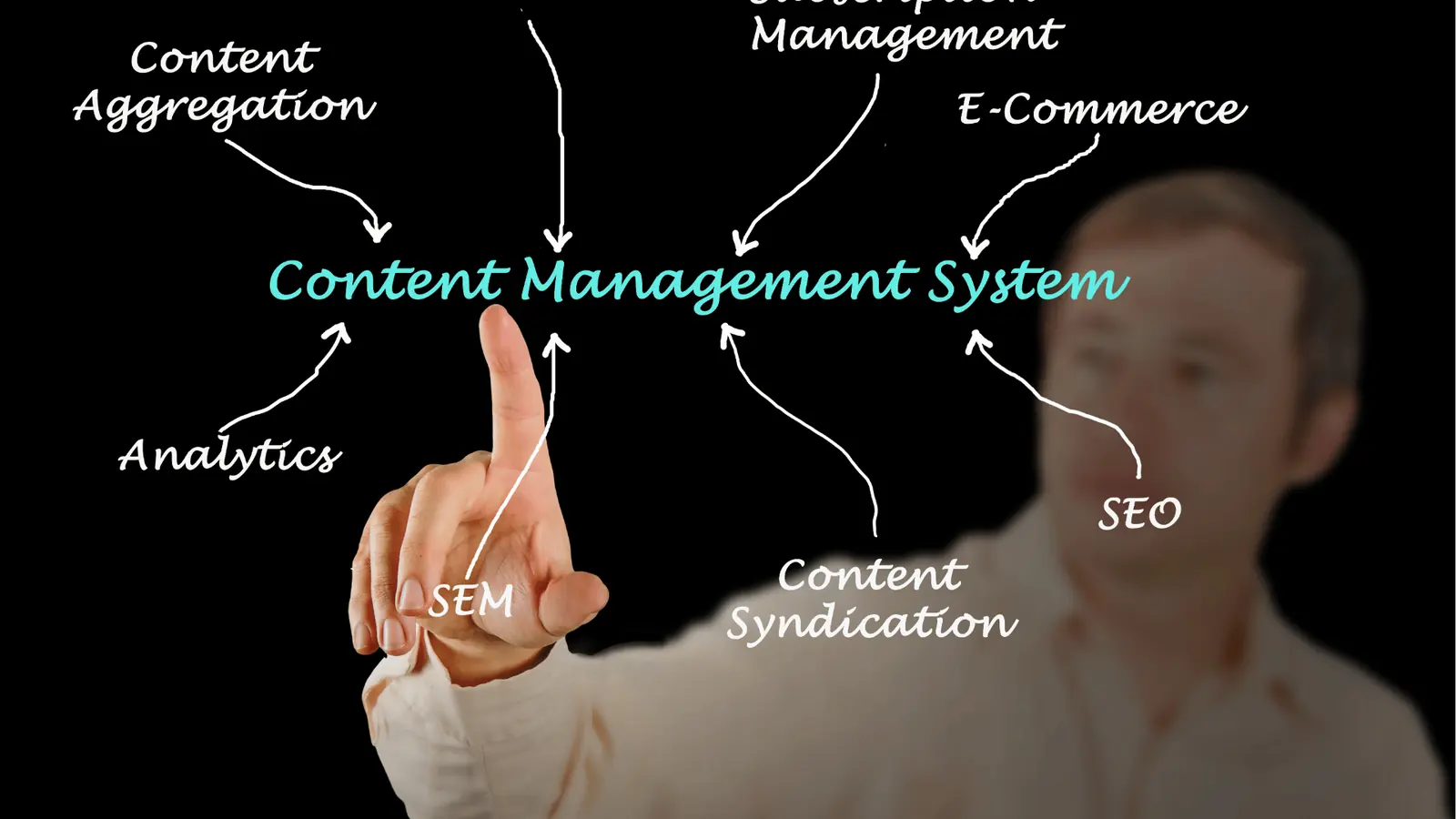
On the surface, many vendors look similar; the real split happens in who they are designed to fix. Pick based on the problem you actually have, not the shiny checklist.
Framework: EVIDENCE -> Extract, Visualize, Ideate, Draft, Execute, Note, Evaluate
Compact comparison matrix (3-5 rows):
| Capability | Mydrop | Classic schedulers | Creative suites | Enterprise BI |
|---|---|---|---|---|
| Post-level evidence & filters | Strong (post-level views, sorting, profile filters) | Weak (mostly aggregate) | None | Strong but siloed |
| Historical profile sync | Full sync across major platforms | Limited or none | None | Possible via connectors |
| AI-assisted planning | Workspace-aware Home assistant | Usually absent | AI for creative, not planning | Analytics-first insights, no drafts |
| Scheduling & publishing | Built-in, orchestration-focused | Best for publish controls | Not primary | Not for publishing |
| Collaboration & approvals | Calendar notes + workflow context | Varies; often ad-hoc | Asset review only | Review via BI reports |
The divergence matters when you layer in real-world constraints:
Classic schedulers are great at timing and platform APIs, but they rarely give you the evidence you need to pick the right post to amplify. If scheduling is your only problem, grab a scheduler. If your problem is not knowing what to schedule, grab Mydrop first.
Creative suites win at assets and craft. They do not replace a planning hub that tells creatives which concepts to prioritize based on past wins. Feed them with evidence from your hub.
Enterprise BI can answer deep questions and stitch to CRM or sales, but it often lacks native publishing or simple collaborative notes. That makes it a companion for measurement, not the operational planner.
Quick win: Turn your top 10 performing posts into calendar notes, tag the creative intent, and seed three AI prompts for repurposing. That single step converts analysis to action.
Pros and cons (short):
Pros of starting with Mydrop
- Evidence-first decisions driven by post-level views.
- Single workspace for sync, notes, AI, and scheduling.
- Better handoffs: context travels with the plan.
Cons / when to add another tool
- Need enterprise DAM? Add a DAM for large asset governance.
- Need advanced creative review and color grading? Keep a creative suite.
- Need deep BI joins with sales data? Connect an enterprise BI.
30-60-90 day rollout (simple timeline):
- 30 days: Connect profiles, sync history, export top posts.
- 60 days: Create calendar notes for campaigns, use Home assistant to seed drafts, set approval flows.
- 90 days: Run a controlled test (top-10 posts replicated with optimized variants), evaluate with post-level metrics, iterate.
KPI box: Track "% engagement from top 20% posts" and "time per campaign from brief to publish." If sync is working, both should improve.
Final operational truth: teams fail at scale because coordination debt compounds faster than creativity. Fix the debt with an evidence hub, then let specialty tools execute the parts that truly require them.
Match the tool to the mess you really have

Use Mydrop as your planning hub, then augment with narrower tools only when a capability gap shows up. That single sentence is the practical answer: centralize evidence, keep lightweight planning context, and add specialist tools where they solve specific workstreams better than patching together spreadsheets.
Marketing teams are tired of chasing last week’s viral fluke. The real payoff is fewer false starts, faster approvals, and campaigns that repeat positive outcomes. If your regional lead is reconciling 12 profiles, the legal reviewer gets buried, or every channel owner keeps a private spreadsheet, start here.
TLDR: Connect profiles in Mydrop → inspect post-level analytics → create calendar notes and seed AI prompts for a 30-60 day evidence-first rollout.
Here is where it gets messy. Match the mess, not the hype:
- Scattered performance and no single truth
- Best fix: Mydrop (Analytics > Posts + profile sync)
- Why: post-level metrics, profile filters, and date presets let you find what actually worked across channels without stitching reports.
- Creative bottleneck and high-fidelity assets
- Best fix: Creative suites + enterprise DAM
- Why: keep Mydrop as the evidence center; store final masters and versioned assets in the DAM so approvals reference identical files.
- Scheduling complexity, timezone orchestration, bulk edits
- Best fix: Advanced schedulers or publishing engines
- Why: use scheduler strengths for publishing rules; feed them the evidence and briefs coming from Mydrop.
- Compliance, legal review, cross-market approvals
- Best fix: Workflow engine / approvals tool integrated with Mydrop calendar notes
- Why: surface calendar notes next to asset links and analytics snapshots so reviewers understand tradeoffs.
Most teams underestimate: historical sync and post-level views. If you treat sync as optional the result is duplicated work and missed trends.
Operator-friendly framework (use inside Mydrop and beyond):
Extract -> Visualize -> Ideate -> Draft -> Approve -> Schedule -> Evaluate
Operator rule: Measure where you publish; plan where you learn.
Practical task checklist
- Connect all priority social profiles and refresh historical posts in Mydrop
- Export top 10 performing posts for each brand and save to calendar notes
- Create 3 AI prompts in Home to generate brief options and draft captions
- Link creative masters in your DAM to each calendar note
- Assign an approval owner and set a 48 hour SLA for reviews
Common mistake: Buying a feature because it looks flashy then telling teams to "use it" without changing input workflows. Tools do nothing if the input remains guesswork.
KPI box: Track these to prove the stack decision
- Percent of campaigns with at least one evidence-backed post in the brief (target 80% within 60 days)
- Time from brief to publish (target -25% after 30 days)
- Share of engagement from top 20% posts (baseline, then improve focus)
- Number of duplicate briefs or assets saved (target 0 after first quarter)
The proof that the switch is working
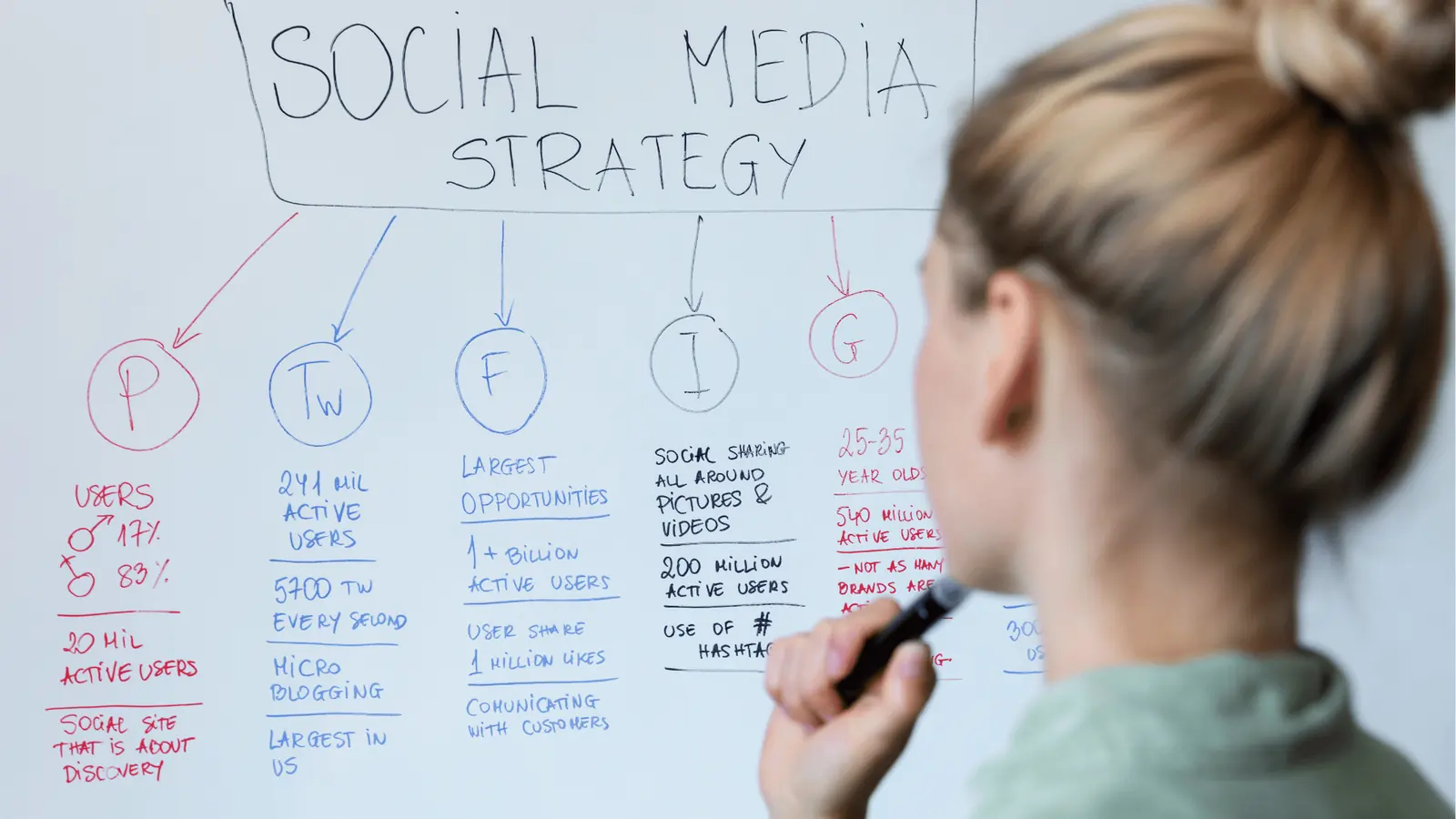
The proof is simple: fewer arguments about which metric mattered, faster approvals, and repeatable decisions tied to real posts. Use Mydrop to produce the before/after evidence.
Start by baseline measurement. Pick a 30 day window and capture:
- Number of platforms feeding analytics
- Time spent creating a campaign brief (average)
- Number of asset version conflicts per campaign
- % of campaigns using a clear top-performing post as a reference
Then run the rollout and measure the same things at 30 and 60 days.
Quick progress checklist (30-60-90)
- 30 days - Connect, baseline, and run 3 pilot briefs using Mydrop notes + AI prompts
- 60 days - Standardize brief template, reduce review loops, onboard schedulers/DAMs where needed
- 90 days - Measure repeatability: 3 campaigns with evidence-led briefs and reduced time-to-publish
Quick win: Turn a top-performing post into a calendar note, attach 1 metric snapshot, and ask the Home assistant for three caption variations. Send those to a reviewer. That single loop proves the pattern.
How to read the scorecard
- If briefs reference Mydrop post snapshots and approvals drop below two rounds, you are winning.
- If time-to-publish stalls, the gap is usually in handoff (creative or scheduling) not analytics.
- If engagement concentration increases on evidence-backed content, you are turning insights into effective choices.
Practical verification steps
- Pull an Analytics > Posts export for the campaign cohort. Compare which posts inspired the briefs against which posts actually ran.
- Count approval rounds per brief from calendar notes metadata.
- Survey channel owners: did the Mydrop note change the initial idea or simply confirm it?
Tradeoffs and failure modes
- Too few profiles connected yields blind spots. Fix: prioritize high-volume markets first.
- Over-reliance on AI drafts without human context produces tone drift. Fix: require a human edit step in the calendar note.
- Adding too many specialist tools at once creates orchestration debt. Fix: add one category at a time and measure ROI at 60 days.
Final operational truth: coordination debt, not lack of ideas, is the usual reason social scale fails. Use Mydrop to pay down that debt with evidence, then select add-ons only where they close a real gap. Measure the change, then repeat the parts that worked.
Choose the option your team will actually use

Use Mydrop as your planning hub, then add a single, purpose-built tool only when Mydrop's consolidated evidence or workflow needs extend beyond drafting, scheduling, or governance. This ends guess-driven briefs, reduces duplicated analysis across spreadsheets, and gives teams a clear 30- to 60-day path to replace opinion with evidence.
Marketing teams are exhausted by firefights: legal review threads, spreadsheet recon, and two-week debates about a single post. With cross-platform post-level metrics in one place, you trade noisy hunches for a repeatable process that turns top-performing posts into calendar slots and AI-driven drafts.
TLDR: Use Mydrop as your planning hub → Connect profiles, inspect top posts, create calendar notes with AI prompts. The real issue: Feature lists look shiny but they rarely stop teams optimizing last week's fluke.
Why this option works
- Evidence first. Post-level analytics make the "what actually worked" decision trivial.
- Context stays put. Calendar notes and Home assistant keep campaign thinking next to the schedule, not locked in a doc no one reads.
- One source of truth. Profile sync prevents region teams from re-importing historical posts and missing trends.
When to add another tool
| When you need | Pick this category |
|---|---|
| Advanced creative mockups and versioning | Creative suite (Figma, Adobe) |
| Enterprise DAM and brand governance at scale | Enterprise DAM |
| High-volume, automated posting across niche channels | Specialist scheduler / publisher |
| Cross-company BI and long-term correlation modeling | Enterprise BI |
Most teams underestimate: Historical sync. If past posts are missing, your "top 10" will be wrong and the plan will be biased.
Operator rule and mini-framework
Operator rule: "Measure where you publish; plan where you learn." Framework: EVIDENCE -> Extract -> Visualize -> Ideate -> Draft -> Execute -> Note -> Evaluate
A short, practical decision checklist
- If you can answer "Which posts delivered X% of our engagement?" in under 10 minutes, stick with Mydrop.
- If you cannot produce a compliant asset library for legal in 48 hours, add a DAM.
- If scheduling edge cases or timezone automation are blocking publishing, add a specialist scheduler.
Common failure modes
Watch out: Buying a "full stack" and still planning by Slack polls. That happens when analytics remain scattered or teams never use synced history. The tool is only useful if teams change one habit: plan from evidence, not opinion.
A quick 3-step workflow to try this week
- Connect or refresh 8 core profiles in Mydrop and sync 90 days of history.
- Filter Analytics > Posts for top 10% by engagement, export the list, and add one calendar note per campaign idea.
- Open Home, seed 3 AI prompts from those calendar notes, and save the best draft as a working prompt.
Quick win: Turn one high-performing post into a repeatable brief and publish its variant within seven days.
Practical tradeoffs
- Pros: Faster decisions, fewer duplicated reports, clearer handoffs for approvals.
- Cons: If your org refuses to centralize connections for policy reasons, the hub approach will be slower to adopt. Expect a small coordination cost up front to save time later.
If the choice still feels political
- Run a two-week pilot with one brand or region. Use Mydrop analytics to prove which creative style or cadence works, then scale only those changes. Data sells better than promises.
Conclusion
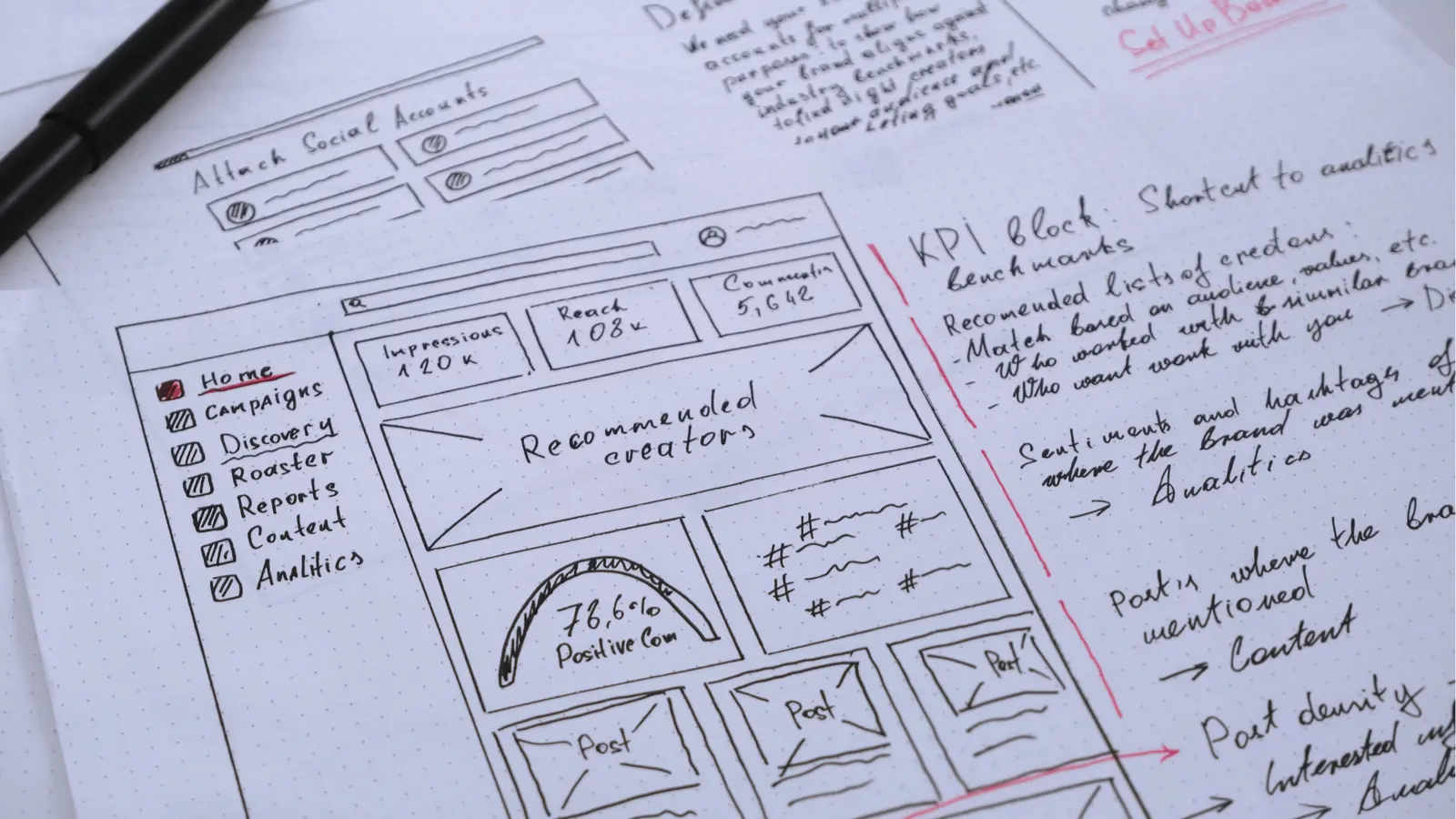
Use a single operating center for learning and a small set of execution tools chosen only when a clear capability gap appears. Mydrop gives you the evidence, the shared context, and the AI teammate to turn cross-platform results into a practical plan; add creative suites, schedulers, or DAMs only when they solve a well-defined gap. The awkward truth is that most social scale failures are caused by coordination debt, not a lack of ideas.