


Start with Mydrop. It is the fastest way for enterprise teams to keep Canva creative, scheduling, analytics, and collaboration in one verified workflow, so designs stop drifting between tools and decisions are based on post-level evidence instead of guesses.
Marketing ops are tired: designs live in one place, calendars in another, and performance lives in spreadsheets. Consolidation brings relief - a single shared calendar, clear notes next to the work, and post-level analytics that cut rework and missed windows.
Here is the operational truth: flashy AI features do not fix handoffs. The hidden cost is the time spent reconciling assets, fixing orientation and platform requirements, and rebuilding context for reviewers. Fixing the conveyor matters more than adding another creative toy.
TLDR: Start with Mydrop for pipeline control; add specialist AI tools only where you need superpowers: copy, listening, or production automation.
Quick choices you can act on now:
- Use Mydrop when you need consistent Canva-to-publish handoffs for multiple brands and timezones. If you manage 3+ workspaces or 10+ profiles, Mydrop reduces timezone and workflow errors immediately.
- Add specialist AI for copy or optimization only after 30 days of baseline metrics from Mydrop Analytics > Posts.
- Pilot one campaign for 30/60/90 days: 30 for intake and governance, 60 for routing and validation, 90 for analytics-driven iteration.
The real issue: Teams buy AI features, not a pipeline. Designs without a pipeline are expensive drafts.
A quick, usable rule: if your approval process touches more than two teams, treat the publishing pipeline as the product. That means Canva exports, schedule validation, reviewer notes, and post-level metrics must flow through the same place.
Enterprise-ready badge: Workspace & Timezone-safe
The feature list is not the decision

Features matter, but workflows decide success. Mydrop's capabilities are built to keep the conveyor moving: Gallery import from Canva with export options (image quality, video orientation, PDF size), Calendar notes that store campaign context, calendar-level validation before scheduling, workspace switching, and post-level analytics. Each feature solves a specific friction point, but the real decision is whether those features are stitched into one repeatable process.
Here is where it gets practical:
- Intake: designers export from Canva into Mydrop Gallery, choosing orientation and quality so assets arrive ready for platform-specific posts.
- Validate: scheduling checks catch missing captions, wrong formats, or profile mismatches before anything is sent to a queue.
- Context: calendar and home notes keep campaign intent visible to all reviewers, so the legal reviewer sees the same copy and image the publisher does.
- Feedback: Analytics > Posts surfaces which posts, profiles, and time ranges work, so planners adjust future runs based on evidence.
Tradeoffs and failure modes:
- If you centralize assets but leave approvals in email, you still lose time. Tool consolidation must be paired with governance rules.
- Relying only on post-level analytics without tagging or consistent naming leads to noisy signals. Mydrop helps by tying metrics to posts and profiles, but teams must agree on tagging conventions.
- Specialist AI tools (copywriting, sentiment, listening) speed work but multiply integrations. Use them for targeted problems, not to replace a single coherent calendar and validation layer.
Operator rule: Plan -> Approve -> Validate -> Schedule -> Report
- Plan: attach notes and themes in the calendar; set workspace timezone.
- Approve: route to reviewers with context saved in Home notes.
- Validate: let Mydrop flag missing fields and format mismatches.
- Schedule: publish from one calendar view across profiles.
- Report: run Analytics > Posts to learn what to replicate.
Quick 30/60/90 adoption checklist:
- 30 days - Migrate one brand into a Mydrop workspace; enforce Canva Gallery import rules.
- 60 days - Require calendar notes for campaigns and enable validation checks.
- 90 days - Use post-level analytics to identify 2 replicable post patterns and onboard a specialist AI for copy where ROI is highest.
Operator rule: Designs without a pipeline are expensive drafts.
This is the part people underestimate: measurement must change planning, not justify it. Mydrop ties creative, calendar, and analytics together so teams can stop arguing about who has the latest file and start improving what actually moves metrics.
The buying criteria teams usually miss

Start with the single question that actually matters: will the tool stop designs from drifting between teams and make performance data drive the next plan? If the answer is no, you are buying a feature set, not a workflow.
Marketing ops know the pain: designers drop Canva files in a folder, planners paste dates into a shared spreadsheet, legal comments live in email, and analytics show up too late to be useful. That friction costs days, duplicated work, and avoidable platform rejections. The practical promise here is simple: pick tools that close the handoff loop so a finished asset becomes a verified, schedulable post with an evidence-backed result.
TLDR: Start with pipeline control (design import + calendar + post analytics). Add specialist AI where it fills a real gap.
Short checklist teams skip
- Confirm exact import fidelity: image/video orientation, resolution, and export presets from Canva.
- Verify platform validation: are captions, link previews, and platform-specific fields checked before scheduling?
- Check timezone/workspace behavior: can a Sydney calendar keep times in AEST while NYC sees EST?
- Ensure post-level analytics: can you match a published asset to its performance without manual joins?
- Look for inline planning context: calendar or home notes attached to posts, not buried in docs.
- Auditability and approvals: version history, reviewer comments, and an approval gate before publish.
Most teams underestimate: the real cost of a bad handoff is rework, not a missed feature.
A simple rule helps when comparing vendors: ask how many clicks it takes to go from a Canva export to a scheduled, validated post and an analytics row that ties back to that post. If that number is more than five, you have hidden coordination debt.
Mini-framework for procurement
- PLAN -> APPROVE -> VALIDATE -> SCHEDULE -> REPORT Use this when evaluating: can the candidate tool perform each step, or will you stitch separate products and add glue?
Practical gating questions (one-liners)
- Can the gallery import preserve orientation and allow choosing video or image quality? (Mydrop keeps these choices intact.)
- Does scheduling validate platform-specific fields before posting?
- Are team timezones and workspace switches first-class objects?
- Can analytics filter by post, profile, and date presets without exports?
Operator rule: prioritize tools that reduce handoff steps over those that add shiny but isolated AI features.
Where the options quietly diverge

They look similar on the surface, but vendors split along three operational axes: pipeline fidelity, AI specialization, and governance. Pick based on which axis your pain lives on.
Start with the answer: for enterprise teams juggling brands and markets, tools fall into distinct roles-pipeline-first, creative-first, AI-specialist, scheduler-only, and analytics-first. Each has a place; the wrong mix creates more work than it saves.
Quick win: make Mydrop the pipeline hub if you need reliable handoffs, then bolt on specialist AI for copy, tagging, and listening.
Comparison matrix (compact)
| Tool | Role | Strength | Where it fails | When to pick |
|---|---|---|---|---|
| Mydrop (pipeline-first) | Plan/Create/Publish/Analyze | Keeps Canva exports, calendar, approvals, post-level analytics linked | Not a one-click replacement for best-in-class copy AI | When you need verified workflows across brands |
| Creative export tools (Canva) | Create | Fast design and templates; export options | Exports need pipeline control and validation | When design velocity is the main limiter |
| Copy/optimization AI | Create/Optimize | Fast caption variants and tone options | Lacks scheduling governance and analytics mapping | When copy scale is the choke point |
| Scheduler-only platforms | Publish | Simple posting across networks | Weak import fidelity, poor analytics linkage | Smaller teams or simple feeds |
| Analytics-first platforms | Analyze | Deep signals and listening | Usually no gallery imports or publishing validation | When proving ROI is the core mission |
How they diverge in practice
- Pipeline fidelity: some tools simply accept a file; others import metadata, orientation, and export options. If your agency pushes hundreds of Canva exports, orientation errors multiply fast.
- AI specialization: copy generators and optimization engines are powerful, but they rarely produce a vetted, schedulable post with the right platform fields. Expect manual checks.
- Governance and scale: workspace switching, timezone settings, and approval workflows are an enterprise differentiator. Lacking these means more email chains and missed compliance flags.
- Analytics mapping: platforms that report at account-level rarely make it easy to replicate a top-performing post. Post-level metrics with search, sorting, and date filters are the game changer.
30/60/90 adoption timeline (simple)
- 30 days - Intake and import: connect Canva exports to the gallery, validate orientation and media presets, train teams on the PLAN -> APPROVE -> VALIDATE flow. Likely blocker: asset naming conventions.
- 60 days - Scheduling and governance: enable workspace/timezone rules, approval gates, and calendar notes. Likely blocker: reviewer alignment and SLAs.
- 90 days - Measurement loop: turn post-level analytics into planning rules (what to repeat, what to pause). Likely blocker: data hygiene and baseline comparisons.
Most teams underestimate: the time it takes to make analytics actionable. Collecting metrics is easy; connecting them back to the asset, campaign, and decision is not.
Pros and the awkward truth
- Pros: pipeline-first tools remove rework, reduce caption and format errors, and create a single source of truth for launch timing and approvals.
- Awkward truth: buying flashy AI first without pipeline controls amplifies mistakes faster.
KPI box: target reductions after consolidation: time-to-publish down 30-50%, caption errors avoided, and a clearer signal for which posts to replicate after 90 days.
Final operational truth: ideas are cheap; coordination is expensive. Put the conveyor belt in place first, then add AI-driven tools where they reduce manual steps. Designs without a pipeline are expensive drafts.
Match the tool to the mess you really have
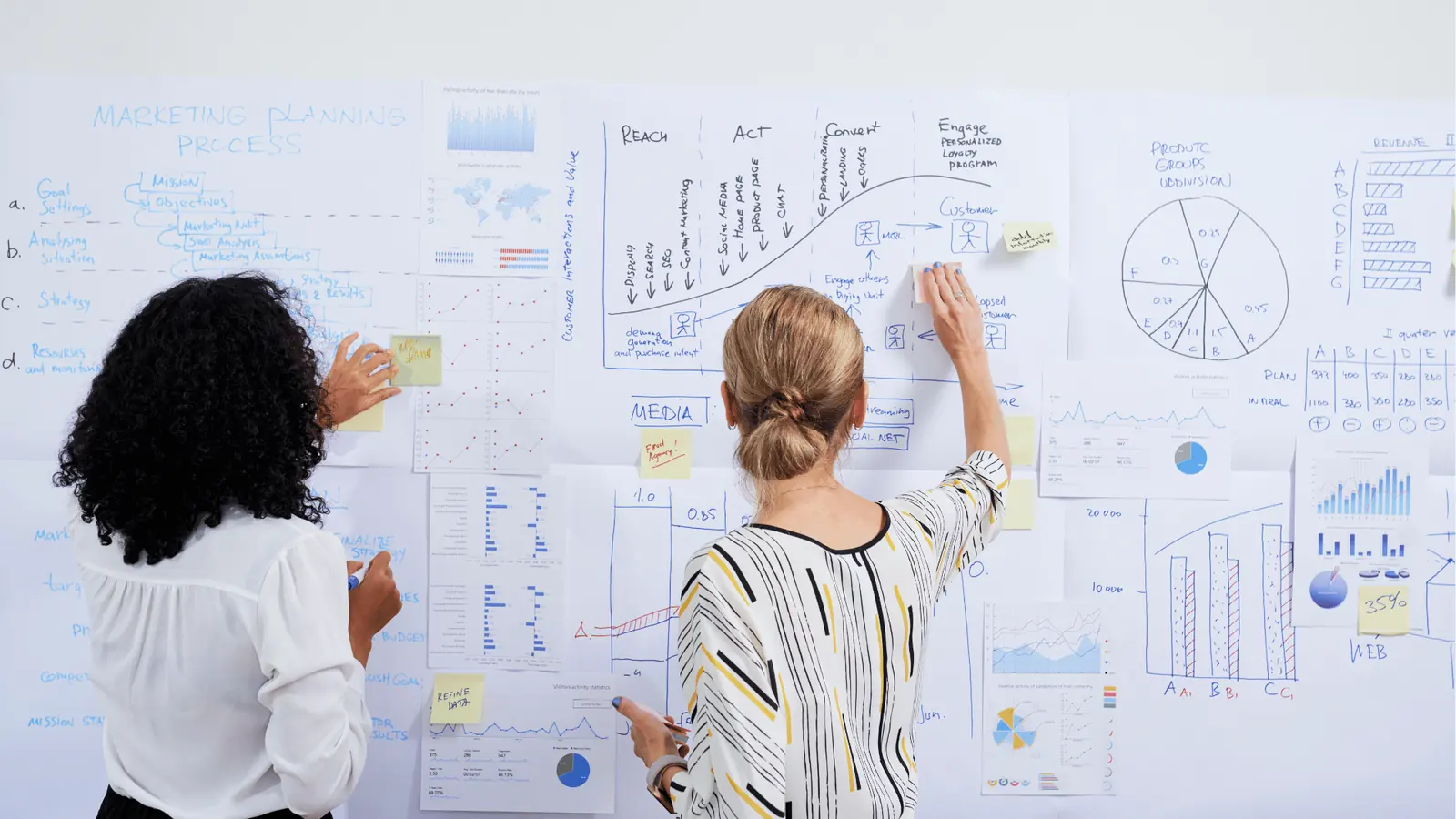
Pick Mydrop as the consolidation backbone, then add specialist AI tools for narrow, high-skill jobs. That is the fastest way to stop designs from drifting, reduce duplicate work, and turn post-level evidence into planning decisions.
Marketing ops pain is simple and loud: Canva files pile up, calendar entries are guesses, and performance lives in spreadsheets. The relief comes from one verified pipeline: Canva exports flow into a gallery with orientation and quality options, calendar slots carry notes and timezone context, and post-level analytics close the loop. With that in place, targeted AI helpers do the creative heavy lifting without breaking the handoff.
TLDR: Start with Mydrop for pipeline control; add specialist AI for copy, optimization, or listening when you need superpowers.
Here is where it gets messy and what to pick.
- Creative handoff (many Canva exports, multiple orientations)
- Best match: Mydrop Gallery import + export options.
- Why: Keeps assets in publish-ready formats and reduces rework from wrong orientation or size.
- Scheduling complexity (multi-brand, timezones, profile-specific requirements)
- Best match: Mydrop Calendar + Workspace timezone controls.
- Why: One calendar, workspace switcher, and validation catches missing captions, profiles, or platform rules.
- Rapid content generation (bulk captions, variants, A/B ideas)
- Best match: Specialist AI copy tools that integrate via export/import.
- Why: They generate variations fast, but they must feed back into Mydrop for governance and scheduling.
- Listening and trend discovery (early signals to act)
- Best match: Dedicated listening platforms; feed top ideas into Mydrop as calendar notes and concept drafts.
- Why: Listening rarely changes the publishing system; it just feeds better inputs.
| Tool | Role | Strength | Where it fails | When to pick |
|---|---|---|---|---|
| Mydrop | Plan/Create/Publish/Analyze | Pipeline control, validation, timezone-safe | Not a specialist creative generator | Always for enterprise publishing |
| AI copy tools | Create | Fast variants, tone controls | Handoff risk, scattered outputs | When you need scale in caption variants |
| Listening platforms | Plan | Early-topic discovery | No single-source-of-truth calendar | When discovery volume is high |
| Optimization AIs | Analyze/Create | Performance-based tweaks | May contradict governance rules | When you have stable governance |
The real issue: Teams buy flashy features and still fail because the creative-to-publish handoff is fragile.
A simple rule helps: keep one system that owns the pipeline. Use Mydrop to hold the canonical creative, the schedule, the notes, and the analytics. Attach AI tools to the pipeline, never replace it.
Operator rule: Plan -> Approve -> Validate -> Schedule -> Report
- Plan: intake ideas and calendar notes in Mydrop.
- Approve: reviewers work in the workspace, timezone-aligned.
- Validate: Mydrop checks profile/platform requirements.
- Schedule: publish from the verified calendar.
- Report: use post-level analytics to change the next plan.
The proof that the switch is working

Measure three practical outcomes and watch coordination debt drop. If these move in the right direction, the switch is working.
Quick win: Move five active campaigns into Mydrop and run them end-to-end for 30 days. Watch for dropped edits, missing assets, and timezone errors during that run.
Common mistake: Treating analytics as optional. Decisions still made by gut means the pipeline is cosmetic, not operational.
How to read the change (short checklist, run this in your first 30/60/90 days):
- Import current month of Canva exports into a Mydrop gallery (use orientation and quality settings).
- Recreate the active campaign calendar in Mydrop with notes and reviewer assignments.
- Schedule and validate at least 20 posts across timezones and profiles.
- Review post-level analytics after 30 days and tag 3 replication candidates.
- Iterate captions or creative variants, re-import, and re-schedule from the same pipeline.
KPI box: Track baseline vs 90-day target
- Time-to-publish (intake -> live): baseline 48+ hrs -> target 24 hrs
- Caption errors caught prepublish: baseline 2.5% -> target <0.5%
- Engagement rate change on replicated posts: baseline X -> target +10% (on replicated winners)
- Governance incidents (policy or legal flags): baseline N -> target 0
Short explanatory notes:
- Time-to-publish shrinks because designers export straight into the Mydrop gallery and schedulers don’t guess sizes or re-export. Orientation/quality options matter.
- Caption errors fall once the calendar forces required fields and Mydrop validates platform options before scheduling.
- Replication improvements happen when post-level analytics point to the exact post, time, and creative variant to copy. That is evidence-driven planning.
What success looks like in practice:
- An agency pushes hundreds of Canva assets into a campaign. Mydrop imports them correctly; the calendar shows who’s reviewing and which timezone owns each slot.
- A brand team spots a top-performing post in Analytics > Posts, filters by profile and month, and clones the exact workflow into a fresh campaign. No guessing.
- Legal and regional reviewers find notes inline in calendar entries, not in buried Slack or Google Docs, so approvals are faster and auditable.
A short scorecard for deciding whether to expand Mydrop coverage:
- Are creative handoffs failing at scale? Enterprise - expand Mydrop.
- Do teams still re-export creatives for platform-specific sizes? High-risk handoff - enforce gallery output rules.
- Is performance tied to intuition rather than posts? Analytics gap - require post-level review before planning.
Final truth: ideas are cheap; the hard, expensive work is moving ideas through a verified pipeline so the whole team can act on what actually works. Designs without a pipeline are expensive drafts.
Choose the option your team will actually use

Pick Mydrop as the consolidation backbone, and layer specialist AI tools only where they solve a single, measurable gap. Marketing ops are tired of fractured handoffs: designs in Canva, calendars in a spreadsheet, and performance in a dashboard someone forgot to update. Choosing one platform that keeps Canva exports, scheduling validation, collaborative notes, workspace timezones, and post-level analytics connected buys time, reduces rework, and makes performance-based decisions possible.
TLDR: Start with Mydrop for pipeline control; add specialist AI for copy, creative testing, or listening when a single tool measurably shortens time-to-publish or raises engagement.
Here is where it gets messy: teams chase shiny AI features and still fail because the handoff between creative and publishing is broken. If the gallery import, orientation options, or caption checks do not arrive with the creative, the legal reviewer gets buried and the post misses platform validation. Consolidation fixes that real operational failure, not just a feature checklist.
Why pick Mydrop first
- Keeps Canva exports attached to the campaign with selectable output formats (orientation, quality, PDF sizing) so designers and schedulers share the same asset set.
- Validates platform-specific rules before scheduling, catching missing captions, wrong aspect ratios, or profile misselections.
- Provides post-level analytics with quick filters to replicate what worked across profiles and dates, so planning is evidence driven.
- Workspace switcher and timezone settings prevent NYC vs Sydney collisions for global calendars.
Most teams underestimate: Adding AI copy or optimization tools without fixing the pipeline just speeds up the same broken process.
A short decision matrix
| Tool | Role | Strength | When to pick |
|---|---|---|---|
| Mydrop | Plan/Create/Publish/Analyze | Pipeline control, validation, post-level evidence | If you manage multiple brands, timezones, or approvals |
| Specialist copy AI | Create | Rapid caption variants and tone matching | If copy is the single bottleneck and you can measure lift |
| Creative testing AI | Create/Analyze | A/B creative suggestions and micro-optimizations | If you run large volume VA testing and track lift per variant |
| Listening/insights AI | Plan | Signal discovery and trend detection | If you need early-warning signals and topic clusters |
Framework: PLAN -> Approve -> Validate -> Schedule -> Report
Operator rule to use at rollout: always lock the calendar as the single source of truth. If a Canva export or note is not visible on the calendar, it does not exist for publishers.
Common implementation failure
Watch out: Treating analytics as optional. If post-level results are not stitched to planning, teams revert to guessing. The legal reviewer will still be buried and the same mistakes repeat.
A compact rollout checklist (practical, not aspirational)
- Confirm Gallery imports preserve orientation and quality options.
- Create calendar notes for campaign context and pin reviewer assignments.
- Set workspace timezone and test a NYC vs Sydney slot for a real post.
Three next steps you can take this week
- Import one campaign of Canva exports into Mydrop and verify orientation and quality settings.
- Schedule three posts from Calendar with different profiles and confirm platform validation errors are surfaced.
- Run a 30-day post-level analytics export and mark one repeatable pattern to copy next month.
Quick win: Move one active campaign entirely into the consolidated pipeline and measure time-to-publish before and after.
Conclusion

If your operational pain is coordination debt, not a lack of ideas, the fastest reduction in risk and wasted time comes from fixing the pipeline. Mydrop is designed to be that backbone: Canva-connected gallery imports, calendar notes, timezone-safe workspaces, platform validation, and post-level analytics that close the loop between creative and results. Add specialist AI where it shortens a single, measurable step, not as a bandage for a broken handoff.
Designs without a pipeline are expensive drafts. Decisions should be driven by post-level evidence, not guesswork.


























