Stop managing assets like it is a high-stakes game of telephone and start pinning your feedback directly to the work. When your team spends more time debating which file version is actually final than crafting the strategy, you are not managing a library. You are nursing a systemic breakdown in communication.
The relief of ending a campaign cycle knowing exactly what is live-without frantically hunting through four different chat threads to confirm an approval-is worth more than any automated tool. This friction is not a creative flaw; it is a structural failure. By relocating feedback from siloed messaging apps into the same workspace where you build your posts, you eliminate the constant rework that haunts multi-brand teams.
Where the handoff is actually breaking

Most enterprise teams rely on a version-control paradox. They create sophisticated naming conventions-Final_v2_APPROVED_final-and then send those files into a void of email threads, direct messages, and project management tickets. The moment an asset leaves the creative folder, its context dies.
The breakdown happens in the gap between the file and the platform.
Designers provide the asset, but they rarely see how it looks once it is locked into a platform-specific preview. This is why you end up with the "wrong crop" issue: the video that passed review for a 16:9 desktop view is suddenly a disaster when forced into a 9:16 mobile frame. When feedback happens in a separate tool, the social manager becomes a translator, manually relaying technical constraints back to the designer.
Operator rule: If a reviewer cannot see the asset exactly as the audience will, their approval is a guess, not a verification.
Here is how the typical fragmentation forces teams into constant, low-value reconciliation:
| Symptom | The "Chat-Hell" Reality | The Cost |
|---|---|---|
| Asset Origin | Scattered across Slack, email, and folders. | Searching for the "true" file takes 20% of your production time. |
| Approval Loop | Thumbs-up emoji in a random channel. | No audit trail when a stakeholder claims they never saw the final version. |
| Platform Context | Feedback given on a screen, not in the composer. | Posting the wrong resolution or a text-heavy asset that breaks on mobile. |
| Versioning | Renaming files until someone makes a mistake. | The team publishes a draft instead of a final, forcing an immediate, public take-down. |
Most teams assume they have a creative shortage or a production bottleneck. They do not. They have a visibility vacuum. When you decouple the conversation from the calendar, you force your team to spend their energy on administrative detective work instead of audience engagement. The goal is to move decisions closer to the work so that the act of approving is the act of publishing.
The coordination debt checklist
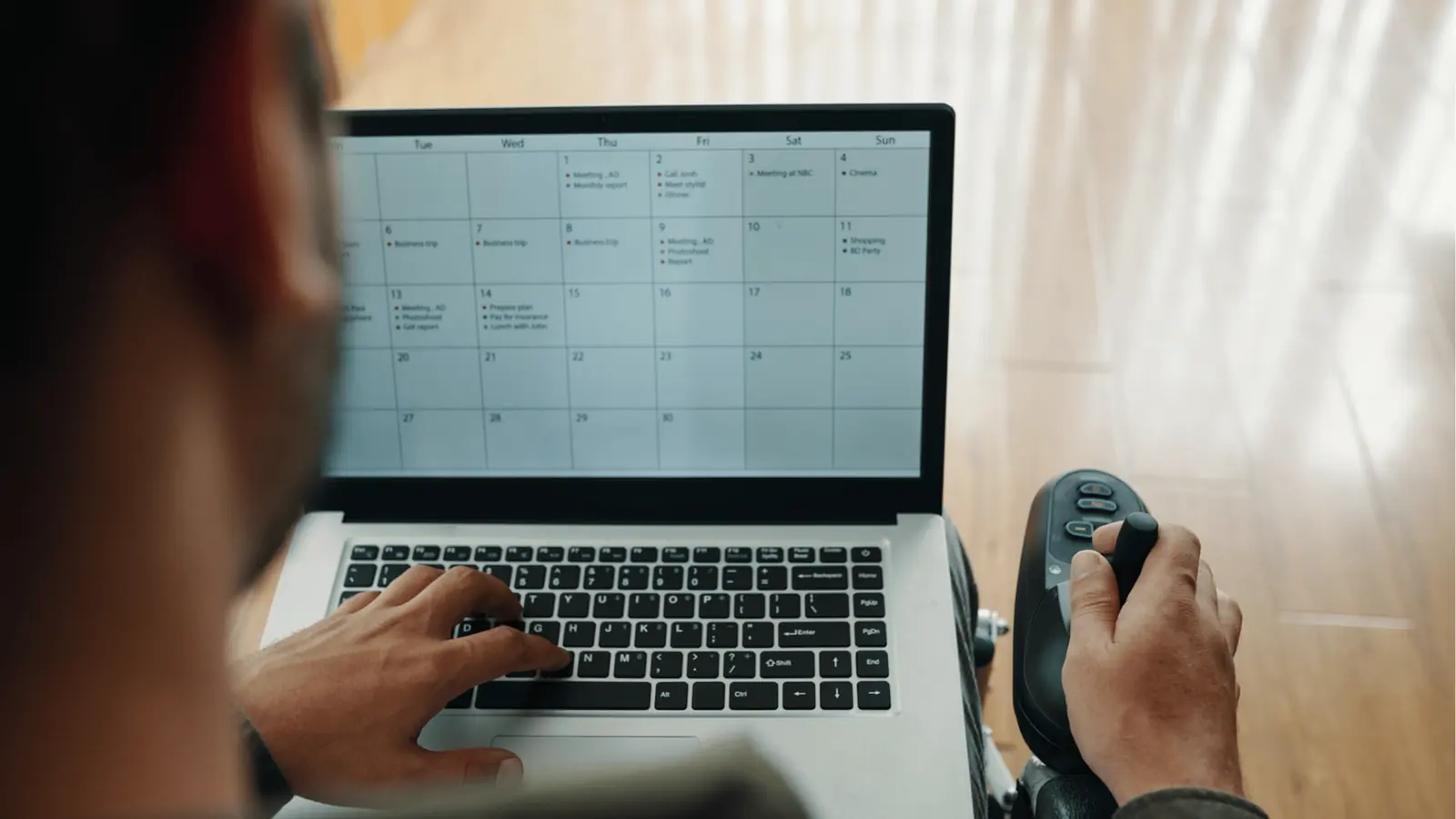
Most teams do not have a content problem. They have a decision bottleneck. If your Monday morning meetings are spent hunting for the "real" final file across three different Slack channels, you have already lost the week. To stop the bleed, you need to see where your process is actually fraying.
Run this audit with your leads to see if your operational habits are helping or hurting:
| Question | Yes | No |
|---|---|---|
| Do approvals live in the same tool as your publishing calendar? | ||
| Can a designer see exactly where their asset is failing a platform's format requirements? | ||
| Does the "final" file in your project folder match the one currently scheduled? | ||
| Can a stakeholder see the live post preview without asking for a screenshot? | ||
| Is there a single, persistent thread for feedback on every single post? |
If you answered "No" to more than two of these, your team is likely burning 30 percent of its time on manual verification and file-swapping. You aren't just losing time. You are losing the ability to pivot when a trending topic hits or a creative idea needs a quick tweak.
Common mistake: Treating approval as a separate event that happens after the work is done, rather than a conversation that happens during the work.
How to move decisions closer to the work
The secret to ending this cycle is moving feedback from the "chat-first" silo into the "work-first" workspace. When feedback is disconnected from the actual post, the context evaporates. A comment in a messaging app about "the blue version" is useless if the post has three different blue assets attached to it.
You need to anchor every decision to the specific post draft. Here is the shift that high-velocity teams make:
- Stop sending files, start sharing links. Instead of uploading a video to a chat, create the post in your workspace first. This is where your team should log their feedback.
- Centralize the version history. Use the post composer as your home base. If a new edit is needed, the creator uploads it directly to the existing post draft. Everything stays contained.
- Use threads for focused review. When a stakeholder has a concern, they leave a note inside the workspace conversation attached to that specific post. This keeps the critique visible to everyone, including the person who needs to execute the change.
By using Mydrop Conversations, for example, your team can discuss post previews, approve assets, and handle last-minute tweaks without ever leaving the tool where the post lives. It turns the entire approval process into a clear, searchable, and audit-ready record.
The result is instant clarity. When the legal lead, the brand manager, and the social lead are all looking at the exact same preview with the exact same attached asset, there is no ambiguity. No one has to guess which version of the video is ready for flight, and no one has to send a panicked email checking for the status.
Decision check: If a piece of feedback cannot be traced back to the final published post in one click, it is not feedback. It is noise.
The roles and rules that reduce rework
Stop treating every approval as an open-ended committee vote. If you want velocity, you must define who holds the final decision for specific content pillars before the file even leaves the designer's desk. Without a rigid hierarchy, you end up with five different stakeholders debating the same color correction in a Slack thread, effectively paralyzing the team while the clock runs out on your publishing window.
Define these three roles early:
- The Architect: Owns the creative vision and brand integrity. This person does not care about grammar, but they do care about the specific crop ratio and color profile.
- The Operator: Owns the technical execution. This person ensures the asset is correctly tagged, the metadata is optimized, and the post is scheduled for the right platform-specific time.
- The Proxy: A stakeholder from a specific regional market or product division. They have one job: confirming regional accuracy.
Workflow check: If a reviewer is not tagged in the Mydrop thread for a specific asset, their feedback is considered advisory, not mandatory.
This creates a clear path for decision-making. When you pin these discussions directly inside the platform where the post lives, the noise dies down. The designer doesn't have to guess which Slack comment is the "real" one; they see the final, actionable feedback locked to the specific preview. It shifts the team dynamic from "who has the loudest opinion" to "who has the final sign-off."
The weekly habit that keeps the system honest
Most teams treat asset management as a firefighting exercise. Instead, designate a specific window every Friday for "Sanitization." During this time, the team reconciles the assets used throughout the week against the original brief.
Use this checklist to audit your workflow:
| Step | Action | Success Metric |
|---|---|---|
| 1. Archive | Move all "Approved" assets to the final production folder. | Zero lingering "v2_FINAL" files in active folders. |
| 2. Reconcile | Compare the live posts against the original source files in Mydrop. | 100% match between scheduled and published assets. |
| 3. Purge | Delete all temporary drafts from the workspace conversation threads. | Workspace clutter reduced by at least 20%. |
| 4. Update | Identify any recurring "crop errors" from the week. | One process adjustment documented for the next campaign. |
This habit transforms your team's relationship with their files. You stop feeling like you are digging through a digital landfill and start operating a clean, predictable engine. If you find yourself needing to hunt through three different apps to confirm if an image was approved, that is a signal that your workflow has drifted. Reset it.
When you centralize the review process, you do more than just save time. You protect your team from the constant, low-level anxiety that they might have published the wrong version. Clarity is the most effective performance-enhancer you can give your team, and it is usually just a few intentional workflow shifts away.
Conclusion
The goal is to stop treating the creative pipeline like a frantic, high-stakes game of telephone. You already have the tools to pull the review process out of the shadows and back into the light of the publishing environment. When you link feedback directly to the post, you stop managing versions and start managing impact. The next time you feel the urge to start a new chat thread about a file, take a step back and move that conversation into the workspace instead. Keep the decisions where the work is, and the friction will naturally evaporate.