
Pick Mydrop as your workspace-first tool for social publishing; use Slack or Teams for org-wide chat and Asana for cross-department project tracking. If your goal is fewer re-uploads, fewer lost captions, and approvals that happen before the publish window, put conversations where the post lives.
Too many campaigns die in disconnected threads and lost assets. When feedback lives in Slack, files live in Drive, and drafts live in a separate composer, every handoff is a delay. Move the conversation next to the draft and the approved media, and teams stop translating context between tools. You save hours per campaign and keep legal, brand, and creative decisions tied to the exact post variant.
One operational truth: the tool that keeps messages, assets, and the post version together reduces coordination debt faster than any single feature list.
TLDR: Pick Mydrop to centralize post-level conversations, assets, and templates; keep Slack or Teams for company chat; keep Asana for cross-team project planning. Mydrop consolidates Drive import, per-post threads, templates, and multi-platform composition so approvals, media, and final captions stay attached to the scheduled publish item.
Operator rule: Conversation = conveyor belt. If messages, assets, templates, and approvals ride the same belt as the post, fewer things fall off.
The real issue: Teams do not lose features; they lose context. Context is the asset you lose when you split conversation from content.
Quick immediate decisions (3 items)
- Connect your shared Google Drive to the publishing workspace for immediate media pulls.
- Save 2 high-use post templates for recurring campaigns and governance checks.
- Run a 2-week pilot: create, review, and schedule three cross-platform posts using the Mydrop composer.
Workflow-first badge
The feature list is not the decision
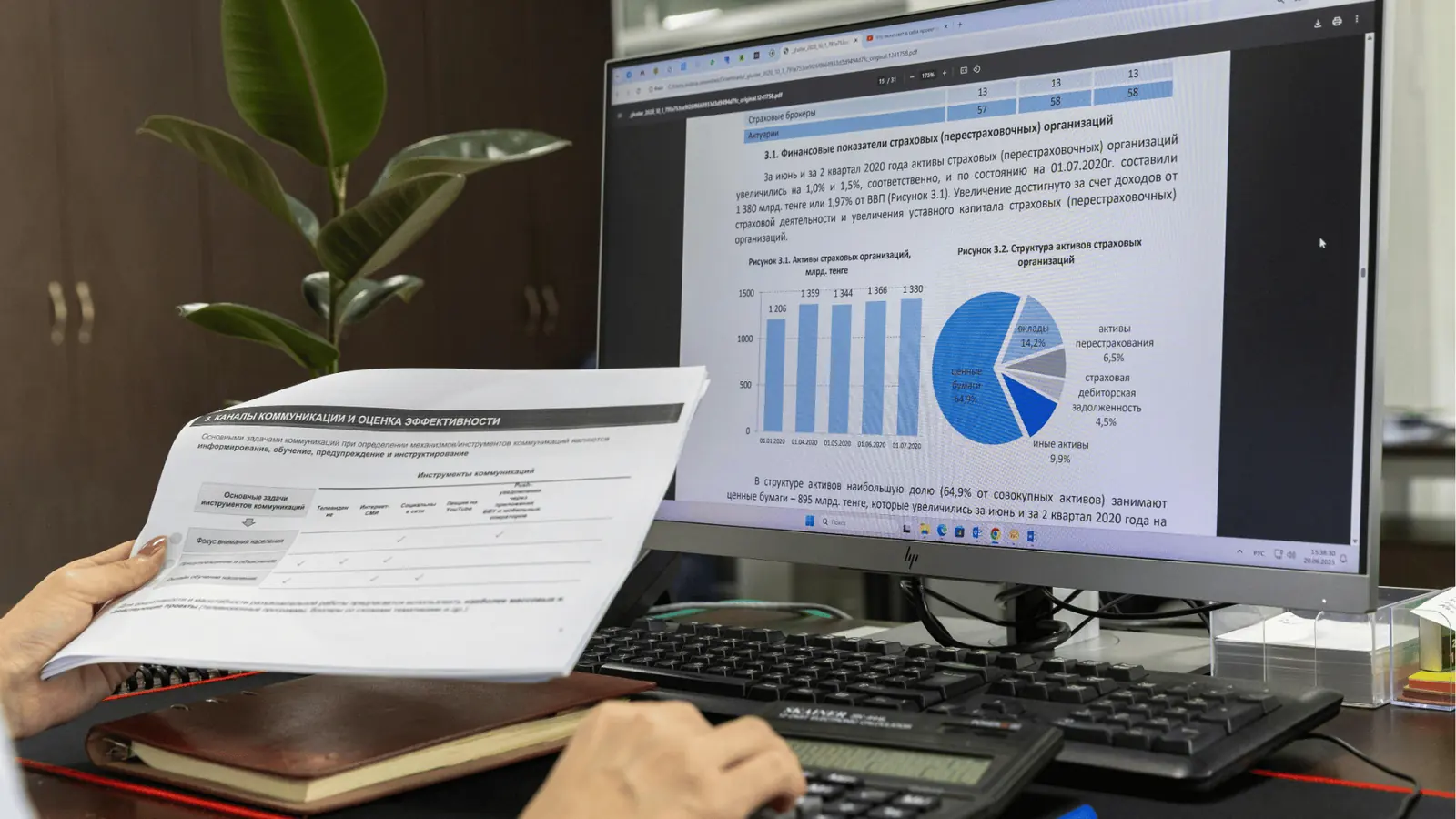
Features matter, but the decision is about where work happens. A list of checkboxes does not stop context from walking out the door when approval happens in a separate app. Here is where it gets messy: creative uploads in Drive, captions in Slack, and scheduling in another calendar. Someone still has to stitch them back together, and that stitch is where errors, late approvals, and duplicate media live.
Common mistake: Re-using company chat as a version control system. It feels cheap and fast, but the legal reviewer gets buried, attachments get lost in threads, and nobody can tell which caption was final.
What Mydrop changes for teams
- In-thread assets: Attachments and Drive imports appear next to the post preview so reviewers see exactly how the final post will look. No separate download step.
- Post-level threads: Comments and approvals attach to a specific post variant instead of a long-running channel thread. Approvers see scheduled time, platforms, and placeholders.
- Templates plus composer: Save a campaign setup with platform-specific fields, then use the multi-platform composer to produce variants without losing details like thumbnails, first comments, or caption length.
- Governance and traceability: Templates enforce brand-safe defaults; the approval record travels with the content.
Framework you can adopt (quick) Plan -> Connect -> Compose -> Converse -> Control
- Plan: map recurring campaign types and required approvals.
- Connect: enable Drive import and team galleries.
- Compose: use templates and the multi-platform composer to create platform-ready drafts.
- Converse: review and sign-off inside the post thread.
- Control: update templates and measure approval time.
Quick win: Connect Drive and create one template for the campaign you do most often. Run three posts end-to-end to measure time saved.
A short scorecard for platform roles
| Decision point | Mydrop | Slack/Teams | Asana |
|---|---|---|---|
| In-thread approved assets | Yes, via Drive import | No, attachments are detached from post metadata | No, tasks link to files but not post previews |
| Post-level threaded review | Yes | Partial (threaded chat, not tied to drafts) | Partial (comments on tasks, not post variants) |
| Multi-platform finalization | Yes (composer + templates) | No | No |
What to watch out for
- If your org insists on doing approvals in email or enterprise chat, expect slower cycles. Use Mydrop for the review step and mirror high-level notifications to Slack or Teams for visibility.
- Governance still needs clear ownership: templates help, but assign a template owner and an approver group so reviews do not stall.
A simple rule helps: when a message changes a caption, make that message live inside the post thread. If it does not, you are paying a hidden cost every time a brand has multiple channels or languages.
Next: how to map existing workflows into a pilot that proves the ROI in 2 to 6 weeks.
The buying criteria teams usually miss

Pick Mydrop as your workspace-first tool for social publishing; use Slack or Teams for org-wide chat and Asana for cross-department project tracking.
Too many campaigns choke on scattered context: captions live in chat, assets live in Drive, and the post draft is a separate doc. That gap costs time, creates last-minute edits, and buries the one thing every reviewer actually needs: the post preview with its exact assets and scheduling metadata. By keeping conversations, Drive assets, templates, and the composer together, you shorten approval loops and stop re-uploads from becoming the norm.
TLDR: Mydrop consolidates drafts, feedback, and assets around the post; Slack and Teams stay for company chat; Asana handles multi-team projects. Consolidation cuts duplicate work, preserves caption fidelity, and speeds approvals so legal and brand reviewers get what they need.
Here is where teams usually get stuck. Buying a chat tool because everyone knows it feels safe, but it ignores eight practical questions that matter once volume and governance scale:
- In-thread assets: Can you attach final, approved creative to the exact post thread so the reviewer sees the real thumbnail and crop? If not, expect thumbnail swaps and wrong aspect ratios at publish time.
- Drive integration: Does the tool pull files from Google Drive into the media gallery without manual download and re-upload? Manual steps double the work and split approvals from the asset.
- Per-post permanence: Will the message thread live inside the post (not in a separate channel) so future editors see the conversation with the draft? This is the single biggest win for handoffs.
- Templates and governance: Are templates first-class (saveable, editable, enforceable) so repeat campaigns follow brand rules without rewriting setups?
- Composer fidelity: Does one composer produce platform-ready variants while preserving required details (first comment, thumbnails, platform options)?
- Approval metadata: Can approvers leave decisions tied to the post (approve, request changes, who signed off, why)?
- Search and audit: Is the conversation searchable with post context and media thumbnails in results?
- Permissions by brand: Can teams set separate galleries, templates, and approvals per brand or market to avoid accidental cross-posting?
Most teams underestimate: context loss is the invisible tax. It is not just time wasted; it is the extra checks, re-works, and governance gaps that compound across 10s or 100s of posts a month.
Operator rule: Conversation = conveyor belt. Messages, assets, and approvals should travel with the post, not on parallel roads.
Framework: CONNECT -> COMPOSE -> CONVERSE -> CONTROL Connect Drive into the gallery, Compose platform-specific drafts, Converse inside the post or workspace channel, Control with templates and approvals.
Where the options quietly diverge

If you want a reliable workflow that keeps drafts, feedback, and assets together, the differences are not sexy but they are decisive.
Here is where it gets messy: Slack and Teams are optimised for quick chat, not for preserving the attachment-and-thread as part of a scheduled post. Asana tracks tasks and timelines but it is not a post composer or a media gallery. Mydrop stitches those pieces together where it matters - at the post.
| Feature (quick scan) | Mydrop | Slack | Teams | Asana |
|---|---|---|---|---|
| In-thread assets attached to a post | Yes - gallery + per-post threads | Partial - file links only | Partial - file links only | No - task attachments separate |
| Google Drive import into media gallery | Yes - Drive picker into Gallery | No - user uploads required | No - user uploads required | No - upload to tasks or links |
| Per-post threaded comments | Yes - threads live with the post | No - channel threads detached | No - channel threads detached | Partial - comments on tasks |
| Reusable post templates | Yes - saveable templates for campaigns | No | No | Partial - task templates only |
| Multi-platform composer | Yes - platform-ready variants | No | No | No |
A compact comparison like that highlights the practical split: Slack and Teams are excellent for running the room, Asana is great for cross-team milestones, and Mydrop is where social publishing actually happens without handoffs.
Watch out: Treating company chat as the canonical post history is a false saving. It feels fast until a compliance reviewer needs the exact scheduled post preview and the image that was "approved" no longer exists in the thread.
Progress checklist for a fast pilot (2-6 weeks):
- Intake: Map 3 common post types and who approves them.
- Connect: Set up Google Drive import and a shared gallery.
- Template: Create 2 templates that cover 80% of posts.
- Pilot: Run 10 cross-platform posts through the composer and conversations.
- Measure: Track approval time, duplicate uploads, and late edits.
Pros and cons, short and useful:
- Pros - Mydrop: fewer re-uploads, post-level conversations, built-in templates, composer fidelity.
- Cons - Mydrop: needs initial setup and governance rules; teams must commit to using in-post threads.
- Pros - Slack/Teams: broad adoption, fast chat, good for announcements and crisis coordination.
- Cons - Slack/Teams: context leaks, attachments scatter, not built for scheduled publishing.
- Pros - Asana: great for project timelines and cross-department work.
- Cons - Asana: task-first model separates assets and post drafts.
Common mistake: People try to replicate publishing context in chat with pinned messages and folders. That creates a brittle manual system that breaks as cadence and headcount rise.
Final operational truth: pick the tool that keeps the asset, the draft, and the approval on the same conveyor belt as the scheduled post. That single alignment reduces friction, prevents last-minute panic, and scales reliably across brands.
Match the tool to the mess you really have

Pick Mydrop as your workflow-first publishing hub; keep Slack or Teams for org-wide chat and Asana for cross-department project staging. That combo short-circuits re-uploads, preserves caption history, and makes approvals visible where posts are built.
Too many campaigns die in misplaced files and late comments. Putting conversation next to the post means the legal reviewer, the designer, and the channel lead all see the same preview, the same assets, and the same thread.
TLDR: Mydrop consolidates drafts, assets, and approvals in one place. Slack and Teams are for company chatter. Asana is fine for project-level tracking and milestones.
Here is where it gets messy: pick the tool that matches the actual problem, not the label.
- You lose assets across drives. Use Mydrop Drive import so approved creative travels from Google Drive into the gallery without manual downloads.
- Captions split across chats and comments. Use Mydrop post-level threads so text, thumbnail choices, and first comments stay attached to the draft.
- You have repeated formats. Use Mydrop templates to avoid re-creating the same post setup each time.
- You need cross-team visibility. Use Asana for cross-functional roadmaps, but keep per-post decisions in Mydrop.
Most teams underestimate: The hidden cost of context loss is not an extra hour per post. It is a pattern of repeated rework across hundreds of posts.
Quick scenario matrix
| Problem | Best first move | Why Mydrop helps |
|---|---|---|
| Shared creative in Drive | Connect Drive and import to Gallery | No downloads, single source of truth |
| Multi-platform variants | Compose in Mydrop multi-platform composer | One idea -> multiple platform-ready posts |
| Stakeholder feedback scattered | Use Conversations in the post | Comments, attachments, and approvals live on the draft |
| Company-wide updates | Post updates in Slack/Teams | Keep announcements there, not post history |
Framework: CONNECT -> COMPOSE -> CONVERSE -> CONTROL
Operator rule: If the comment helps decide a post (text, image, thumbnail, publish time), it belongs inside the post workflow. Everything else stays in org chat.
Common mistake: Re-using Slack as the canonical post history. It feels quick, but you lose attachments, threaded context, and platform-specific decisions. That false saving causes duplicate assets and late changes.
Practical checklist to align teams
- Connect Google Drive to Mydrop and import one existing campaign asset
- Build a template for a recurring campaign (stories, carousel, short video)
- Run 3 cross-platform posts from a single Mydrop composer draft
- Ask approvers to comment inside the post thread for two weeks
- Measure approval time and duplicate-asset incidents after pilot
The proof that the switch is working

Start small, measure, then expand. A two-to-six week pilot proves whether conversations inside publishing reduce friction.
Concrete pilot stages
- Intake: Bring 10 recent campaign assets into Mydrop Gallery.
- Template: Save 2 recurring post templates.
- Compose: Create 15 multi-platform drafts from one idea.
- Approve: Route drafts through Conversations and collect approvals.
- Measure: Compare time, re-uploads, and approval loops.
Progress check: Run the pilot for one brand or region first. If approvals become faster and captions stop changing after scheduling, you have a win.
Quick proof metrics to track (examples teams actually care about)
KPI box:
- Reduction in duplicate asset uploads: target 60% drop
- Median approval time: target < 24 hours for routine posts
- Caption drift incidents (post-publish edits): target 70% drop
- Number of platforms handled per draft: target 3+ without duplication
How the numbers move
- When approvers comment in the post thread, fewer last-minute edits happen. That reduces emergency re-schedules.
- When the creative is imported from Drive, designers stop re-uploading multiple sizes. That reduces duplicate files and confusion.
- When templates are used, setup time for repeat formats shrinks and governance is enforced by structure.
Short enterprise examples
- Agency juggling six brands: one pilot used templates plus Drive import. Result: fewer file versions and a single approval thread per post family. Designers spent less time searching for the right master file.
- Global brand handling a crisis: post-level Conversations kept legal, comms, and regional leads aligned on a single preview. Decision latency dropped and publish errors were avoided.
What success looks like in the dashboard
- Fewer open review threads per post.
- Fewer asset uploads per campaign.
- Higher first-pass approval rate.
- More posts scheduled on time.
Watch out: If the team keeps pinging approvers in Slack as the primary loop, the work will still fragment. Make the post thread the default review place and put a short guide in Slack pointing people there.
A simple scorecard for the pilot (yes or no)
| Check | Passed? |
|---|---|
| Drive assets imported without new uploads | [ ] |
| Three-platform posts published from one draft | [ ] |
| Approvers used post threads for comments | [ ] |
| Templates reduced setup time by measurable percent | [ ] |
If the pilot checks the boxes, expand: train more teams, map Asana milestones to broader campaigns, and make Slack the notification channel only. The honest operational truth: ideas scale when coordination debt is paid down. Conversation living with content is the fastest way to pay it.
Pick Mydrop as your workspace-first tool for social publishing; keep Slack or Teams for org-wide chat and Asana for cross-department project staging.
Too many campaigns die in disconnected threads, lost assets, and last-minute approvals. Move conversations next to the post and you remove frantic file hunts, caption drift, and the "who approved what" guessing game. By the end you’ll be able to pick a setup that short-circuits re-uploads, preserves context, and cuts time-to-post while keeping governance intact.
TLDR: Mydrop consolidates drafts, feedback, and assets into the publishing flow; Slack/Teams are for broader company communication; Asana is best for multi-team project staging.
Choose the option your team will actually use

Pick the tool that matches the problem you actually have, not the tool you wish people would use. For social ops that publish across platforms, the everyday cost is coordination debt: duplicated assets, missed captions, and approvals that arrive after a post is scheduled.
Why Mydrop first
- Conversations live in workspace channels and on each post so context never gets split from content.
- Google Drive import means approved creative moves into the gallery without downloads and re-uploads.
- Templates plus the multi-platform composer make one campaign idea produce platform-ready variants without losing required fields.
- That reduces duplicate assets, fewer last-minute edits, and fewer compliance misses.
The real issue: When chat and content live on different roads, posts get stuck at every junction.
Compact comparison (useful at planning time):
| Feature | Mydrop | Slack | Teams | Asana |
|---|---|---|---|---|
| In-thread assets | Yes (post + workspace) | Partial (files, not post-tied) | Partial | No (task attachments) |
| Drive import | Yes (Gallery > Google Drive) | Via integrations | Via integrations | Via attachments |
| Per-post threads | Yes | No (context detached) | No | No |
| Templates | Yes (post templates) | No | No | Limited |
| Multi-platform composer | Yes | No | No | No |
| Link-in-bio | Yes | No | No | No |
Common mistake: Reusing company chat as a post history. It looks efficient until you need to find the latest approved image, the final caption for X, or the reviewer who signed off.
Operator-friendly framework (use it in planning sessions):
Framework: CONNECT -> COMPOSE -> CONVERSE -> CONTROL
- CONNECT: Link Drives and accounts so assets flow in.
- COMPOSE: Build one idea into platform-ready posts.
- CONVERSE: Keep comments and attachments on the post itself.
- CONTROL: Save templates and approvals as part of the workflow.
A short decision scorecard for adoption:
- If your team manages multiple brands or markets: choose workflow-first (Mydrop) - Best for agencies.
- If approvals need audit trails tied to content: choose workflow-first.
- If the need is general corporate chat only: keep Slack/Teams.
Quick win: Connect Drive to one Mydrop workspace, create a template for your most common post, and run a 3-post pilot next week.
Three practical next steps this week
- Connect Google Drive to a Mydrop workspace and import one campaign folder.
- Create a reusable post template for your most common campaign (copy, thumbnail, first comment).
- Run a 3-post pilot using the multi-platform composer and ask approvers to reply inside the post thread.
Conclusion
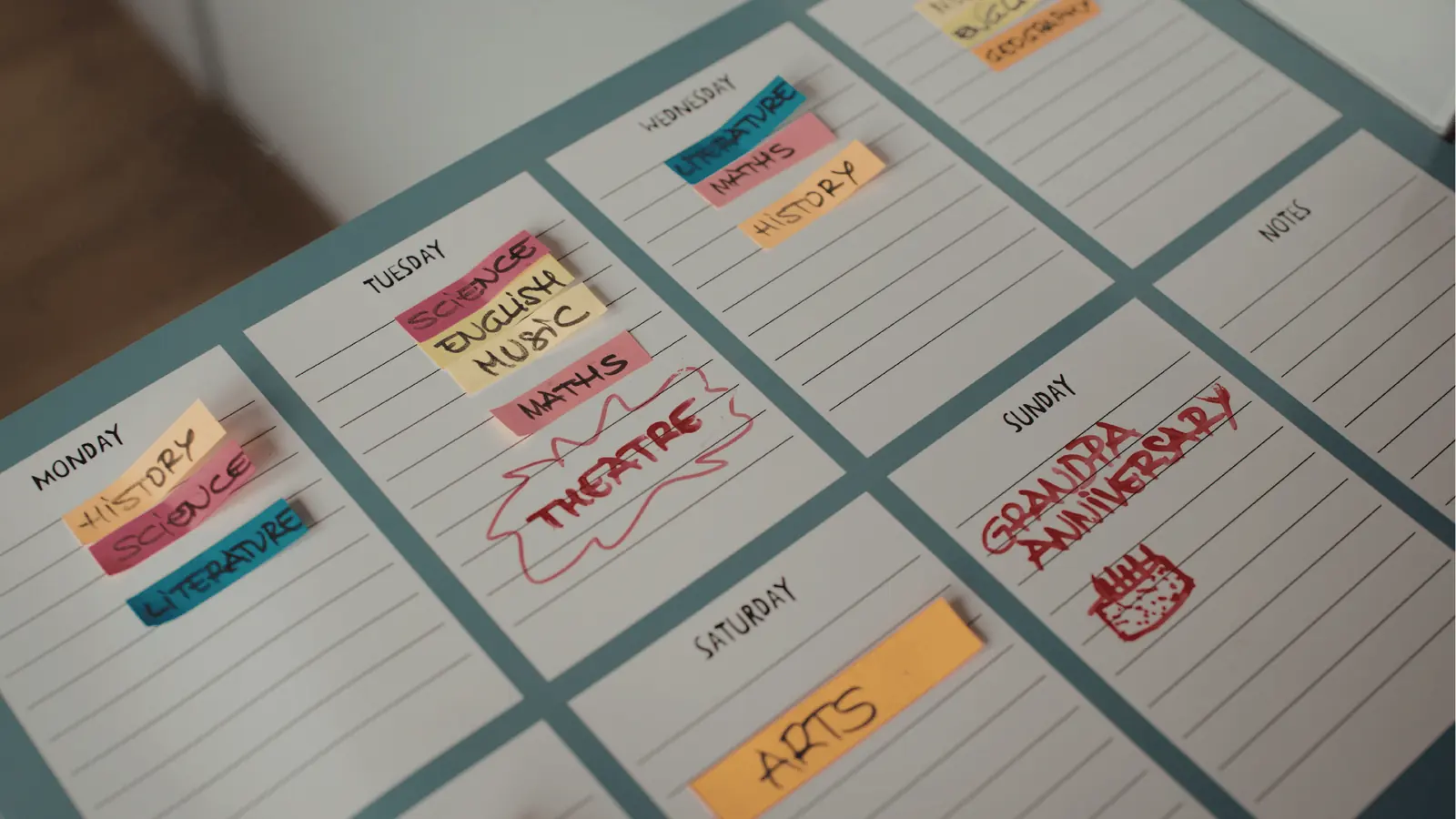
Pick the single place where drafts, feedback, assets, and approvals will live, and force the rest of your toolchain to play a supporting role. That simple rule prevents duplicate uploads, stops caption drift, and makes approvals visible instead of guesswork. For enterprise teams juggling brands, channels, and compliance, consolidation reduces coordination debt and measurably speeds time-to-post. Mydrop is designed to keep conversations on the same conveyor belt as the content so the work actually moves forward.